Ultra rapide
Résultats instantanés
Sécurisé
Confidentialité d'abord
Créez, modifiez, améliorez et transformez des images, directement dans votre navigateur. Aucun téléchargement, aucune limite, la créativité à portée de main.
Ultra rapide
Résultats instantanés
Sécurisé
Confidentialité d'abord
Créez, modifiez, améliorez et transformez des images, directement dans votre navigateur. Aucun téléchargement, aucune limite, la créativité à portée de main.
Trusted by companies worldwide





Découvrez nos derniers outils créatifs propulsés par l'IA
Applications en ligne gratuites pour modifier, convertir, compresser et améliorer vos images dans votre navigateur
Compressez des images JPG, PNG et WEBP avec un meilleur contrôle de la taille de fichier.
Redimensionnez vos images pour sites web, e-mails, réseaux sociaux et impression.
Supprimez l’arrière-plan de vos images pour obtenir des découpes nettes et transparentes.

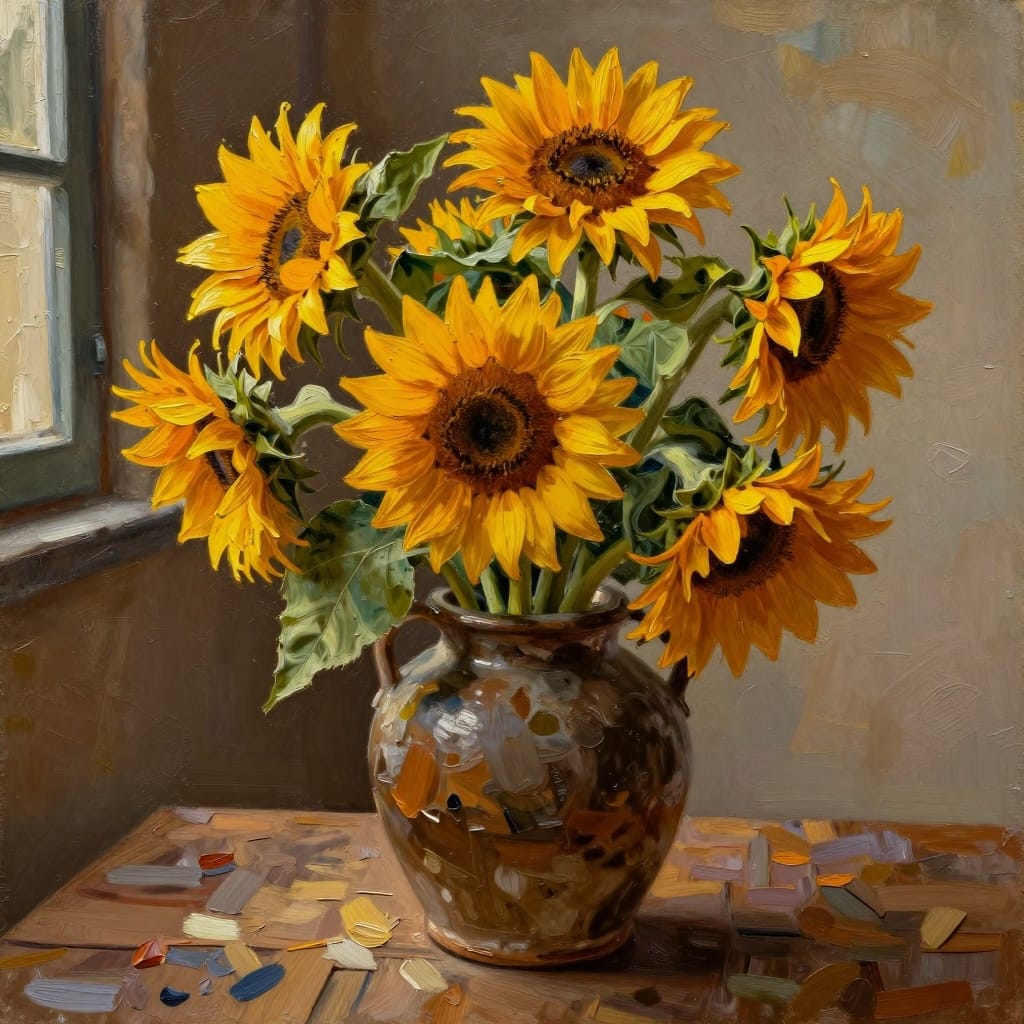



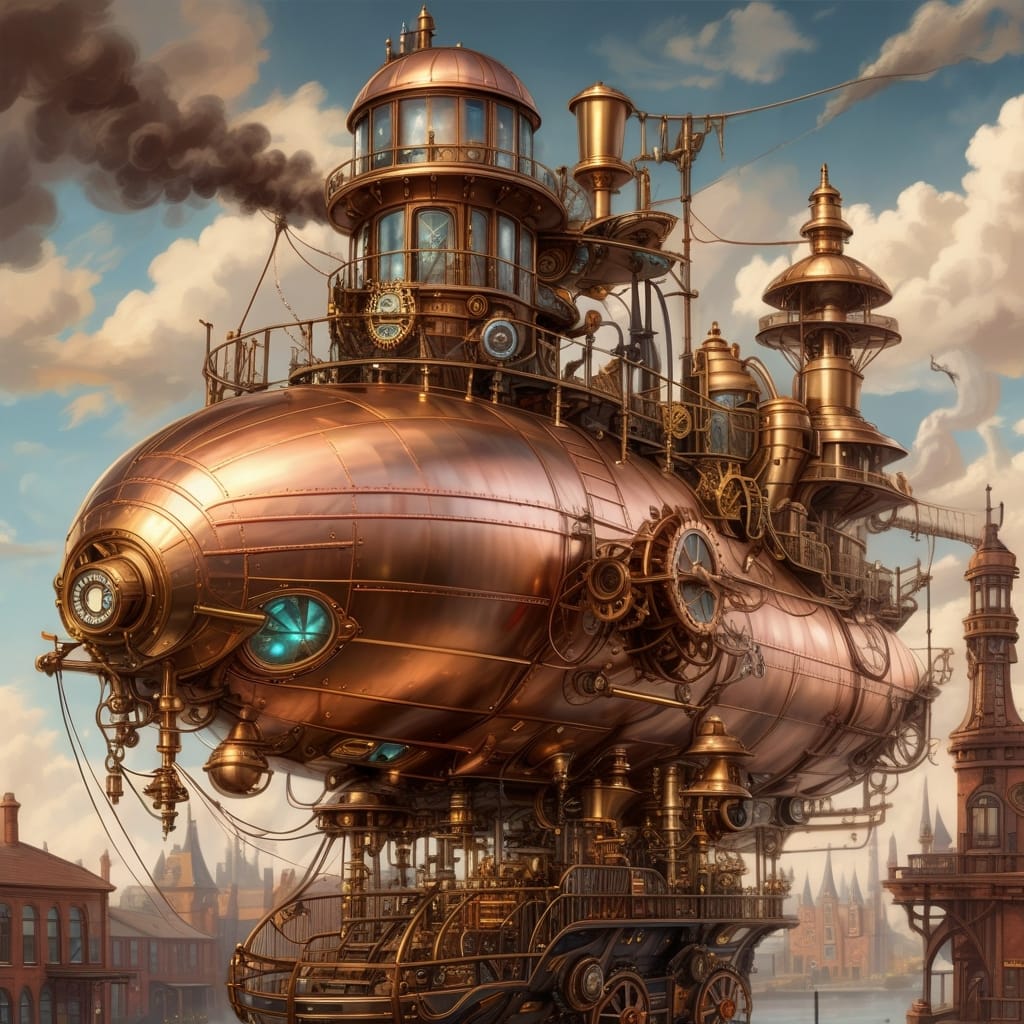
Créez des images à partir de textes pour vos designs et contenus.
Faites pivoter ou miroitez vos images pour corriger l’orientation et la mise en page.
Recadrez vos images pour mettre en avant l’élément important.
Modifiez vos photos avec des outils de recadrage, texte, filtres et couleurs.
Créez un GIF animé à partir d'une vidéo avec ce convertisseur vidéo en GIF en ligne gratuit. Téléchargez votre vidéo et récupérez votre GIF animé.
Convertissez des fichiers PNG, WEBP, PDF, BMP et TIFF en JPG.
Convertisseurs d’images, éditeurs IA, outils de format, et plus encore
Sécurité et confidentialité intégrées à chaque étape du traitement des images
Data transmitted between your browser and our servers is encrypted using modern TLS ciphers.
Stored on servers with full-disk encryption, and backups are encrypted too.
Full compliance with EU data protection regulations. Download a DPA from your dashboard.
Payments handled by Stripe and PayPal. Credit card numbers are never disclosed to us.