Siêu nhanh
Kết quả tức thì
An toàn
Ưu tiên quyền riêng tư
Tạo, chỉnh sửa, cải thiện và chuyển đổi hình ảnh trực tiếp trên trình duyệt. Không cần tải xuống, không giới hạn, khả năng sáng tạo nằm ngay trong tầm tay bạn.
Siêu nhanh
Kết quả tức thì
An toàn
Ưu tiên quyền riêng tư
Tạo, chỉnh sửa, cải thiện và chuyển đổi hình ảnh trực tiếp trên trình duyệt. Không cần tải xuống, không giới hạn, khả năng sáng tạo nằm ngay trong tầm tay bạn.
Trusted by companies worldwide




Khám phá các công cụ sáng tạo mới nhất được hỗ trợ bởi AI
Ứng dụng trực tuyến miễn phí để chỉnh sửa, chuyển đổi, nén và nâng cấp chất lượng ảnh ngay trên trình duyệt
Nén ảnh JPG, PNG và WEBP với khả năng kiểm soát dung lượng tốt hơn.
Thay đổi kích thước ảnh cho website, email, mạng xã hội và in ấn.
Xóa nền ảnh để có vùng cắt gọn và nền trong suốt.

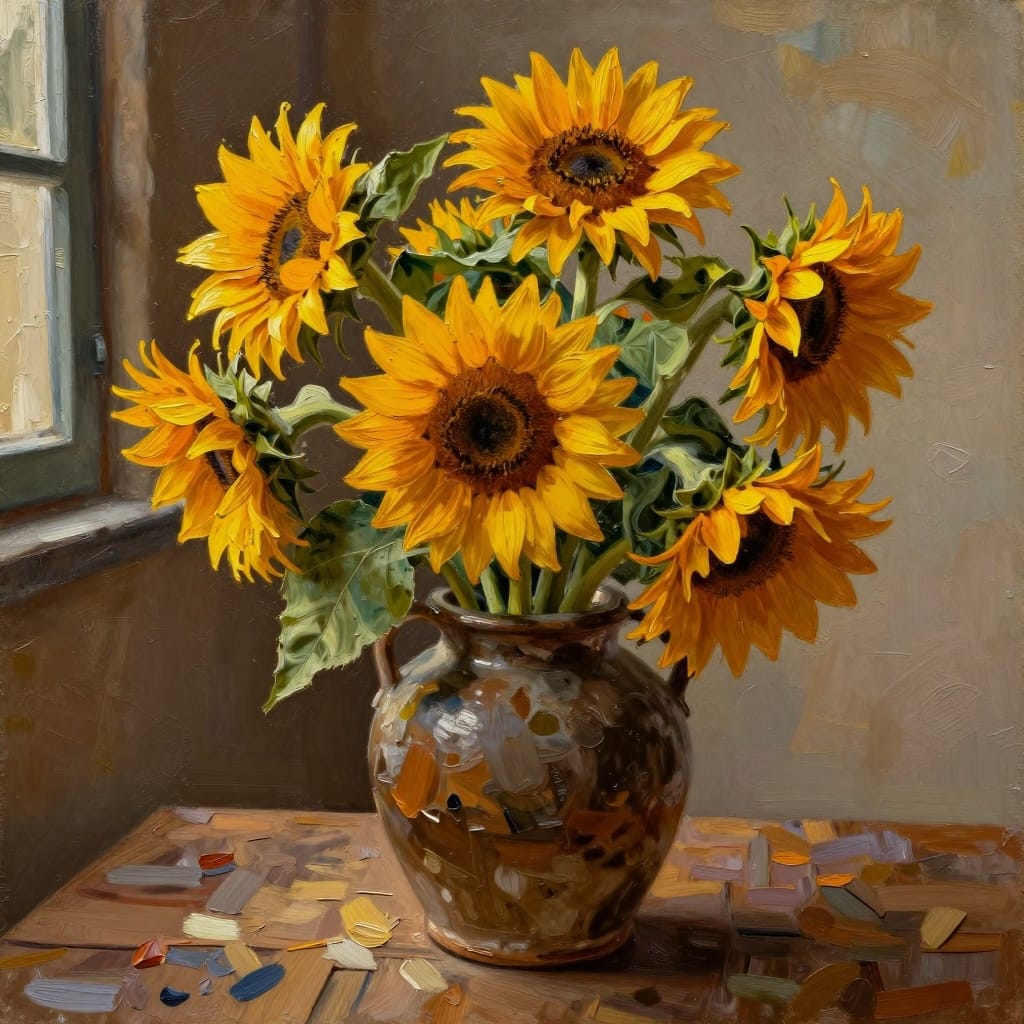


Tạo hình ảnh từ mô tả văn bản cho thiết kế và nội dung.
Xoay hoặc lật ảnh để chỉnh hướng và bố cục.
Cắt ảnh để tập trung vào phần quan trọng.
Chỉnh sửa ảnh với công cụ cắt, văn bản, bộ lọc và màu sắc.
Tạo GIF động từ video với công cụ chuyển Video sang GIF trực tuyến miễn phí này. Tải video của bạn lên và tải GIF động xuống.
Chuyển đổi tệp PNG, WEBP, PDF, BMP và TIFF sang JPG.
Bộ chuyển đổi ảnh, trình chỉnh sửa AI, công cụ định dạng và nhiều hơn nữa
Bảo mật và quyền riêng tư tích hợp trong mọi bước xử lý ảnh
Data transmitted between your browser and our servers is encrypted using modern TLS ciphers.
Stored on servers with full-disk encryption, and backups are encrypted too.
Full compliance with EU data protection regulations. Download a DPA from your dashboard.
Payments handled by Stripe and PayPal. Credit card numbers are never disclosed to us.