Articles about image editing and file conversion
A Complete Guide
A Step-by-Step Guide to Great Designs
Explore fun ideas for your next project.
A simple guide to resizing photos for social media platforms
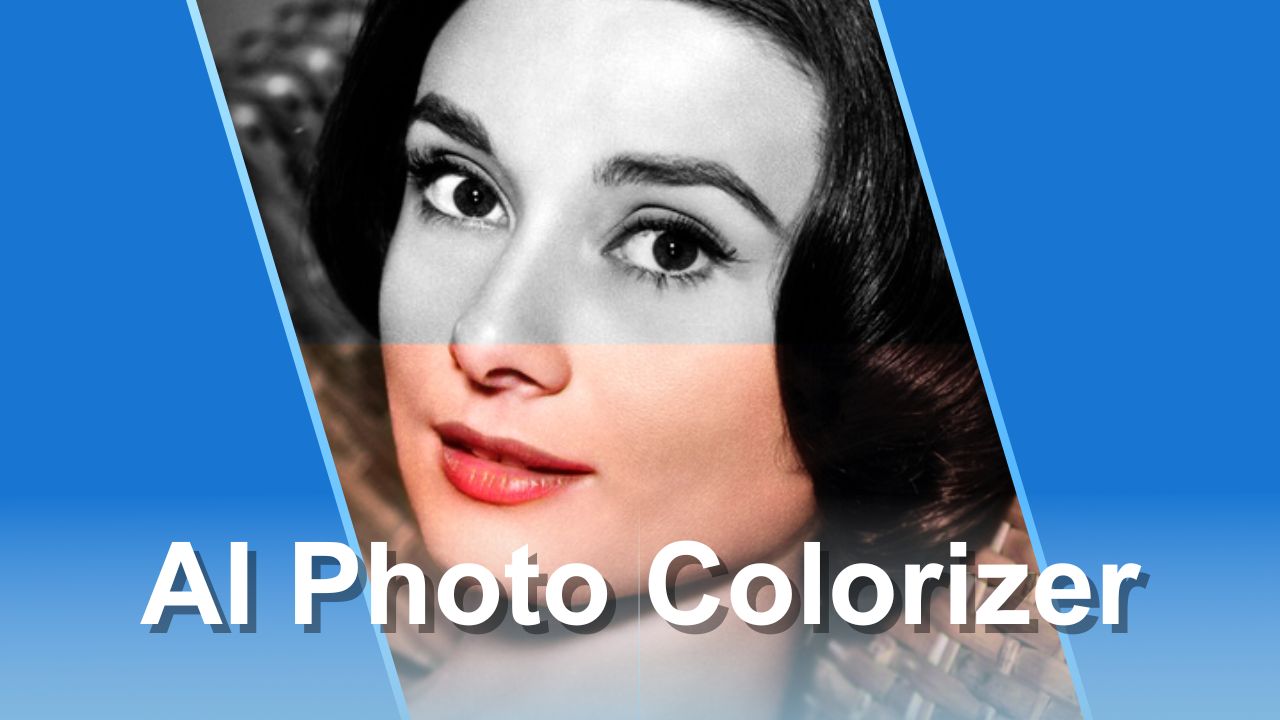
Bring your old photos to life with Img2Go's AI-powered image colorizer
From perfect profile pictures to standout product photos, learn how AI background removal can simplify your workflow and boost creativity

From edits to AI creations, Img2Go makes image transformation simple
Learn how to refine prompts, use advanced features, and unlock premium styles for the best results
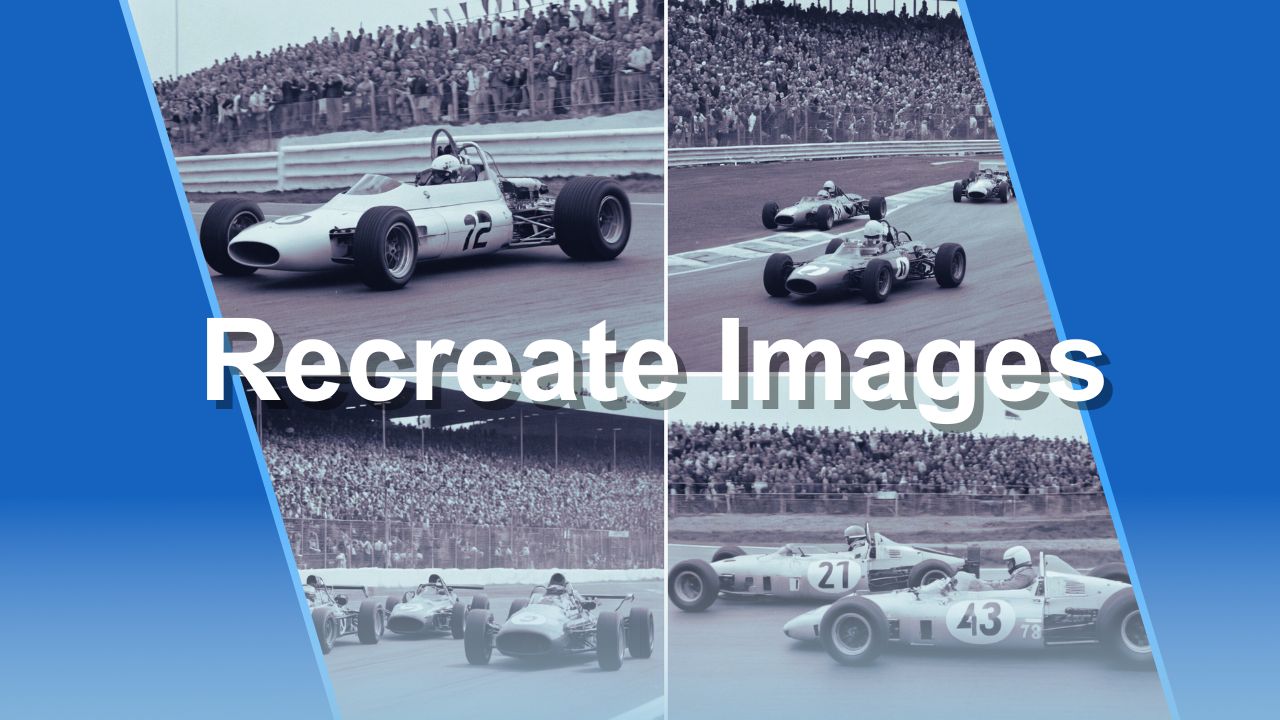
Use AI Creator Studio to generate similar images from old photos and explore the power of AI-driven creativity.
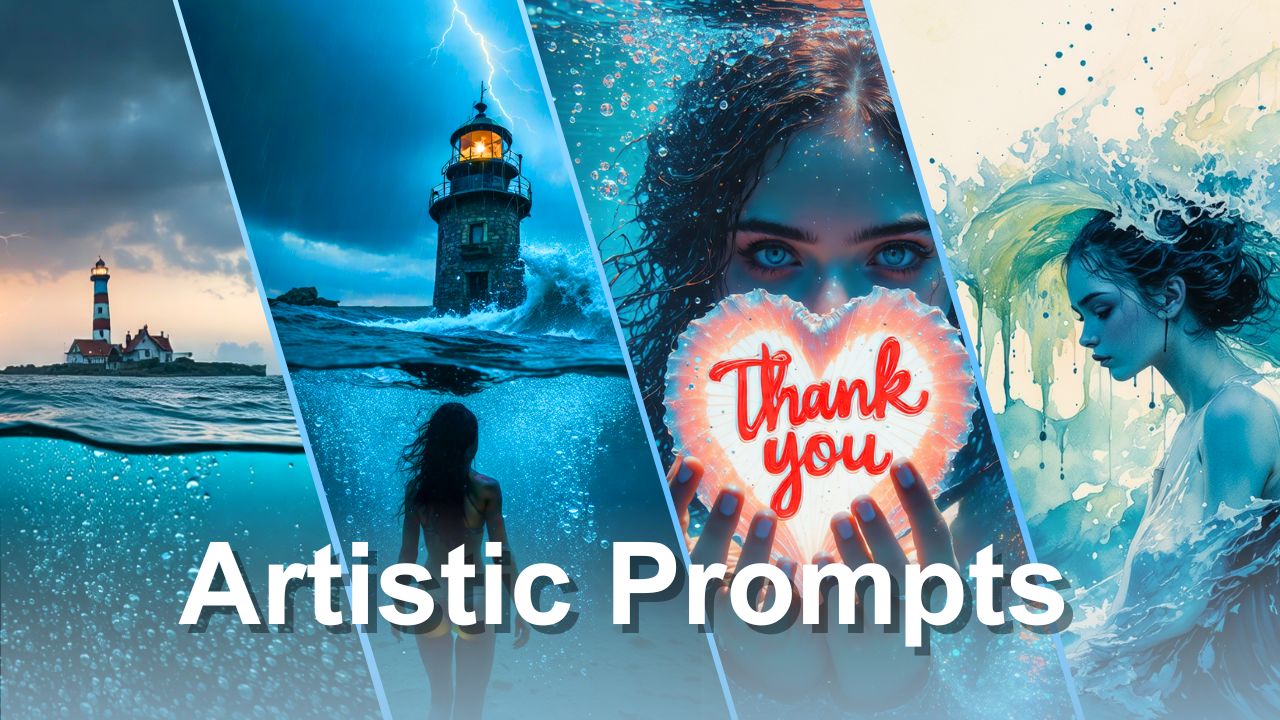
Use the Artistic style to create AI-generated artworks, ideal for artists, creators, and visionaries.
Essential guide to selecting the right logo file format for web, print, and digital media
Best Export Settings for Instagram and Facebook
Easily convert your images to any image format, quick, simple, and free.
Transform your PNGs, SVGs, PDFs, and raw camera files into versatile JPGs with a fast and user-friendly image converter.
Transform your files into high-quality images in just a few clicks with an easy-to-use online converter.
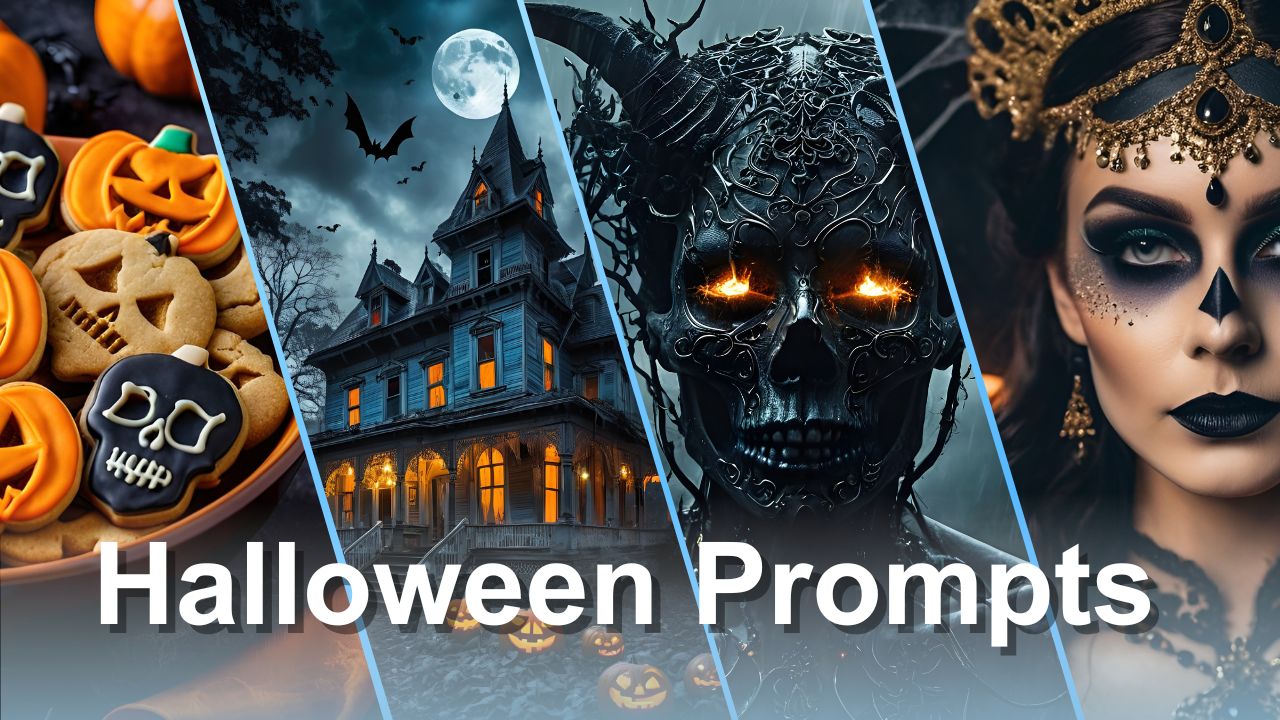
From haunted landscapes to ghostly figures, bring your ideas to life.
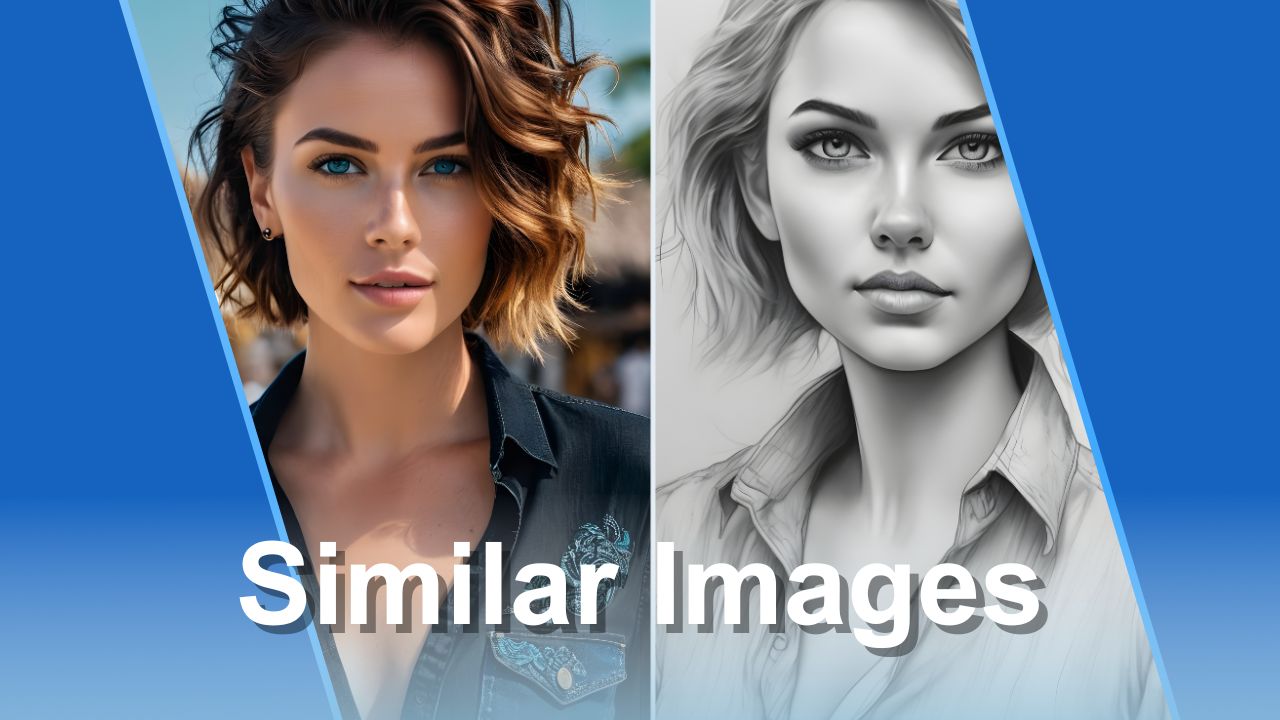
Generate visually similar images in seconds with Img2Go's Image to Image AI generator
Discover the easiest way to transform images into editable documents.
Quickly crop images online with our simple step-by-step guide
Easily adjust your photos with this simple guide to rotating images
Learn the image restoration process and quickly revive your old and damaged photos with Img2Go.
Master image resizing with Img2Go: quick adjustments, optimal quality
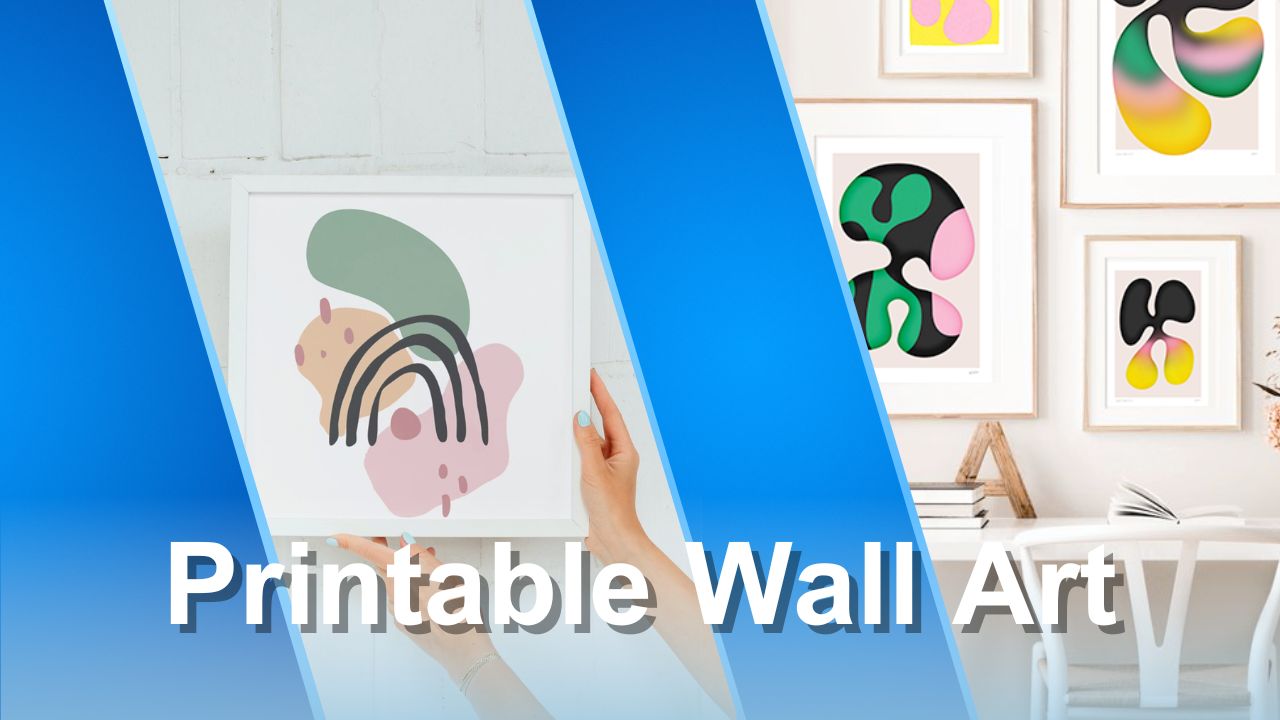
Learn how to prepare and sell your own printable wall art with ease.
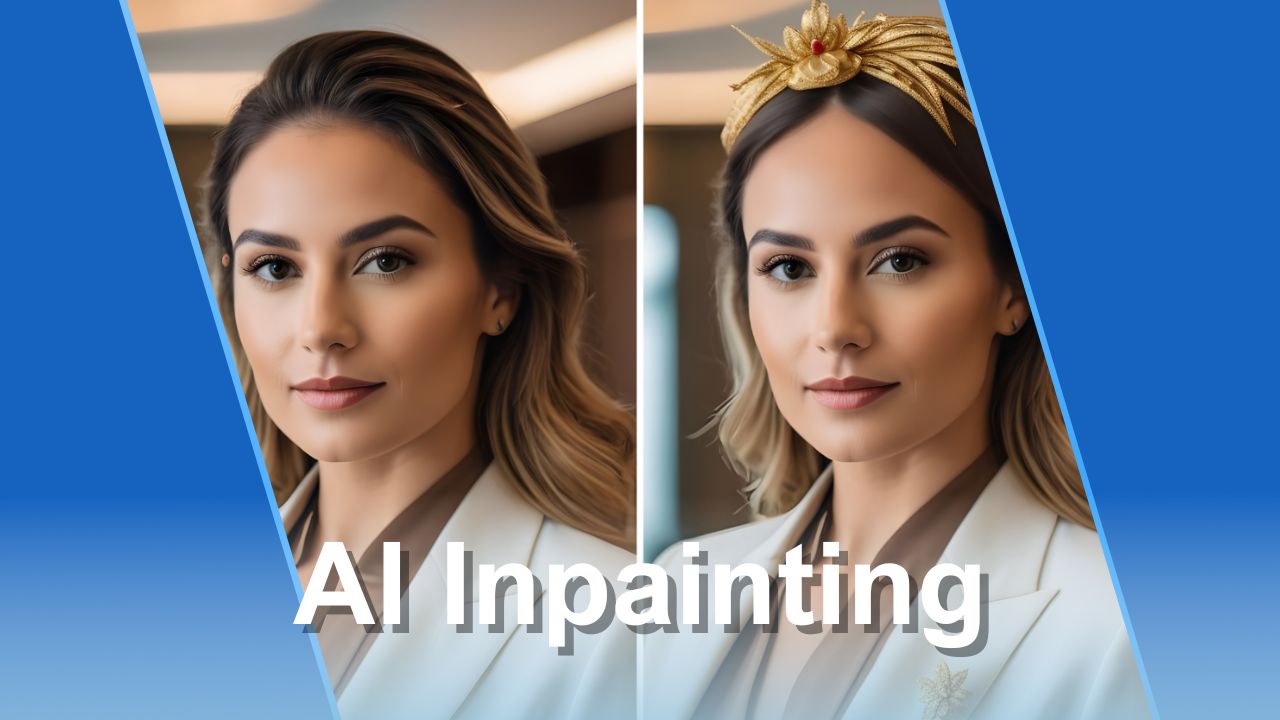
Learn how to easily edit your images with Img2Go's AI Inpainting tool
Choose the right method to enhance your AI-generated art
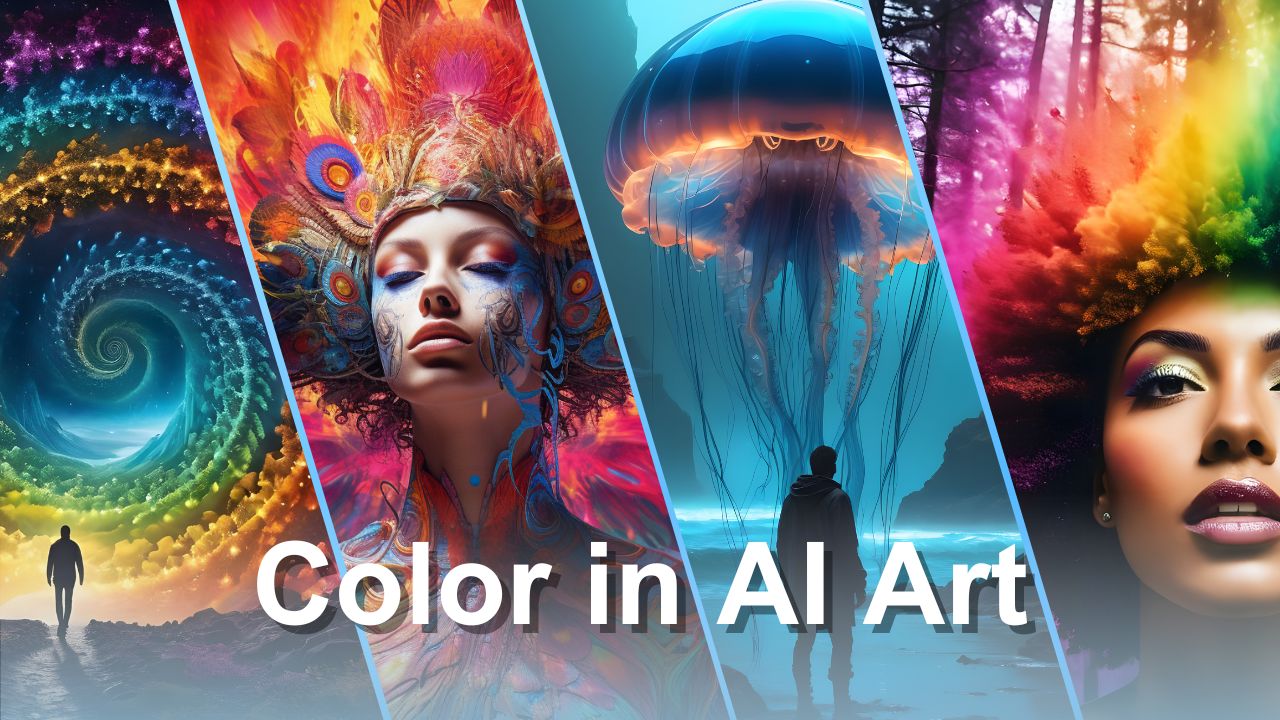
Discover why color matters in AI art and improve your results
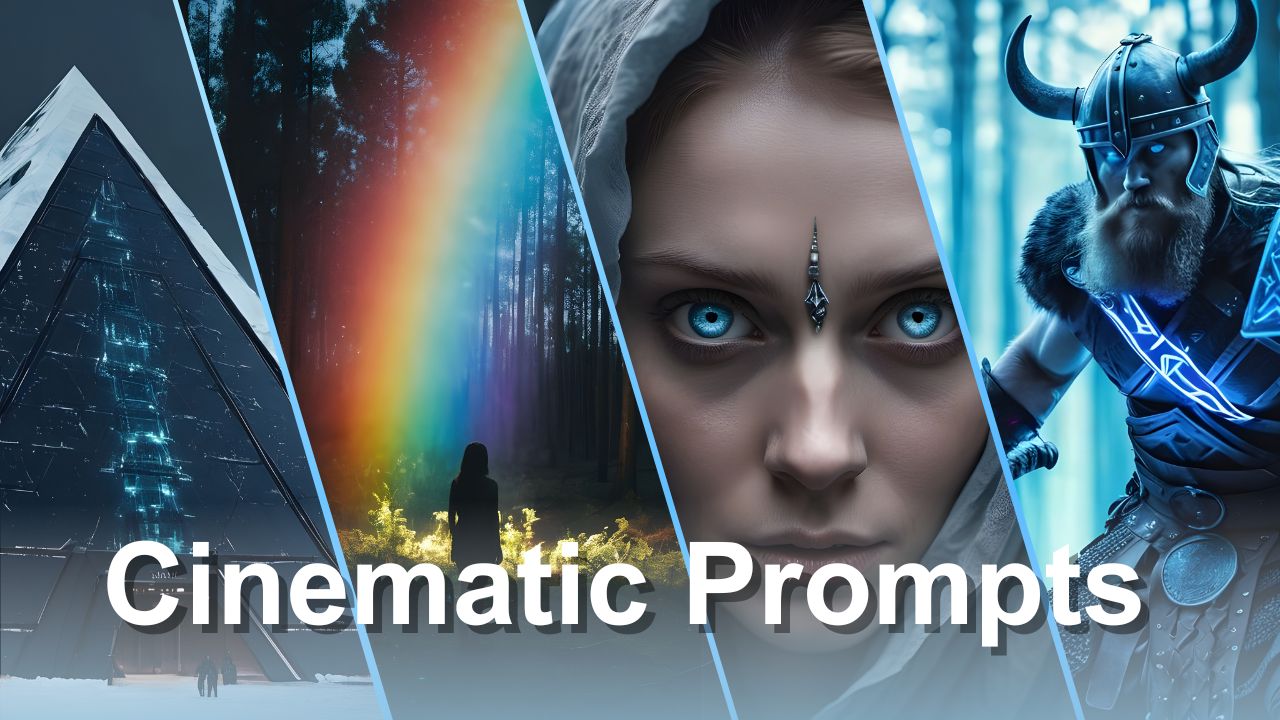
Capture cinematic storytelling with AI Creator Studio
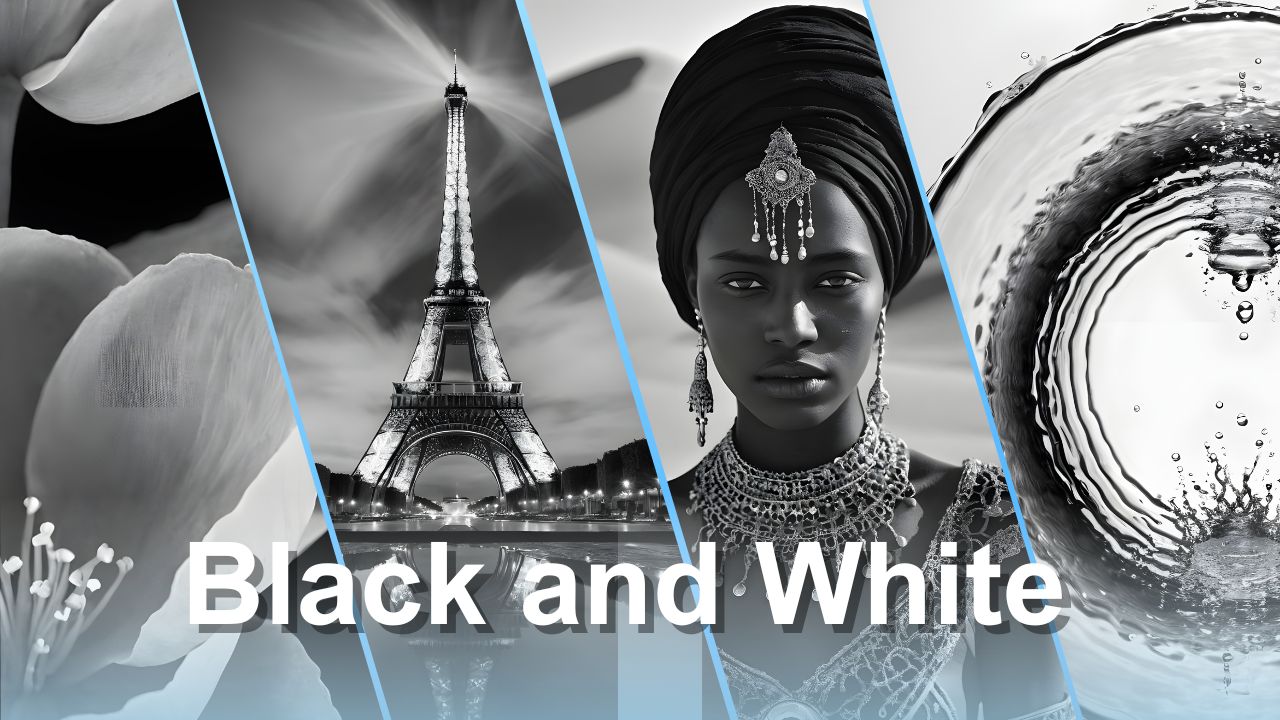
Turn text and images into striking black-and-white artwork
Learn how to use ChatGPT to create effective prompts for AI art
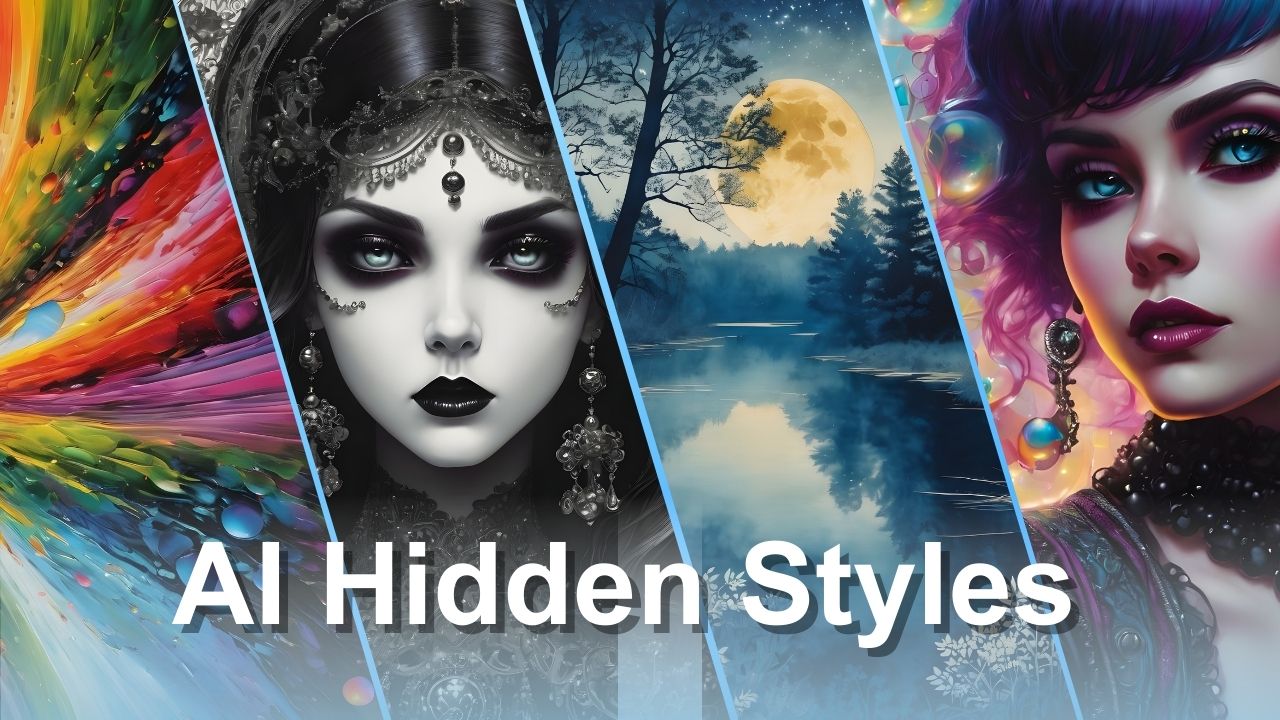
Get inspired with these unique AI art prompts
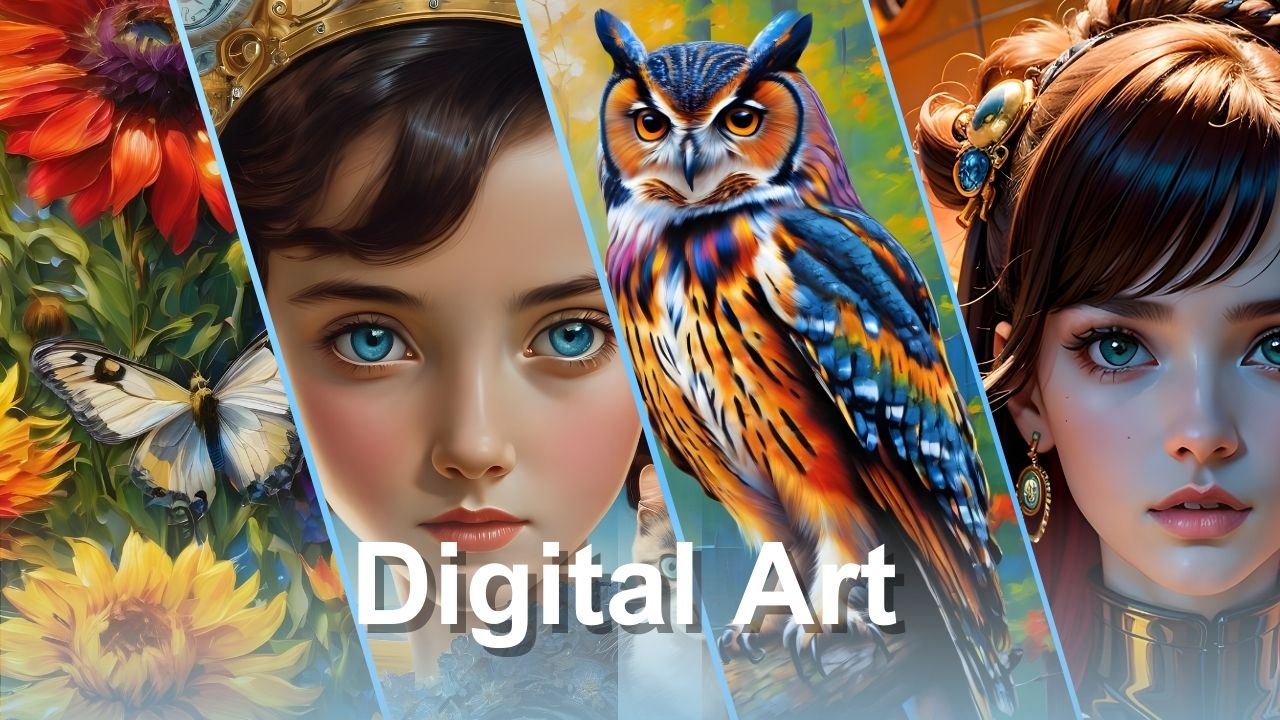
Learn what digital art is, its benefits, and how it is created
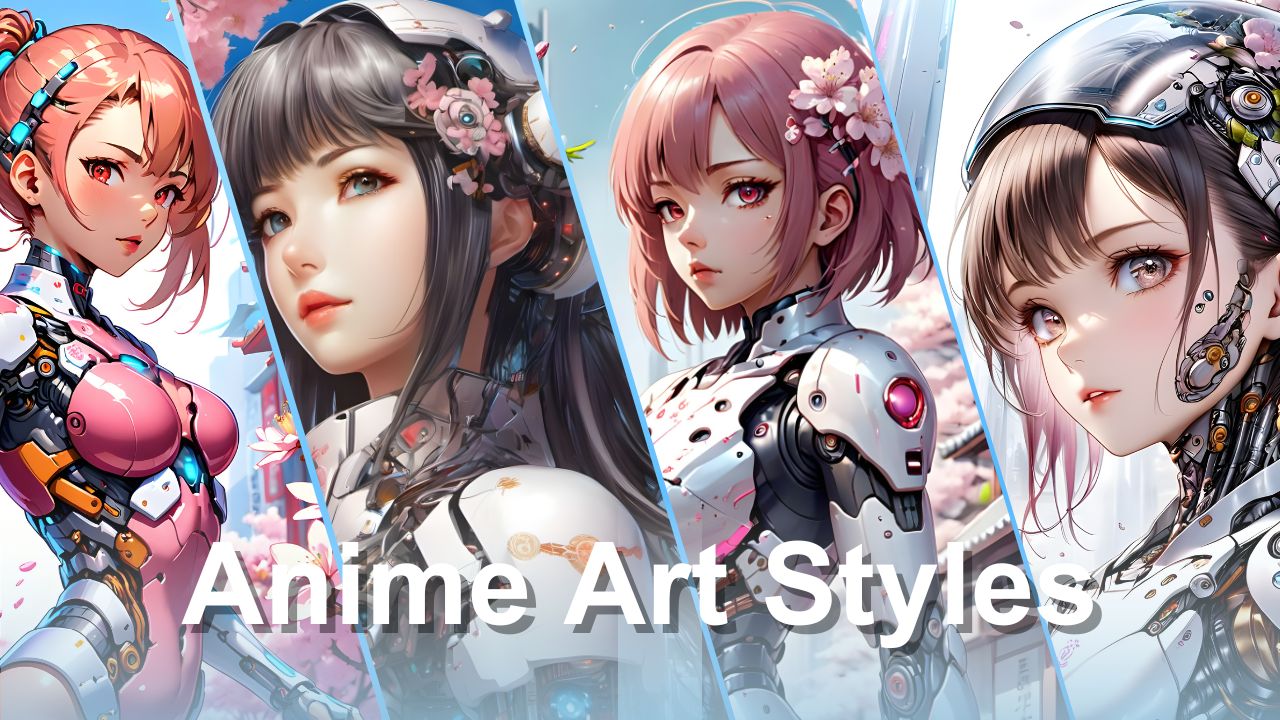
Explore how to create AI-generated anime and develop your own style
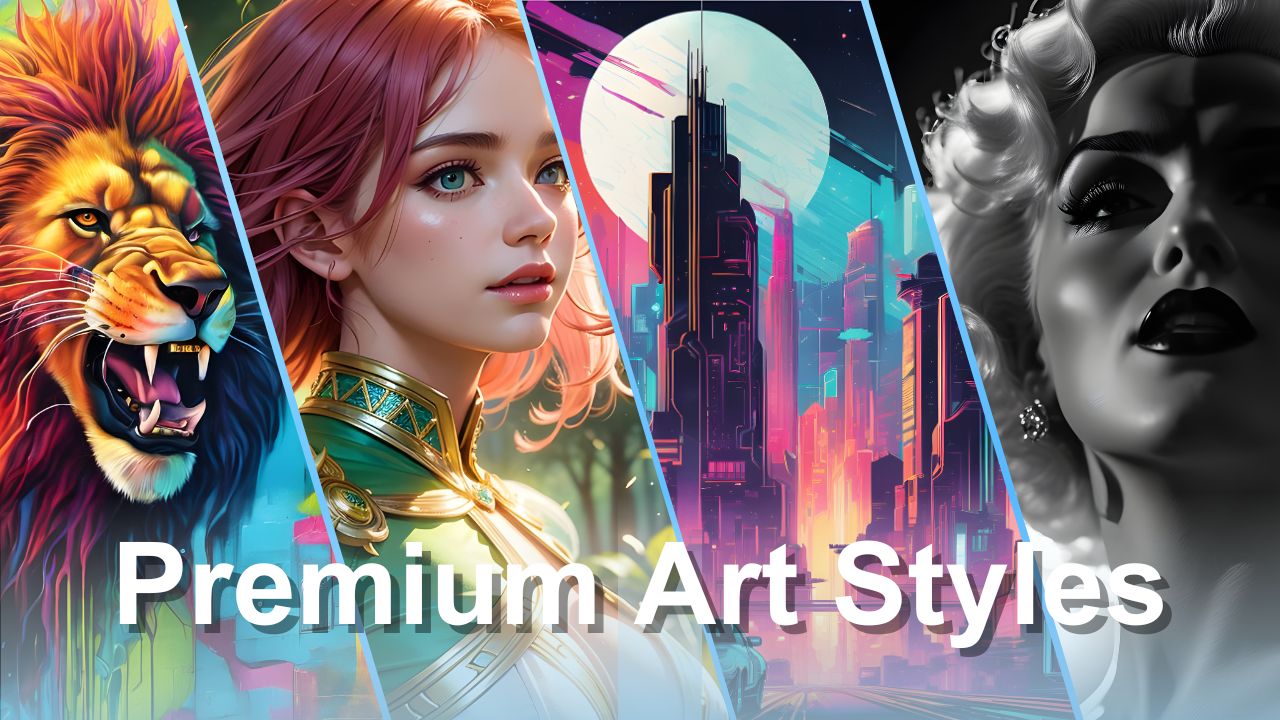
Explore a wide range of styles to match your creative vision
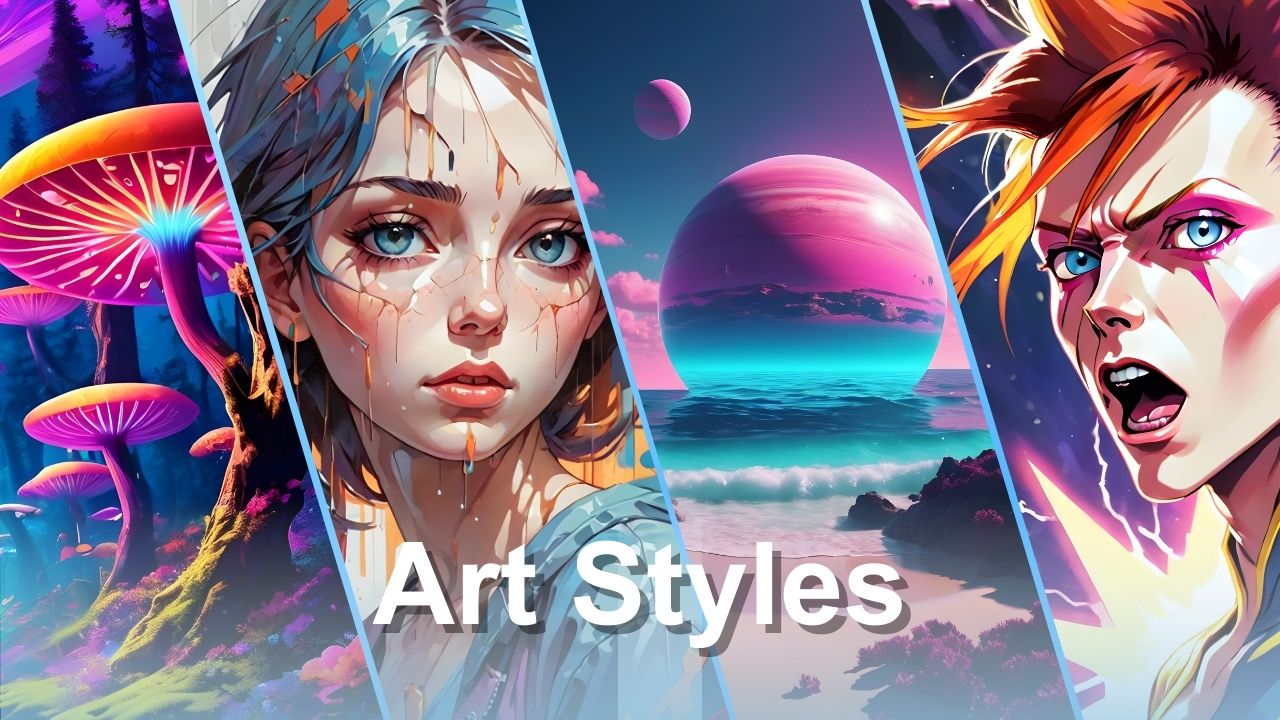
See how to edit prompts, mix styles, and create unique artwork with Img2Go
Use JPG compression to reduce file size and optimize your images
Improve loading times and user experience with better image optimization
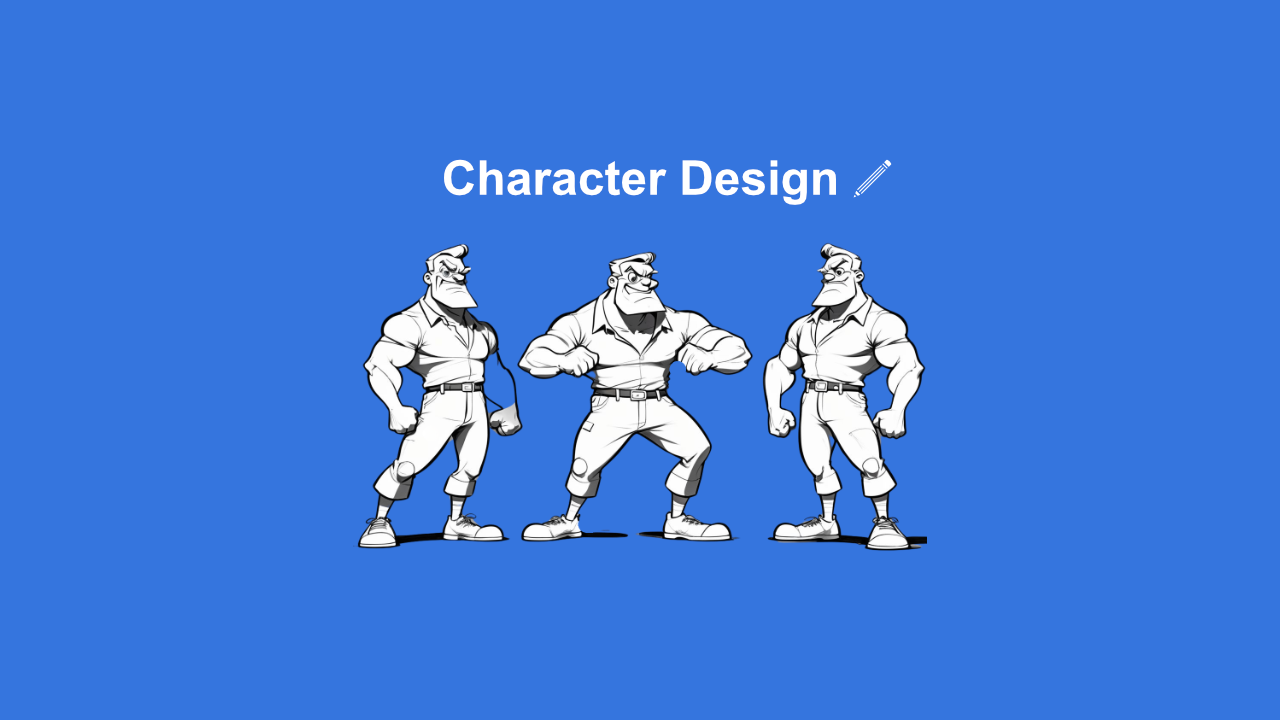
Create engaging characters with this simple guide and Img2Go's AI Art Generator
Learn how to use the Img2Go AI Art Generator with this short tutorial
Learn how to add color to black and white images

A simple guide to automatically blurring faces using the Blur Face tool
Improve your prompts and create stronger AI art with this guide
Explore how AI art can inspire new ideas and creative workflows
Learn how to generate, upscale, and print AI art with practical tips for every step
Quickly turn your images into PDF documents
Customize your Windows PC by using your own desktop icons
Creating your own animated GIFs is quick and easy with the right tool
Use Img2Go's free SVG converter to turn images into vectors in seconds
Use AI to upscale your images and improve quality and resolution
Find a simple and efficient way to convert HEIC images to JPG
Protect your work and add a professional touch to images in a few simple steps
The Simplest Way to Edit Your Images
Quick and Easy Image Comparison: A Step-by-Step Guide
Discover how to enhance your image editing capabilities with the Img2Go Chrome Extension. Compress, convert, resize, and edit images with ease.
Discover the power of seamless background removal with Img2Go's AI-powered tool
Smart online image tools for a successful school year

Choose the right premium plan, whether you edit images occasionally, regularly, or at scale

Enable your team to share Credits, access premium tools, and collaborate on files with a single subscription
Img2Go's Guidelines

Find out how to open an educational account and use all Img2Go tools completely free of charge.
HEIC keeps your photos sharp while saving space. Here's how it works, how it compares to JPEG, and when to use or avoid it.
Learn what makes RAW files so powerful compared to JPEGs and why photographers should take advantage of their full potential.
The Backbone of Windows Icons
A Beginner's Guide to Scalable Vector Graphics
Exploring WebP's benefits and challenges
A simple breakdown of the steps behind efficient image compression
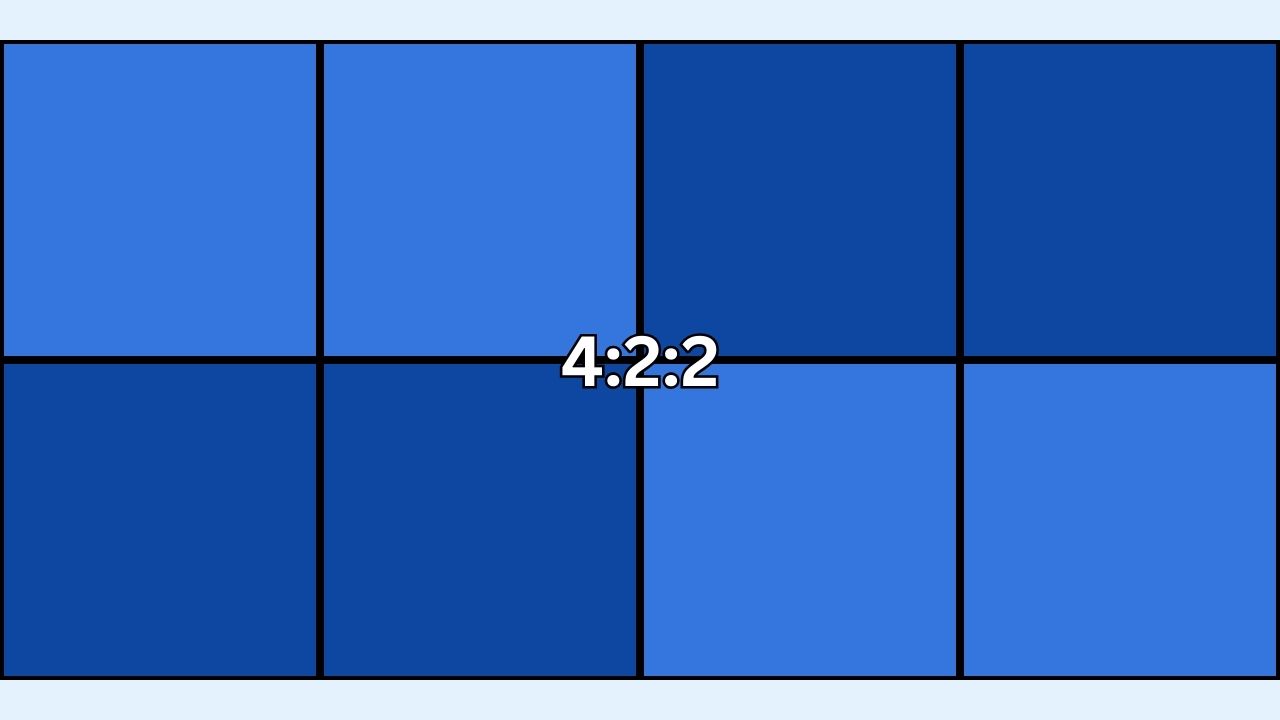
Understand how chroma sub-sampling impacts image quality and file size, with 4:4:4, 4:2:2, and 4:2:0 explained.
Explore JPEG and PNG strengths to optimize your images
A Guide to Understanding and Using Optical Character Recognition
Find out if there is a difference between JPG and JPEG files.
Discover effective usage through three methods. Try the AI Art Generator on Img2Go, an online tool for unleashing your creative potential.
Discover the differences between the RAW and JPEG formats


