
Blur Face in Photo
Automatically detect and blur faces to protect privacy.





One platform for all your image editing needs
Free online apps to edit, convert, compress, and enhance images in your browser
AI Face Detection Finds Every Face Automatically
The face blur tool uses AI-powered facial recognition to detect every face in a photo instantly. Upload a group photo with dozens of people and the tool identifies each face without manual selection. No need to draw boxes or circles around faces yourself.
AI detection works on photos of any size and recognizes faces at various angles, distances, and lighting conditions. Front-facing portraits, side profiles, and partially obscured faces are all detected. The tool processes the image in seconds regardless of how many faces appear.
After detection, the blur effect is applied to all faces simultaneously. You control the result with two settings: blur level (0 to 100) determines how strongly faces are obscured, and blur size (0 to 100) controls how far the effect extends beyond each face boundary.
Adjustable Blur Intensity for Complete Control
Not every situation requires the same level of face blurring. A social media post may need a light blur while a legal document requires faces to be completely unrecognizable. The blur level slider lets you choose exactly how much obscuring to apply.
Set blur level to 100 for a solid color block that makes identification impossible. Use a lower value like 30 for a soft gaussian blur that still hides features while keeping the photo natural. The blur size slider adjusts how far beyond the face edges the effect reaches, from a tight crop around facial features to a wider area that covers ears and hairline.
Both settings update in real-time so you can preview the result before downloading. All original image quality outside the blurred regions is preserved at full resolution.
Face Blur Effect — Before and After
See how the AI face blur tool detects and obscures faces while preserving the rest of the photo.
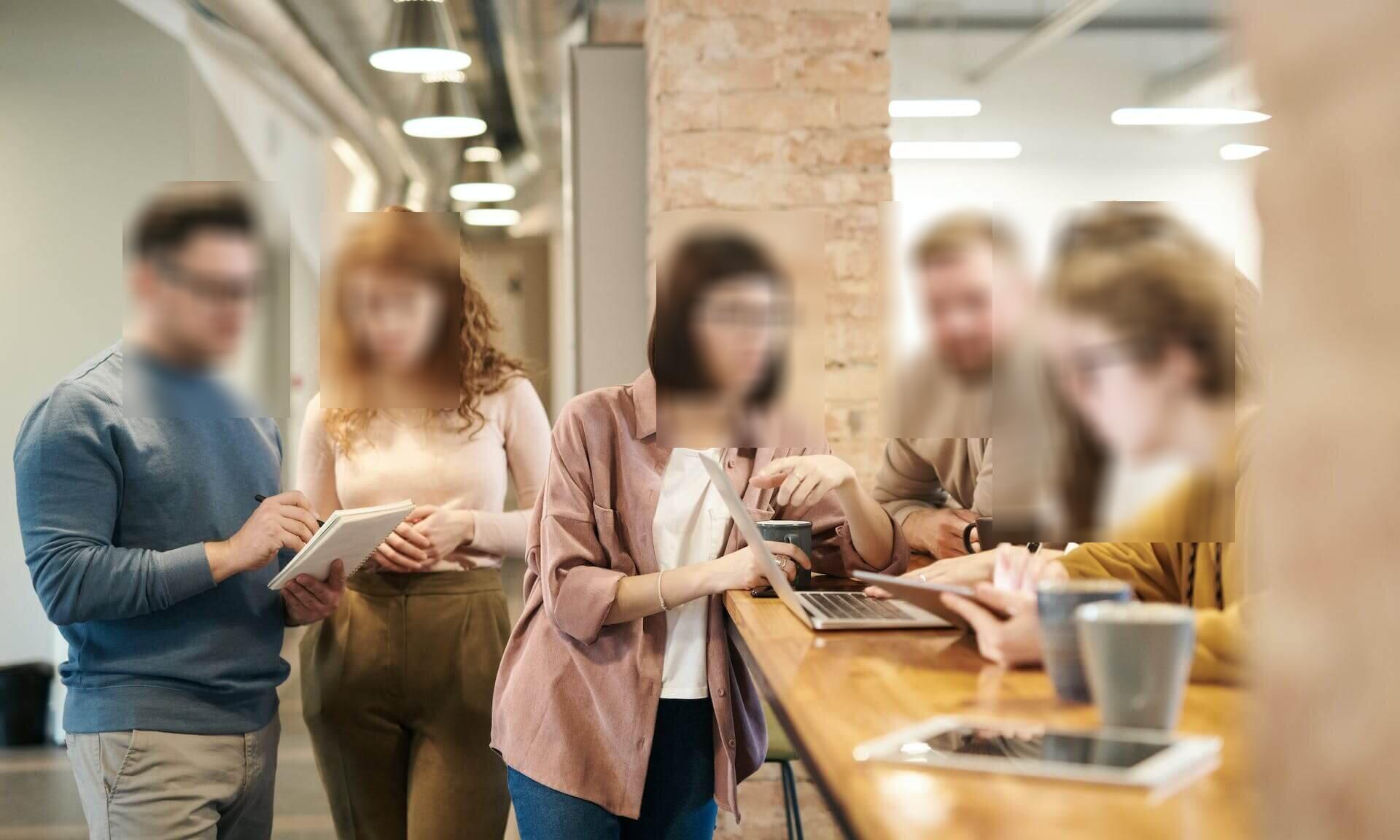

Protect Identities in Group Photos
The AI detects every face in a group shot and applies a uniform blur effect. Each person's identity is protected while the photo composition, background, and context remain intact.
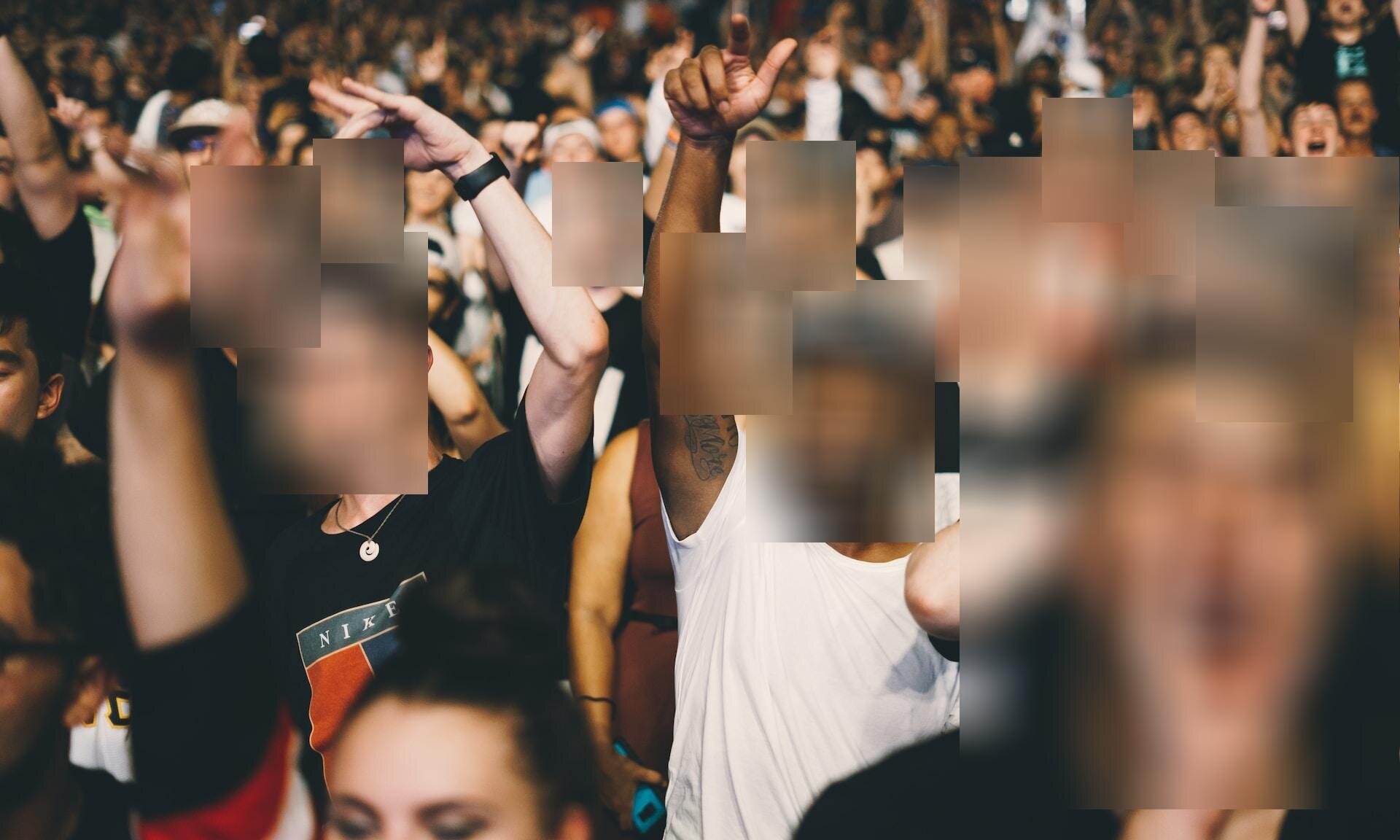
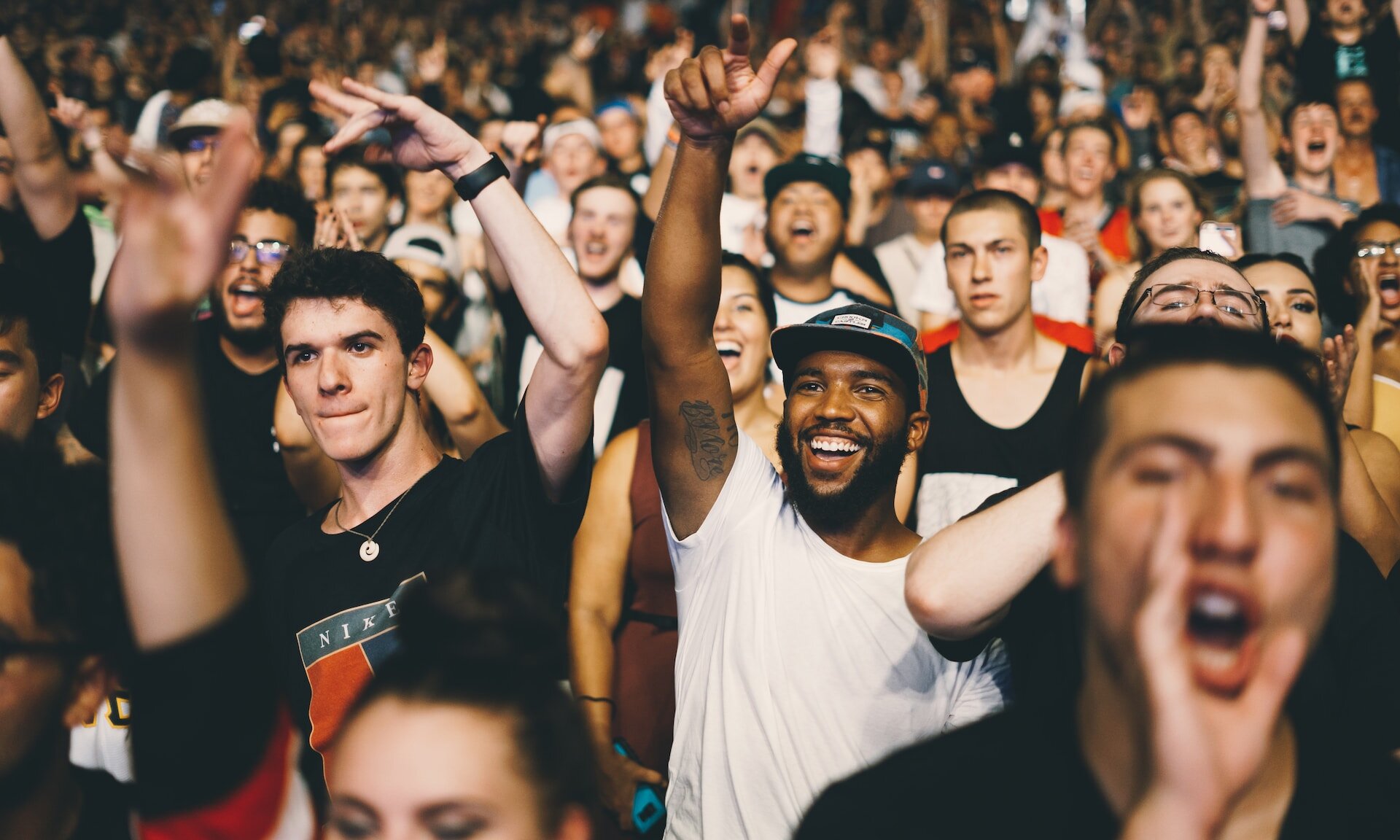
Share Content Without Consent Issues
Blur faces before sharing photos on social media or websites when you have not obtained permission. The face blur effect makes individuals unrecognizable without cropping or removing them from the image.
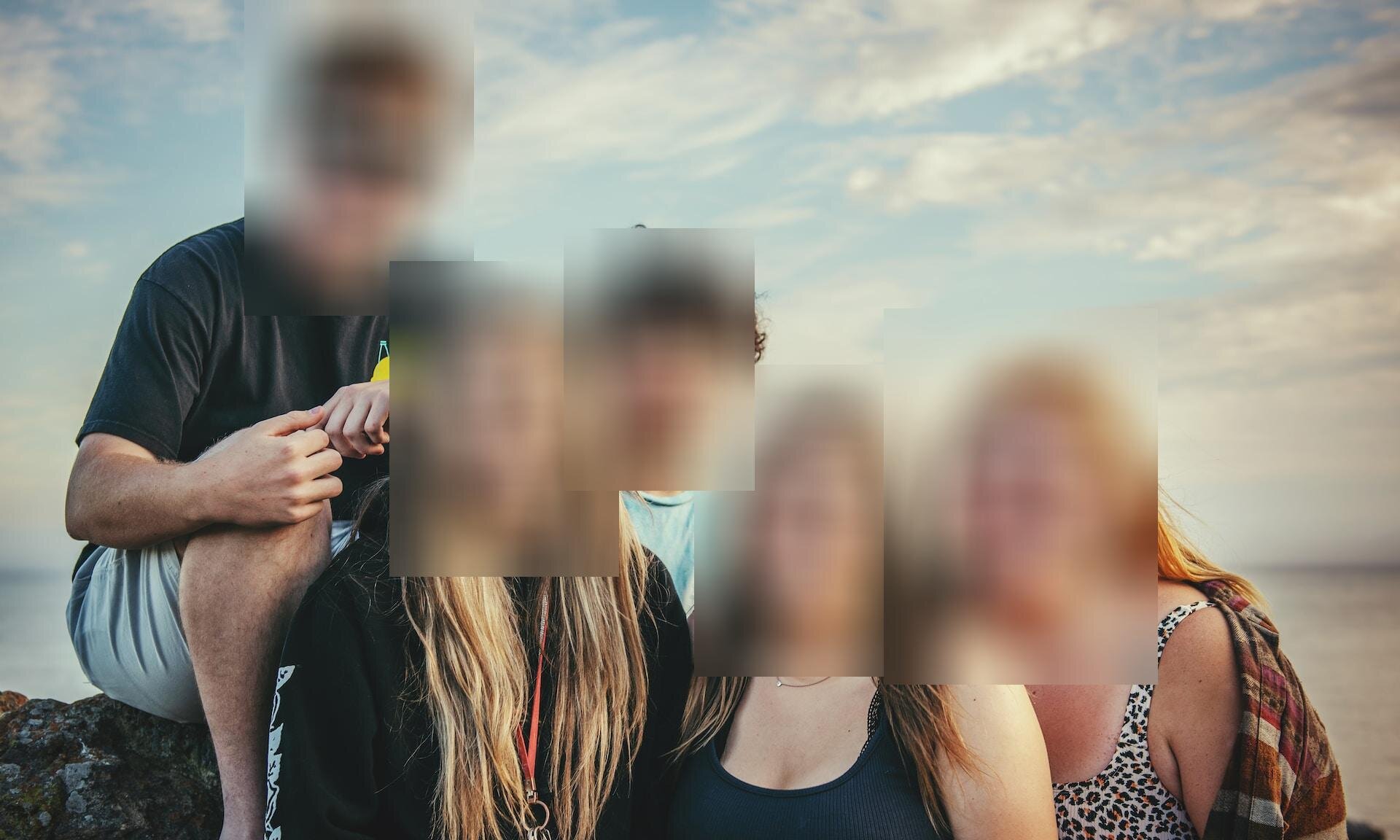
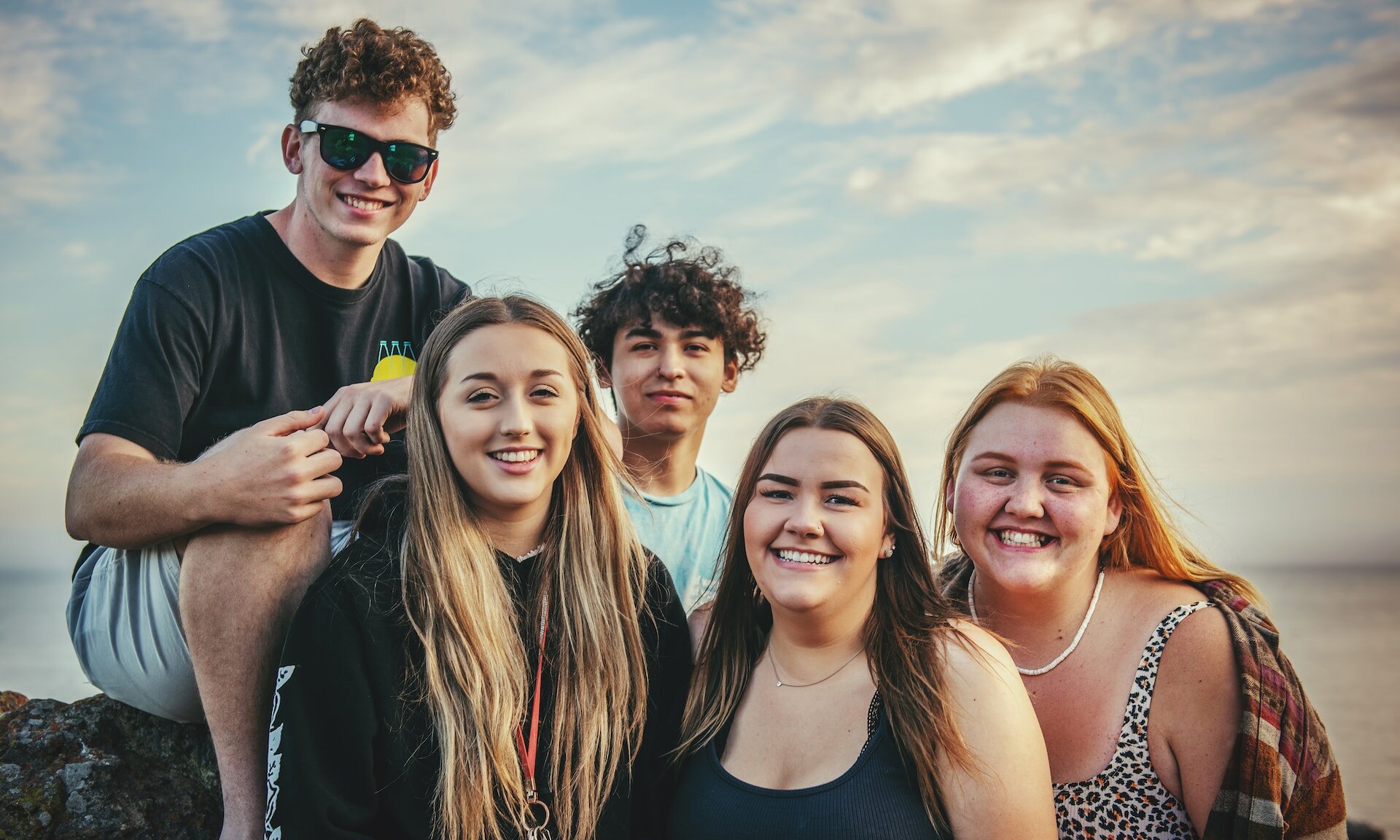
Anonymize Bystanders in Street Photography
Street photographers and journalists can blur faces of bystanders who did not agree to appear in published images. The AI handles detection so you do not need to manually mark each face.
When to Blur Faces in Photos
Common situations where face blur protects privacy and ensures legal compliance.
Social Media Posts
Blur faces of bystanders or friends who did not agree to appear in your social media content before publishing.
Journalism and Reporting
Protect the identity of sources, witnesses, or victims when publishing news images. Face blur keeps subjects safe.
GDPR and Legal Compliance
Data protection regulations require consent before sharing images of identifiable individuals. Blur faces to meet GDPR and CCPA requirements.
Real Estate Photography
Anonymize people in property listing photos. Real estate agents blur faces of tenants or passersby before uploading to listing platforms.
Education and Research
Anonymize students or study participants in academic papers, presentations, and research publications.
E-Commerce Product Photos
Blur faces of models or customers in user-generated product review images when you lack model release forms.
How to Blur a Face in a Picture
-
Upload your photo
Drag and drop an image or click to select a file from your device.
-
Adjust blur settings
Set the blur level and blur size using the sliders. The AI detects faces automatically.
-
Download the result
Click Start and download your photo with all faces blurred.
Blur Face in Photo — FAQ
How do I blur a face in a photo online?
Upload your photo to the face blur tool above. The AI automatically detects all faces in the image and applies a blur effect. Adjust the blur level slider from 0 to 100 to control intensity. Click Start to process and download the result.
Does the face blur tool detect faces automatically?
Yes, the tool uses AI-powered facial recognition to find every face in a photo without manual input. It recognizes faces at different angles, distances, and lighting conditions. Group photos with many people are processed in seconds.
Can I blur faces in multiple photos at once?
Yes, batch processing is supported. Upload multiple images and the face blur tool processes all of them with the same blur settings. Each photo is handled individually with AI detection applied to every image.
What image formats does the face blur tool support?
The tool accepts all common image formats including JPG, JPEG, PNG, WebP, BMP, GIF, and TIFF. The output preserves the original format. No format conversion is required before or after blurring.
Is the face blur tool free to use?
Yes, you can blur faces in photos for free with 2 uses per day. No account registration is required. For unlimited face blurring and batch processing, a paid plan is available.
How do I adjust the blur face intensity?
Use the blur level slider (0 to 100) in the settings panel. A value of 100 creates a solid block that makes faces completely unrecognizable. Lower values produce a softer gaussian blur. The blur size slider controls how far the effect extends beyond the face edges.
Are my photos safe when I blur faces online?
Yes. All file processing is fully automated with no human review. Your photos are not used for AI training and you retain full copyright. Files are accessible only via a unique, non-guessable download link.
Related articles
How to Blur Faces in Photos
A step-by-step guide on how to automatically blur faces in photos using the AI face blur tool.
Read articleAI Background Remover
Remove image backgrounds automatically with AI-powered detection.
Read articleAI-Powered Image Tools
An overview of AI tools for image editing, including face blur, background removal, and upscaling.
Read articleLearn About Image Formats
JPEG vs PNG
Learn when to use JPEG for photos and PNG for graphics with transparency.
Read articleHow JPEG Compression Works
Understand how JPEG compression reduces file sizes while preserving visual quality.
Read article