Upload a photo and generate a fresh, copyright-free variation with AI.
or drop, paste, or choose from cloud



Upload a reference photo, add an optional prompt, and generate a fresh variation
"Generate a copyright-free alternative to this stock photo"
"Reimagine this photograph as a watercolor painting"
"Same scene but with warm golden-hour sunset lighting"
"Create a variation of this product shot with a different background"
"Transform this landscape into an anime-style illustration"
"Recreate this image with a cool blue and teal color palette"
The AI similar image generator creates a new, unique image that resembles your reference photo. Upload a stock image you like, and the tool produces a copyright-free alternative you can use for websites, presentations, marketing materials, and social media without licensing fees.
Unlike editing tools that modify the original, this generator analyzes the composition, subject, and mood of your photo, then creates a completely new image from scratch. The result is yours to use freely - no attribution or license required.
The AI image variation generator supports over 85 art styles across 9 categories. Upload a photo and recreate it as an oil painting, anime illustration, watercolor, pencil sketch, cyberpunk render, pixel art, or any other style. Each category includes multiple sub-styles for precise creative control.
Style categories include Digital Art, Painting, Sketch, Anime, Photography, Fantasy, Retro, Minimal, and Craft. Select a style before generating, or combine styles with a text prompt for unique results.
Everything you need to generate similar images and creative variations
Drag and drop or paste any JPG, PNG, or WebP image as a reference. The AI analyzes composition, subject, and mood to generate a similar result.
Add a text prompt to guide the variation. Change the art style, mood, color palette, or composition. Skip the prompt and the AI decides automatically.
Generate images in 1:1, 4:3, 3:2, 16:9, 9:16, and more. Match the exact dimensions you need for social media, web banners, or print materials.
Choose from several AI generation models, each with different strengths. Switch models in the workspace settings to find the one that best matches your creative vision.
Fine-tune the output with lighting presets, color tone adjustments, and camera angle settings. Use negative prompts to exclude elements you do not want.
Every generated image is a new creation. You own the output and can use it commercially without licensing fees, attribution, or copyright concerns.
From content creators to product teams - generate similar images for any project
Generate unique header images and illustrations from reference photos. Avoid stock image licensing fees and create visuals that match your brand.
Create product photo variations with different backgrounds, lighting, and compositions. Test visual concepts before organizing expensive photo shoots.
Generate image variations for A/B testing ad creatives and social media campaigns. Iterate visual concepts in minutes instead of days.
Explore style variations of a concept, mood board image, or sketch. Use the AI as a creative partner for brainstorming visual directions.
Create original visuals for presentations, assignments, and teaching materials. Generate copyright-free illustrations from reference images.
Explore how a shot would look in different styles or moods. Use the AI to reimagine a landscape as a painting or a portrait in a cinematic tone.
Open the AI Similar Image Generator in the full workspace for advanced settings. Switch between AI models, apply lighting and color tone presets, set camera angles, and use negative prompts to exclude unwanted elements.
The workspace also gives you access to 20+ other AI apps. Upscale your generated image, remove its background, edit it with AI inpainting, or convert it to a different format - all without leaving the browser.
The AI Similar Image Generator is one of 20+ AI apps available in the workspace. Create, edit, and enhance images in one place.
Create images from text prompts with 85+ art styles - Anime, Oil Painting, Watercolor, Cyberpunk, and more.
Edit images with AI inpainting - remove objects, swap backgrounds, and refine details with natural language prompts.
Increase image resolution up to 4x and sharpen details. Ideal for enlarging AI-generated images or low-resolution photos.
Background Remover, Image Cropper, Format Converter, Compressor, and many more - all in one workspace.
Drop, paste, or select the image you want to use as a reference. The AI similar image generator supports JPG, PNG, and WebP formats.
Describe the variation you want - change the style, mood, colors, or composition. Leave the prompt empty and the AI generates a variation automatically.
Download the generated image or open the full workspace for 85+ styles, batch generation, and advanced controls like lighting, color tone, and aspect ratio.
Yes. The Img2Go AI Similar Image Generator recreates images by analyzing your uploaded photo and generating a new, visually similar version. The result is a unique creation - not a copy - so it is copyright-free and yours to use for any purpose.
Yes, you can generate similar images for free on this page with 2 free generations per day. For unlimited access, 85+ art styles, custom aspect ratios, and batch generation, upgrade to a premium plan in the workspace.
Yes. Upload a stock photo you like, and the AI generates a copyright-free alternative with a similar composition and mood. The generated image is a new creation, so you can use it commercially without licensing fees or attribution.
No, the prompt is optional. Upload an image and click Generate, and the AI creates a variation based on the reference photo. Adding a prompt lets you steer the output - change the style, mood, color palette, or switch to a different art style like watercolor or anime.
The AI similar image generator supports JPG, PNG, and WebP image formats for upload. Generated images are output in high-quality JPG or PNG format depending on the selected AI model.
Over 85 art styles are available across 9 categories: Digital Art, Painting, Sketch, Anime, Photography, Fantasy, Retro, Minimal, and Craft. Each category includes multiple sub-styles such as Cyberpunk, Watercolor, Studio Ghibli, Oil Painting, and Pixel Art.
An image-to-image editor transforms and modifies the original photo - changing style, swapping objects, or adjusting elements in place. The AI similar image generator creates an entirely new image that resembles the reference. The original photo is only used for analysis, not editing.
Yes. Uploaded images are processed securely with encrypted transfer. Your files are not used for AI training, and no one can access them. You keep full copyright and ownership of both your uploaded image and the generated result.
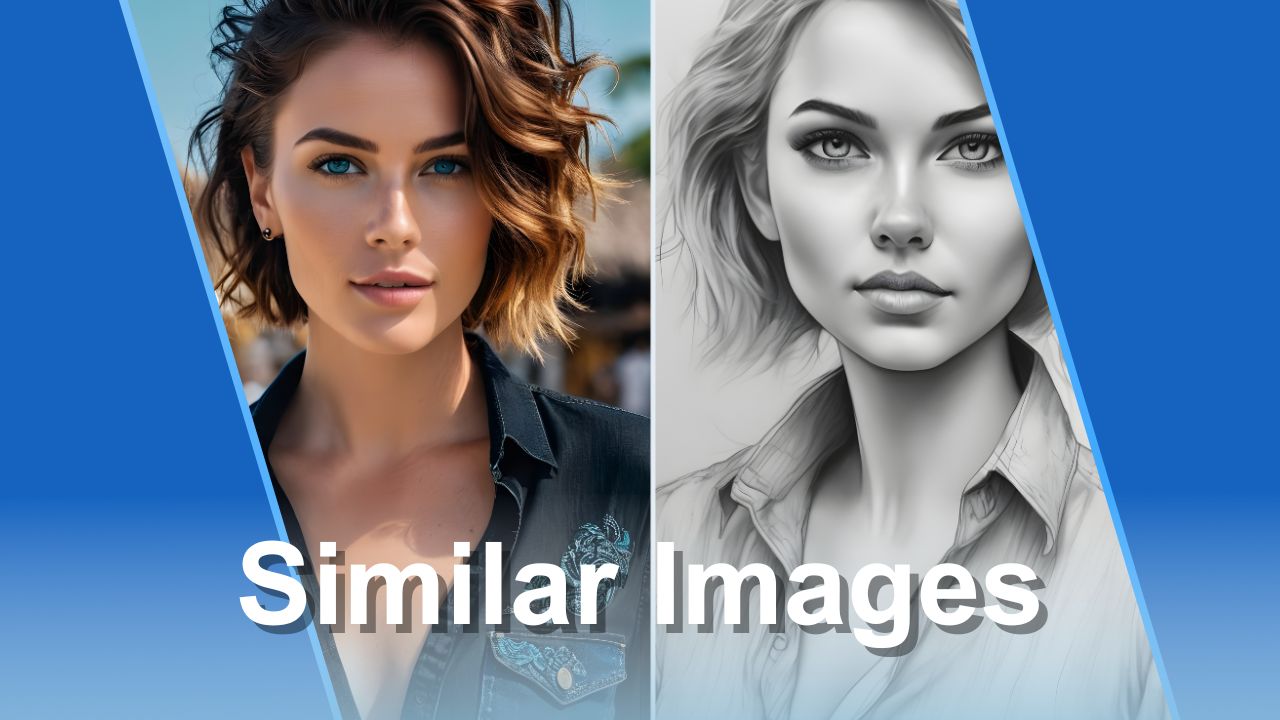
Generate visually similar images in seconds with the Img2Go AI similar image generator.
Read article
Learn how to create stunning images from text prompts with the Img2Go AI Art Generator.
Read article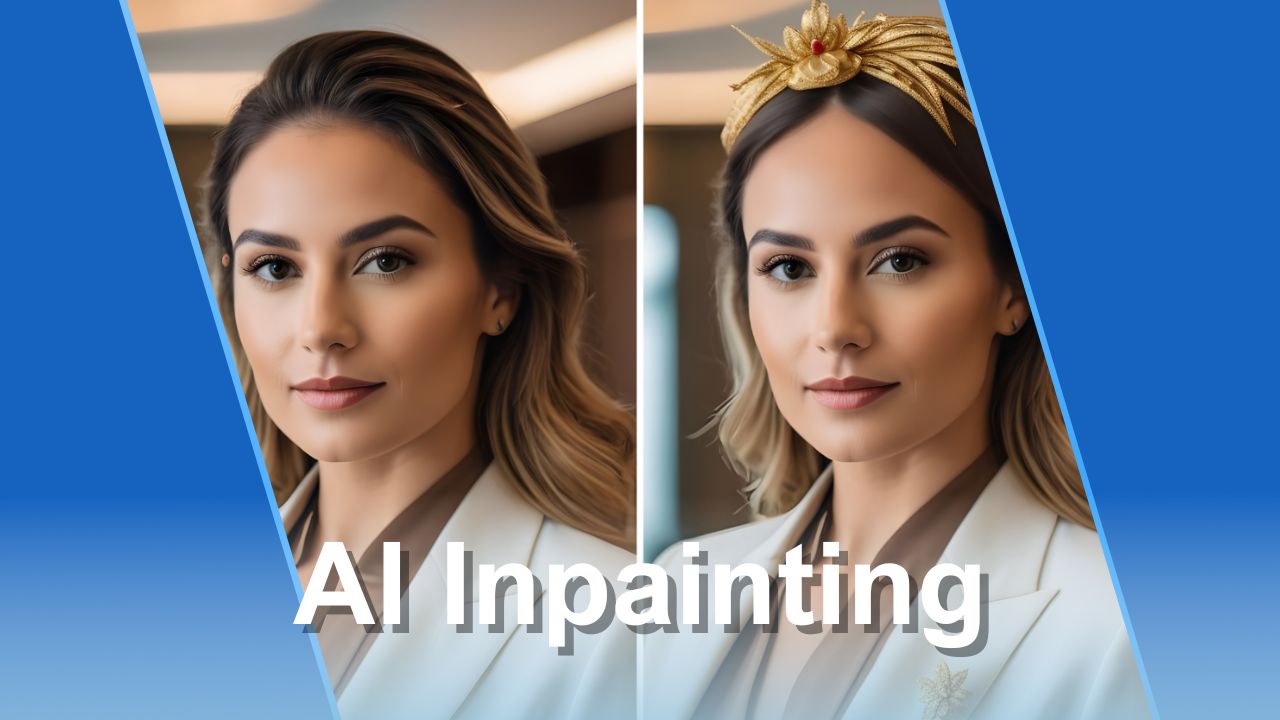
Edit images with AI inpainting to remove objects, swap backgrounds, and add new elements.
Read article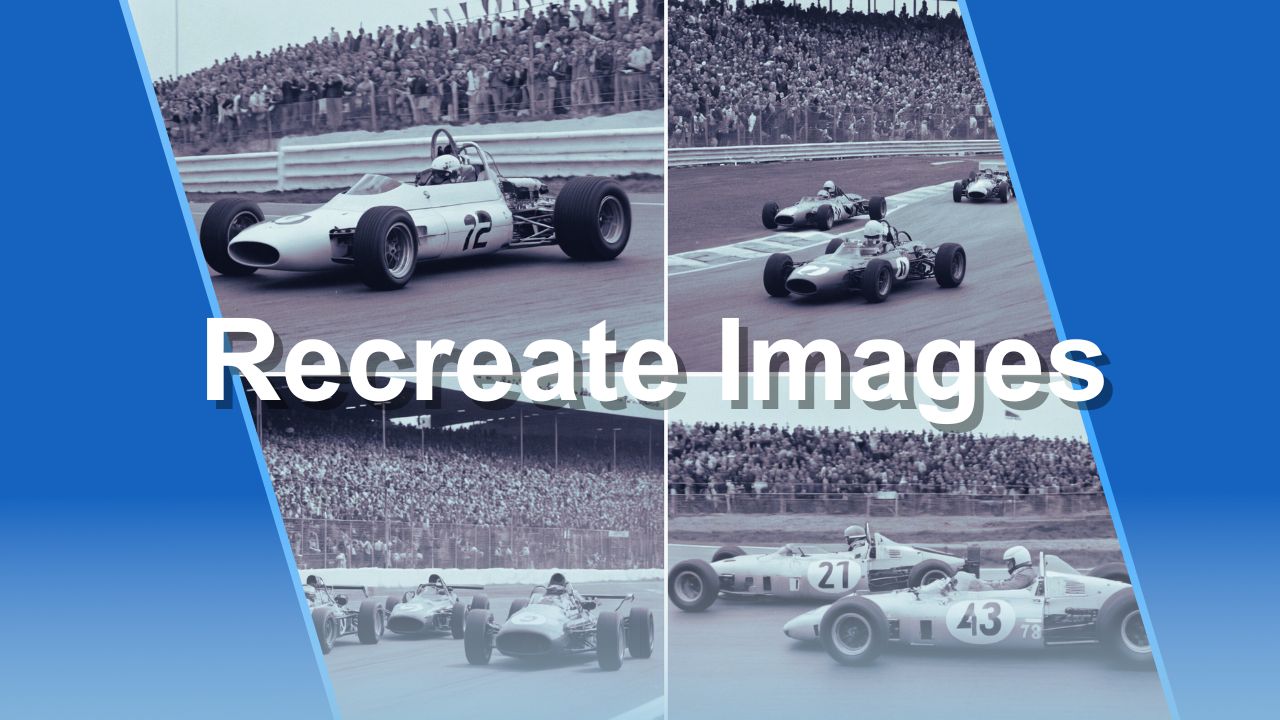
A guide to using AI tools for recreating and generating variations of existing images.
Read article
Explore the AI image tools available on Img2Go - from generation to editing and enhancement.
Read article
Everything you need to know about creating AI art - styles, prompts, and best practices.
Read article

