
How to Create Similar Images with AI
Generate visually similar images in seconds with Img2Go's Image to Image AI generator
11. October 2024 by Bianca Palmer
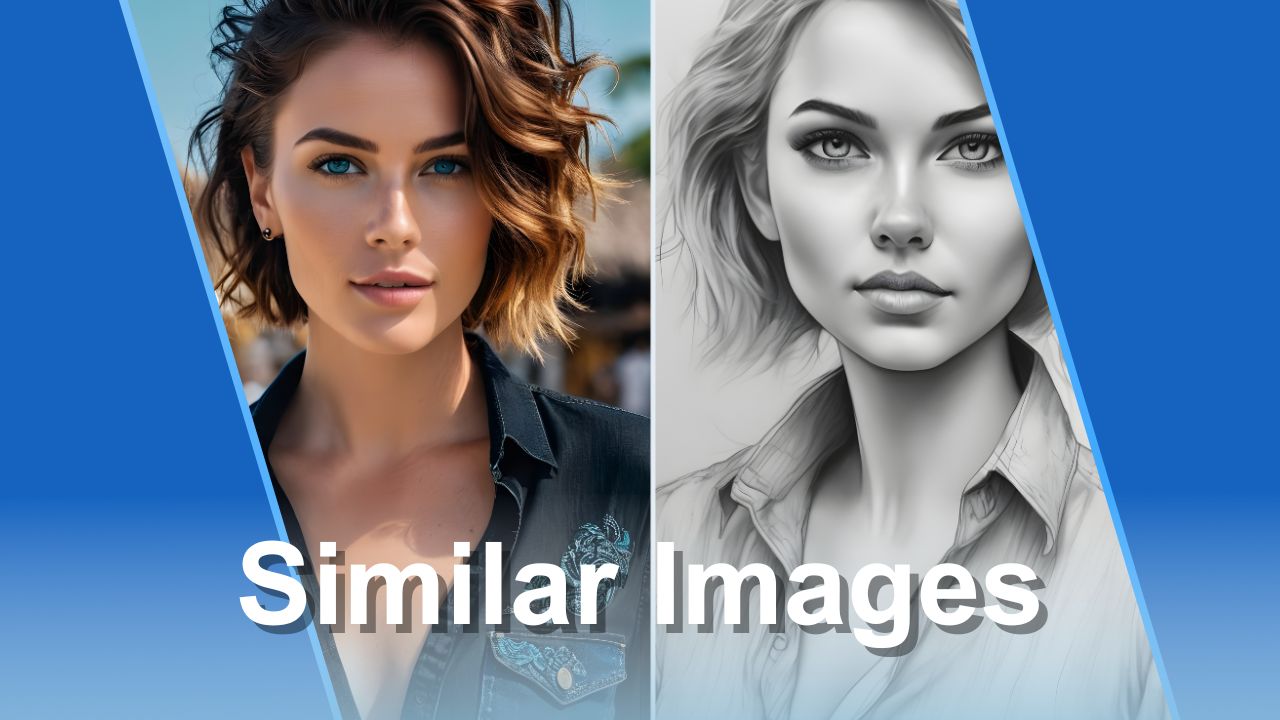
Visuals matter. When designing a website, running a social media campaign, or adding flair to a presentation, finding the right images can be a challenge. Stock photos might not fit your brand, and custom photography can be expensive. That's where Img2Go's new Image-to-image AI Generator helps. This AI-powered tool lets you create similar images in just a few clicks, providing fresh, customized visuals.
What Is the Image-to-Image AI Tool?
Img2Go's Image-to-Image AI Generator uses artificial intelligence to create visually similar images based on any image you upload. This means you can use a reference photo and, with the help of AI, generate similar versions of it. By mimicking the original style, lighting, and composition, the AI delivers various new images that still retain the visual essence of the original.
The similar image generator is designed for anyone looking to create unique images tailored to their needs. Whether you need to tweak specific features, such as the background or lighting, or create entirely new visual concepts, this free online AI image generator can do the job.
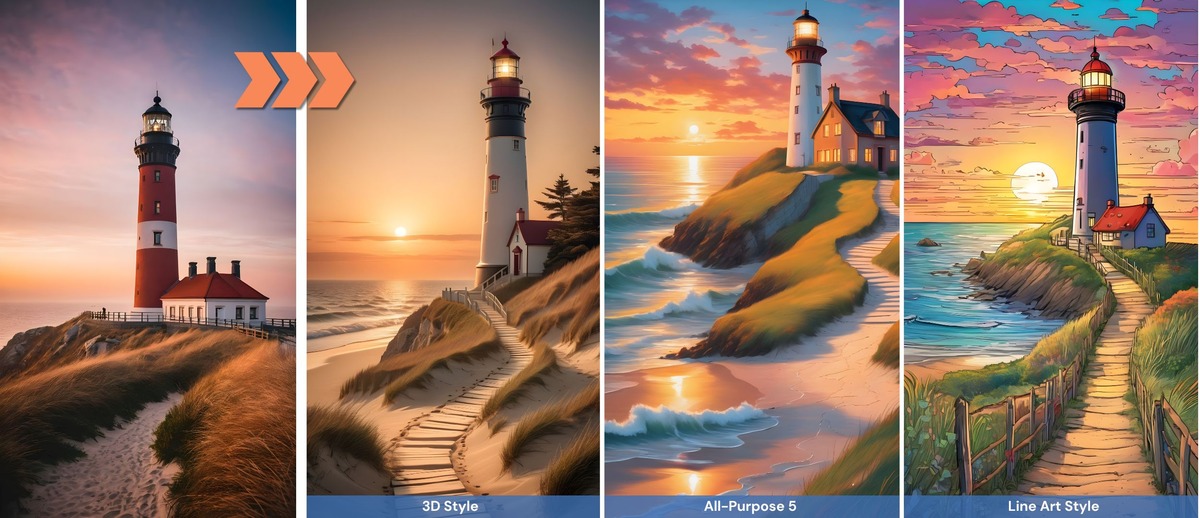
How to Create Similar Images with Img2Go's AI Tool
It's very easy to start creating similar images with Img2Go.
Follow these simple steps:
- Visit the website: Go to img2go.com and select the "Similar Images Creation" tool.
- Upload a reference image: Drag and drop your image into the tool or use the "Choose File" button to select one from your device.
- Customize and fine-tune the output: Guide the AI by adding a text prompt to describe the changes you want, or let the AI generate variations based on the image alone. Choose the style of your image, the aspect ratio, and the number of images you want to generate.
- Start generating: Click the "Generate" button. Within seconds, the tool will start generating your images.
- Review and download: Browse the results, select the ones you like, and download them to your device.
TIP: Use the Prompt Editor. Refine your prompt by selecting categories like lighting, mood, lens, and more.
Why Use AI to Generate Similar Images?
Using an AI image generator can provide multiple advantages:
- Content creation: Generate realistic-looking images for social media, websites, or marketing.
- Customization: Adapt visuals to fit your brand by adjusting elements like lighting, background, or color.
- Data privacy: AI-generated images offer a privacy-friendly option since they do not contain real people or sensitive information.
- Cost Savings: Avoid the high costs of professional photography and still get professional-looking visuals.
- Time Efficiency: Creating images with AI takes seconds, helping you save time for other tasks.
- Prototyping: Use AI to create placeholders for your designs or presentations without finalizing the visuals.
- Copyright freedom: Avoid copyright issues by generating new images based on an existing reference.
- Artistic inspiration: Artists can use these images to spark creativity and develop new design ideas.
- Variety: Generate several versions of a single image, giving you multiple options to choose from.
- Concept visualization: Bring abstract ideas to life and visualize your concepts in real time.
What Changes Can You Make with Similar Images AI?
Img2Go's AI image generator offers a variety of useful use cases for creating similar images.
Here are some of the most common ways to use this powerful tool:
- Alter gender, race, or age: Take an existing photo and replace the subject with another person of a different ethnicity, age, or gender, allowing for greater representation in your visuals.
- Transform Your Images with Diverse Styles: By selecting a different style, you can transform illustrations into photorealistic images. Or take realistic photos and turn them into vibrant anime style. The possibilities are endless. Experiment with various artistic approaches to ensure your visuals match your creative vision.
- Create Custom Stock Photos: While there are countless stock photos available, finding the perfect fit can be challenging. With Img2Go's similar image generator, quickly generate a new photo that mimics your desired style.
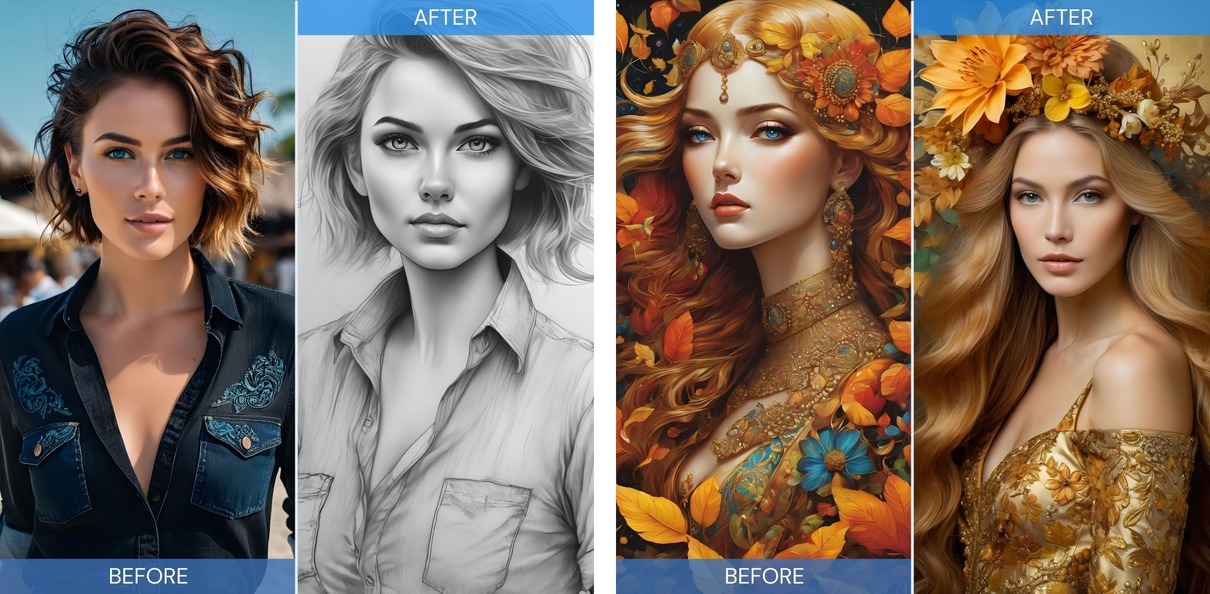
PRO TIP: Choose the Subscription plan or Pay As You Go package to access the Stock Photo Style feature. Use it to easily create custom stock photos for any occasion.
In Conclusion
In a fast-paced digital landscape, having access to flexible, high-quality visuals can make a big difference. Img2Go's free online AI Image Generator offers a solution for creators, marketers, and designers who need to quickly generate similar images at low cost. By using AI, you get faster turnaround times, more creative freedom, and greater control over your visuals.
Try it now and see how AI can streamline your creative process.
Enhance Your Creative Toolkit with Img2Go's AI Tools
Unlock the full potential of your images with Img2Go's suite of AI-driven tools.
- Upscale Image: Need to increase the size and resolution of an image? The Upscale Image AI tool helps your visuals meet high-quality standards for print or viewing. Enhance details, reduce blurriness, and get sharp results with ease.
- Remove Background: Skip complex editing. With this AI-powered tool, you can remove backgrounds from your images in seconds for clean, focused visuals.
- Image Restoration: Restore old or damaged photos with our easy-to-use image restoration tool and recover lost details.
- Colorize Images Online: Turn black and white photos into color. Our AI-based image colorizer automatically adds realistic colors to your images.
- Blur Faces in Photos: Protect privacy and keep people anonymous with one click. The face-blurring tool makes it easy to hide sensitive details.
Explore these tools today and streamline your creative workflow with Img2Go.
Convert files, edit images, and create professional visuals.

