
Halloween is creeping up again, and what better way to celebrate than by creating your own AI-generated Halloween images. Not sure how? Enter the AI Art Generator, Img2Go's app that lets you create eerie Halloween images in seconds!
Whether you are an artist, a marketer, or someone who loves the spooky season, the Halloween AI art generator helps bring your eerie ideas to life with minimal effort. From ghoulish landscapes to haunted houses, it turns your imaginative prompts into eye-catching, spine-chilling images.
Get ready to craft some spooky visuals!
How to Generate AI Images for Halloween?
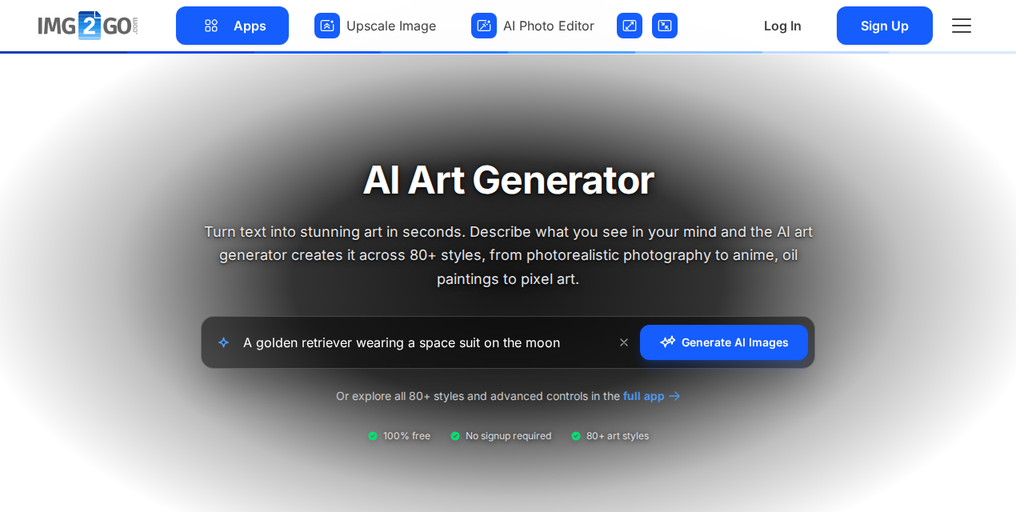
Creating your own Halloween-themed images with Img2Go is easy!
Follow these simple steps to dive into the world of AI art generation:
- Visit Img2Go: Head to the Img2Go website and navigate to the AI Art Generator.
- Enter a Text Prompt: Describe your desired image.
- Adjust the Settings: Fine-tune your artwork in the Settings tab. Choose your preferred style, adjust the camera angle and lighting, and customize other settings so your image matches your vision.
- Generate the Image: Once satisfied with your prompt, hit the "Generate" button. In moments, you will receive high-quality images tailored to your specifications.
- Download and Share: If you love what you have created, download your masterpiece!
TIP: Crafting effective prompts is essential to maximize the potential of Img2Go's AI art generator. We encourage you to read our dedicated blog titled Craft Unique AI Art Prompts with Img2Go's AI Art Generator. This resource covers everything you need to know to create high-quality AI-generated images!
Transform Your Own Photos with a Halloween Twist!
One exciting feature of the Halloween AI Art Generator is the Image-to-Image AI generation, which lets you upload your own image, enter a description in the prompt box, and watch as the tool generates visually similar images this time with a spooky, Halloween touch!
Upload your photo to the AI Similar Image Generator, describe the Halloween twist in "Additional Details," and click "Generate."
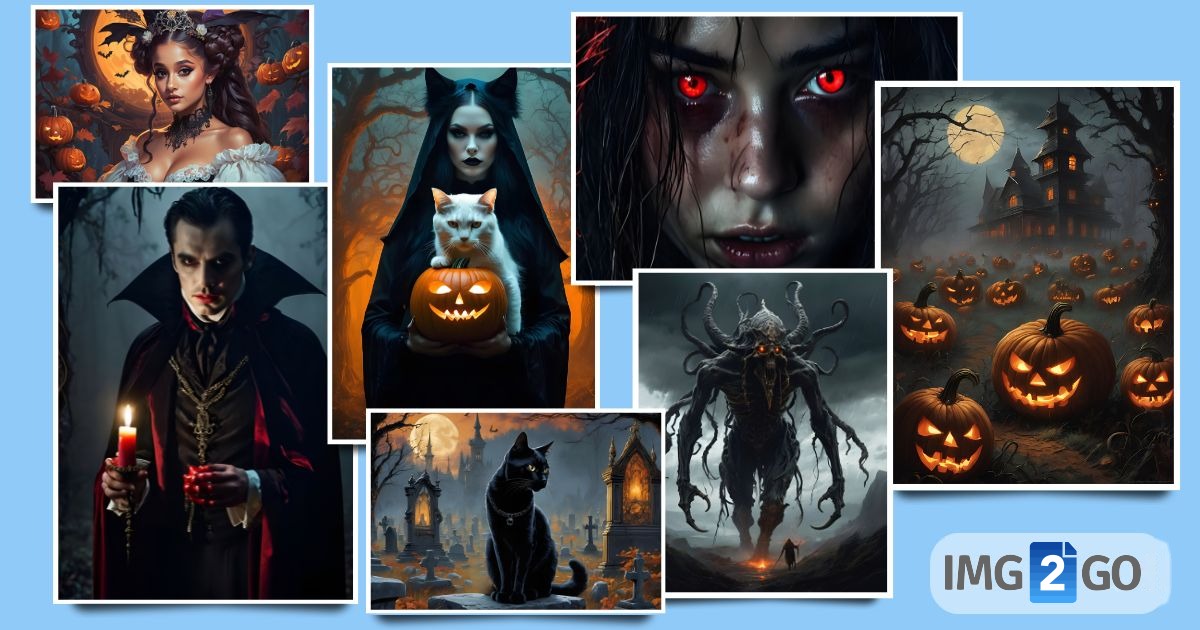
Creative Uses for AI-Generated Halloween Art
AI-generated Halloween images can enhance a multitude of projects:
- Social Media Posts: Create eye-catching visuals to celebrate Halloween on platforms like Instagram and Facebook.
- Profile Pictures & Halloween Avatars: Design unique avatars that reflect the spooky season.
- Party Invitations and Flyers: Make your Halloween gatherings more festive with custom invitations that set the tone.
- Halloween-themed Merchandise Designs: Design T-shirts, mugs, or stickers featuring your AI-generated art.
- Website Banners and Backgrounds: Add festive flair to your website with personalized banners and backgrounds.
- Digital Art and Illustrations: Enhance your portfolio with unique illustrations perfect for the Halloween spirit.
As a premium user, you have access to a wide range of art styles to explore, from Anime and Cartoon to options that allow easy creation of logos, prints, stickers, and more!
Prompts To Try!
Here are some fascinating prompt ideas to guide you:
- PROMPT 1: in dense swirling fog, a sinister scarecrow stands alone in a desolate field, a grotesquely carved pumpkin head grins wickedly, illuminated by the flickering glow of jack-o'-lanterns that encircle it, shadows stretch and contort in the murky darkness, chilling atmosphere of Halloween nightmare, horror, creepy movie scene
- PROMPT 2: demonic girl's face in darkness, glowing red eyes, long messy hair, disfigured, scary horror, depressed, jaded, psycho, gloomy, dramatic image, high quality, Halloween style
- PROMPT 3: a dead girl, steampunk city, Halloween theme, jack-o'-lanterns, Halloween festival, warm colors, warm lighting, hyper-detailed, spider webs, full moon, spooky
- PROMPT 4: black-and-white spooky haunted house image with glowing colored jack-o-lanterns, bats, and a moon in a haunted forest during a storm
- PROMPT 5: scary zombie crawling out of his grave, upper body, cemetery at midnight, ultra-high detail, dynamic lighting, creepy, hyper-realistic photo, horror, creepy movie scene
- PROMPT 6: black cat in a graveyard at midnight, Halloween, by Anton Pieck, intricate, extremely detailed, digital painting, ArtStation concept art
- PROMPT 7: cottagecore, Madonna dressing up for Halloween night, intricate illustration by Krenz Cushart, Alphonse Mucha, Artgerm, trending on ArtStation, horror, witch, spooky, perfect hands
- PROMPT 8: a happy little girl with long straight golden blonde hair sitting among Halloween decor, skulls, and pumpkins, beautiful highly detailed face, beautiful painting by Artgerm, Greg Rutkowski, and Alphonse Mucha
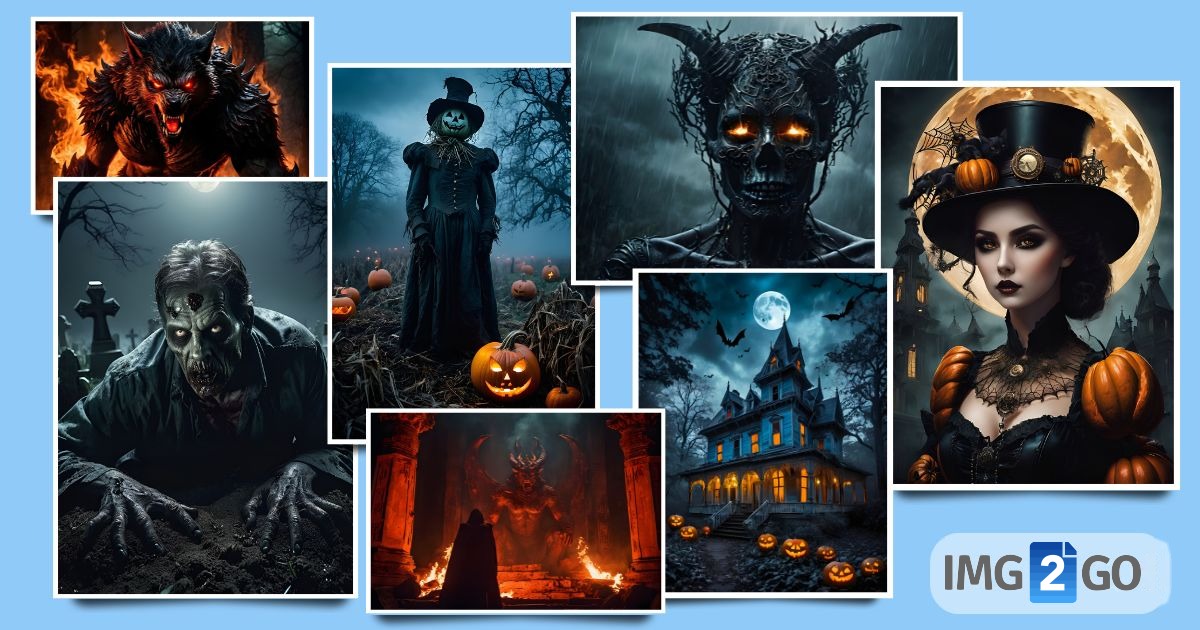
Prompts like these use detailed imagery to guide the AI in creating immersive, chilling scenes with the perfect Halloween atmosphere.
Give it a try!
PRO TIP: Open the Settings tab and choose the styles, color tone, lighting, and camera angle that fit your idea. Each setting can change the final image, so feel free to try different combinations to see what works best for your vision.
In Conclusion
Halloween is the perfect time to let your creativity shine, and with AI-generated images, the possibilities are almost endless. Whether you want eerie art for yourself or to impress friends and followers with unique visuals, this AI tool helps you create truly spine-chilling designs.
Now that you have the right tool, inspiration, and know-how, let your creativity run free. Do not just celebrate Halloween, immerse yourself in it, one AI-generated image at a time.
We would also love to see what you create.
Share your spooky AI-generated Halloween images with us on social media using the hashtags #Img2Go and #AICreatorStudio!