
Image Upscaler
Upscale images online for free with AI. Increase resolution without losing quality.




One platform for all your image editing needs
Free online apps to edit, convert, compress, and enhance images in your browser
Three ways to upscale an image
Choose the upscale method that fits your project. Each mode gives you different levels of control over the final image dimensions.
Scale factor (2x / 4x)
The fastest option. Select 2x to double or 4x to quadruple the resolution. The AI image upscaler fills in new pixels automatically to keep edges sharp and textures natural.
Custom pixel dimensions
Set an exact width and height in pixels, up to 12,000 px per side. Enter just the width or just the height to maintain the original aspect ratio. Ideal for print or display targets.
Percentage scaling (101-400%)
Scale up by a percentage between 101% and 400%. Use the slider for quick adjustment or type in the exact value. Useful when you need a precise size increase without calculating pixels.
AI image upscaler - before and after
The image upscaler uses AI to reconstruct details that do not exist in the original low-resolution image. Move the slider to compare the original and the upscaled result.
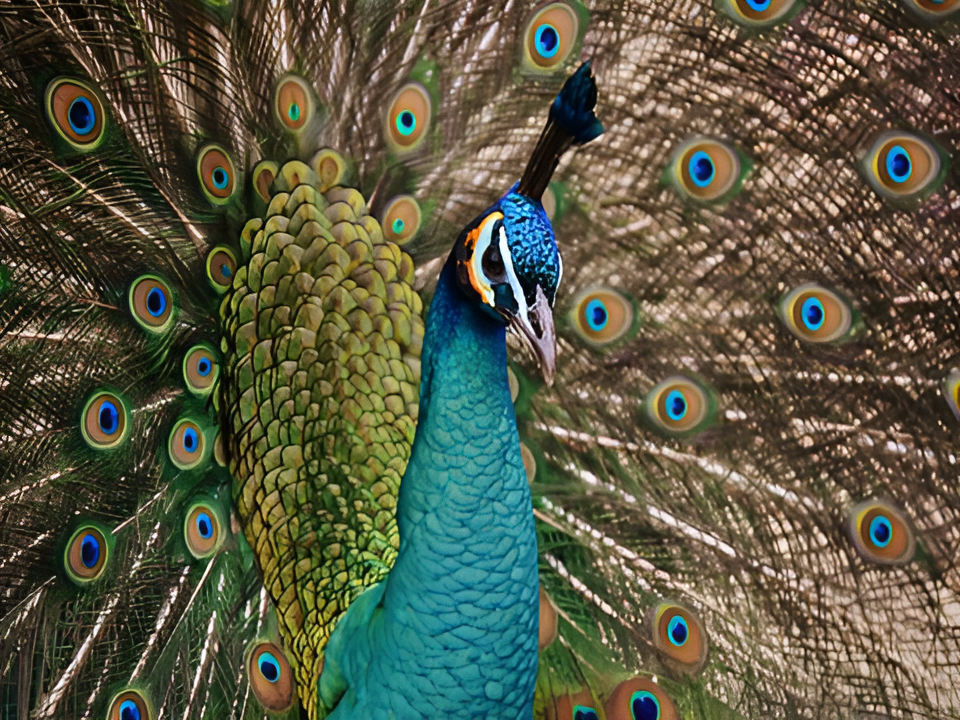
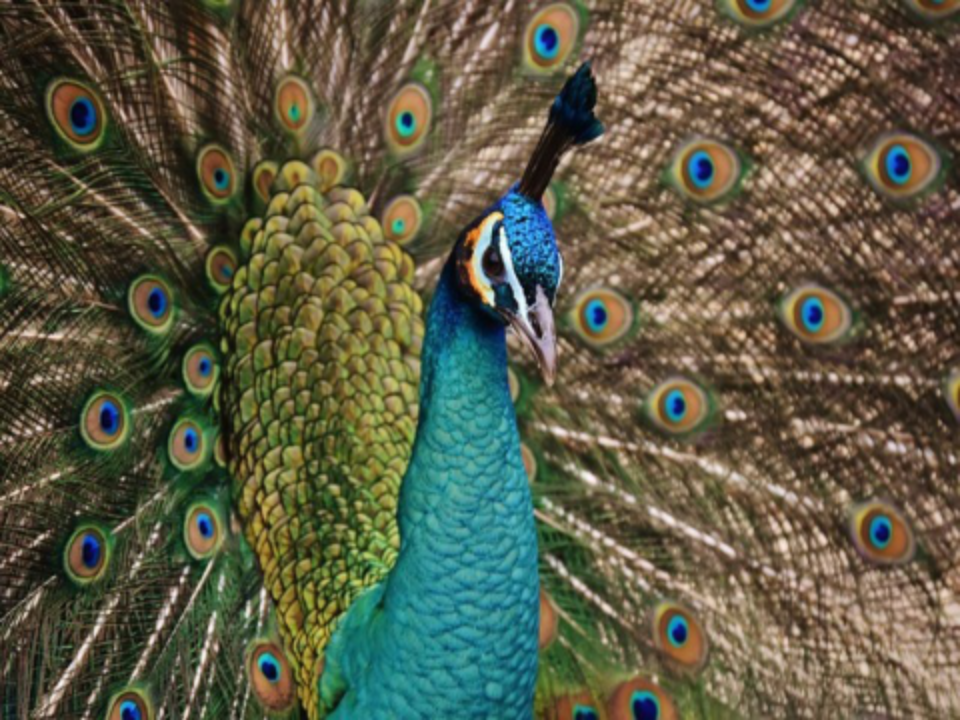
Restore sharp details from low-resolution photos
This peacock photo was upscaled at 2x using the AI image enlarger. The original lacked detail and appeared blurry. After processing, the feathers show crisp edges and vivid color gradients. The AI reconstructed texture information that was not present in the source file.
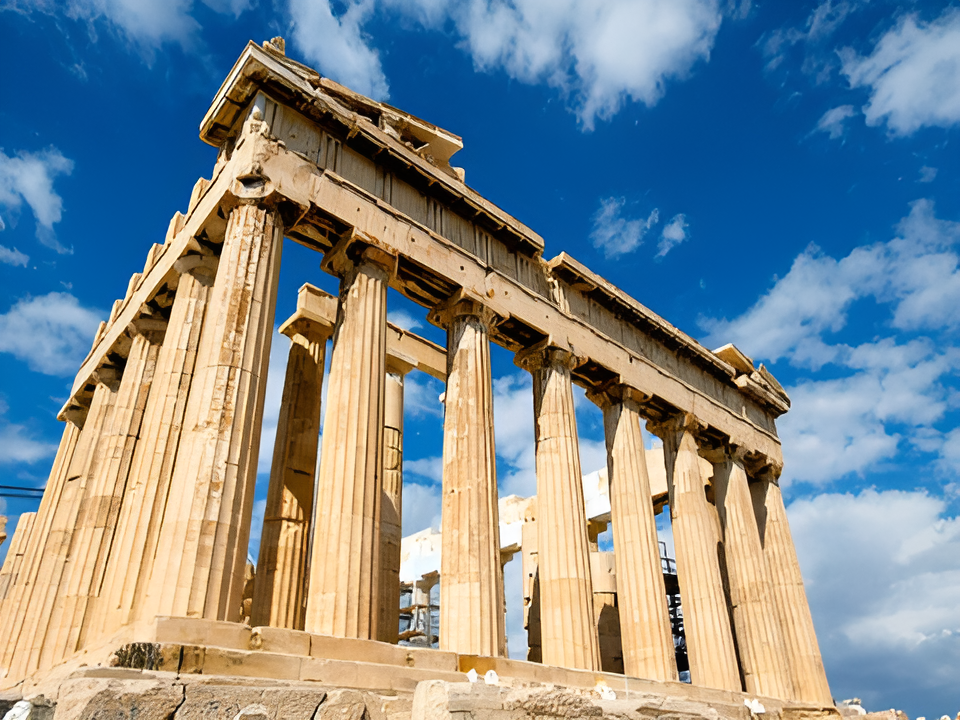
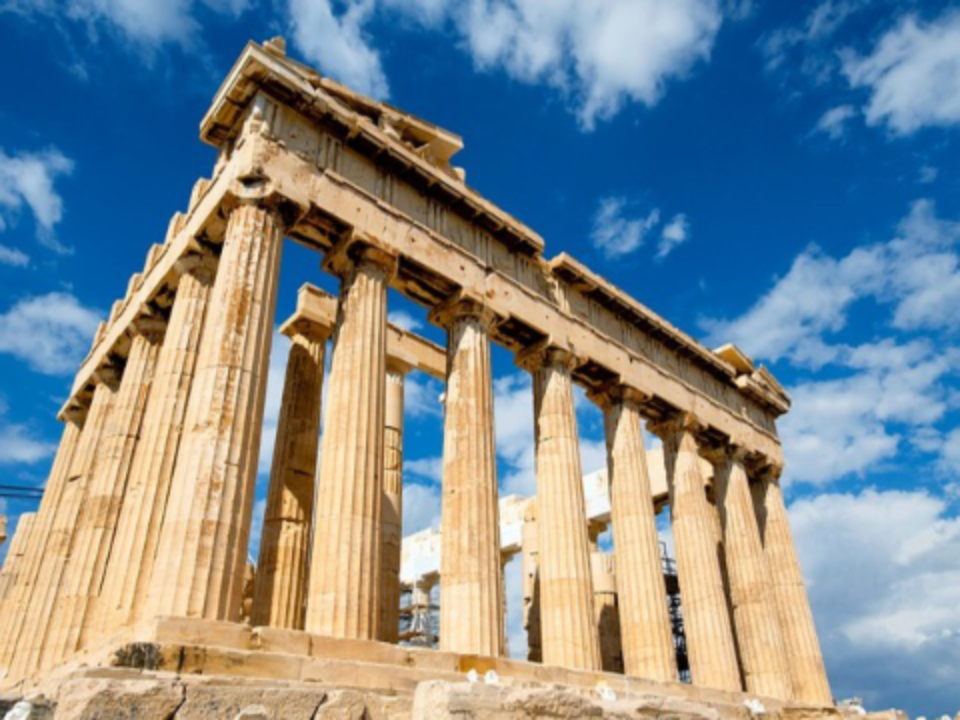
Enhance image resolution for architecture and landscapes
This architectural photo was transformed from a soft, undefined image into a clear and sharp result. The AI upscaler preserved the fine patterns on the temple columns and enhanced the contrast between structural elements. The image was upscaled at 2x without visible artifacts.
How does an AI image upscaler work?
Traditional image resizing stretches pixels and creates a blurry result. An AI image upscaler works differently. It uses deep learning neural networks trained on millions of images to predict what the missing pixels should look like. The algorithm analyzes patterns, edges, and textures in the source image, then generates new pixel data that matches the original style.
The result is a higher-resolution image with sharp edges, natural textures, and realistic details. The AI can recover information that simple interpolation methods lose entirely. This makes AI upscaling ideal for enlarging photos, product images, artwork, and any image where quality matters.
Upscale JPG, PNG, WebP, and 10+ image formats
The image upscaler accepts all common image formats including JPG, PNG, WebP, GIF, BMP, TIFF, EPS, ICO, TGA, and SVG. Upload any image file and the tool processes it automatically. The output format defaults to the original, but you can choose a different target format from the settings panel.
JPG is the best choice for photographs and images with many colors. PNG preserves transparency and works well for graphics with text or logos. WebP offers smaller file sizes than JPG at similar quality, making it ideal for web use. Each format is handled natively by the AI upscaler without manual configuration.
Who uses an AI image upscaler?
From photographers to online sellers, the image upscaler helps anyone who needs higher-resolution images for their projects.
Photographers
Enlarge photos for prints, galleries, and client deliveries. Upscale image files from older cameras to meet modern resolution standards.
E-commerce sellers
Increase image resolution for product photos on Amazon, eBay, and Shopify. Higher-resolution product images lead to better conversion rates.
Social media creators
Make images bigger for Instagram, Facebook, and Pinterest posts. Upload a small image and get a sharp, high-resolution version ready for any platform.
Print and posters
Upscale image files to 4K or larger for high-quality prints, banners, and posters. Avoid pixelation even at large print sizes.
Graphic designers
Increase resolution of client-provided assets, reference images, and stock photos. Scale up source material to match your design canvas without blurring.
Old photo restoration
Restore old or scanned photos by increasing image resolution. The AI enhances faded details and reduces noise from low-quality scans.
Upscale images securely in your browser
The image upscaler runs entirely online. There is no software to install and no account required for free use. Upload your image, choose a scaling method, and download the upscaled result. The entire process takes seconds.
Your files are processed on GDPR-compliant servers located in Europe. The tool does not share your data with third parties.
How to upscale an image online
-
Upload your image
Drag and drop a JPG, PNG, or any image file into the uploader above. You can also paste a URL or select a file from your device.
-
Choose scaling method
Select 2x or 4x for quick upscaling, enter custom pixel dimensions, or set a percentage. Pick an output format or keep the original.
-
Upscale and download
Click Upscale and wait a few seconds for the AI to process your image. Download the high-resolution result to your device.
Image Upscaler FAQ
What is an AI image upscaler?
An AI image upscaler is an online tool that uses artificial intelligence to increase image resolution. Unlike traditional resizing, which stretches pixels and causes blur, the AI predicts missing pixel data based on patterns in the original image. The result is a larger image with sharp edges, natural textures, and realistic details.
Is the image upscaler free to use?
Yes, the image upscaler offers free use with 2 conversions per 24 hours. No account is required for free processing. For more conversions and faster processing, paid plans are available starting from the Starter tier.
How do I upscale an image to 4K?
Upload your image, select the 4x scale factor, and click Upscale. The AI image upscaler will increase the resolution to 4 times the original dimensions. You can also enter exact pixel dimensions, for example 3840 x 2160, using the custom pixel mode.
Which image formats does the upscaler support?
The image upscaler accepts JPG, PNG, WebP, GIF, BMP, TIFF, EPS, ICO, TGA, and SVG files. You can save the upscaled image in the original format or convert it to a different output format. The most common choices are JPG for photographs and PNG for graphics with transparency.
Can I upscale multiple images at once?
Yes, the image upscaler supports batch processing. Upload multiple image files and upscale them all in one operation. Each image is processed individually by the AI, so you get high-quality results for every file. This saves time when working with large collections of photos.
Will upscaling improve the quality of old or blurry photos?
Yes. The AI image upscaler can restore details in low-resolution, old, or scanned photos. It reconstructs texture information that is missing from the source file. The results are best when the original image has enough structure for the AI to analyze. Extremely low-quality or heavily compressed images may show limited improvement.
What is the maximum image size the upscaler can handle?
You can set output dimensions up to 12,000 pixels per side using the custom pixel mode. The scale factor mode supports 2x and 4x multiplication of the original dimensions. The percentage mode allows scaling from 101% to 400% of the original size. The actual maximum depends on your original image size and your subscription plan.
Are my uploaded images kept private and secure?
Yes, your images are processed on GDPR-compliant servers in Europe. The image upscaler does not share your data with third parties. No account is required for free use.
Related articles
How to Upscale an Image Online
Step-by-step guide to upscale image resolution with AI. Learn how to enlarge photos without losing quality.
Read articleShould you vectorize or upscale your AI art?
Learn the difference between vectorizing and upscaling. Choose the right method for your AI-generated artwork.
Read articleHow to Generate, Upscale, and Print AI Art
A complete guide to creating AI art, upscaling it to print resolution, and preparing it for high-quality prints.
Read articleLearn About Image Formats
JPEG vs PNG - Which Format to Choose
Understand the differences between JPEG and PNG. Learn when to use each format for best results after upscaling.
Read articleHow Does JPEG Compression Work?
Learn how JPEG compression reduces file size and why upscaled JPG images maintain quality when saved correctly.
Read article