Turn text into stunning art in seconds. Describe what you see in your mind and the AI art generator creates it across 80+ styles, from photorealistic photography to anime, oil paintings to pixel art.




Every image below was created with the AI art generator using a text prompt
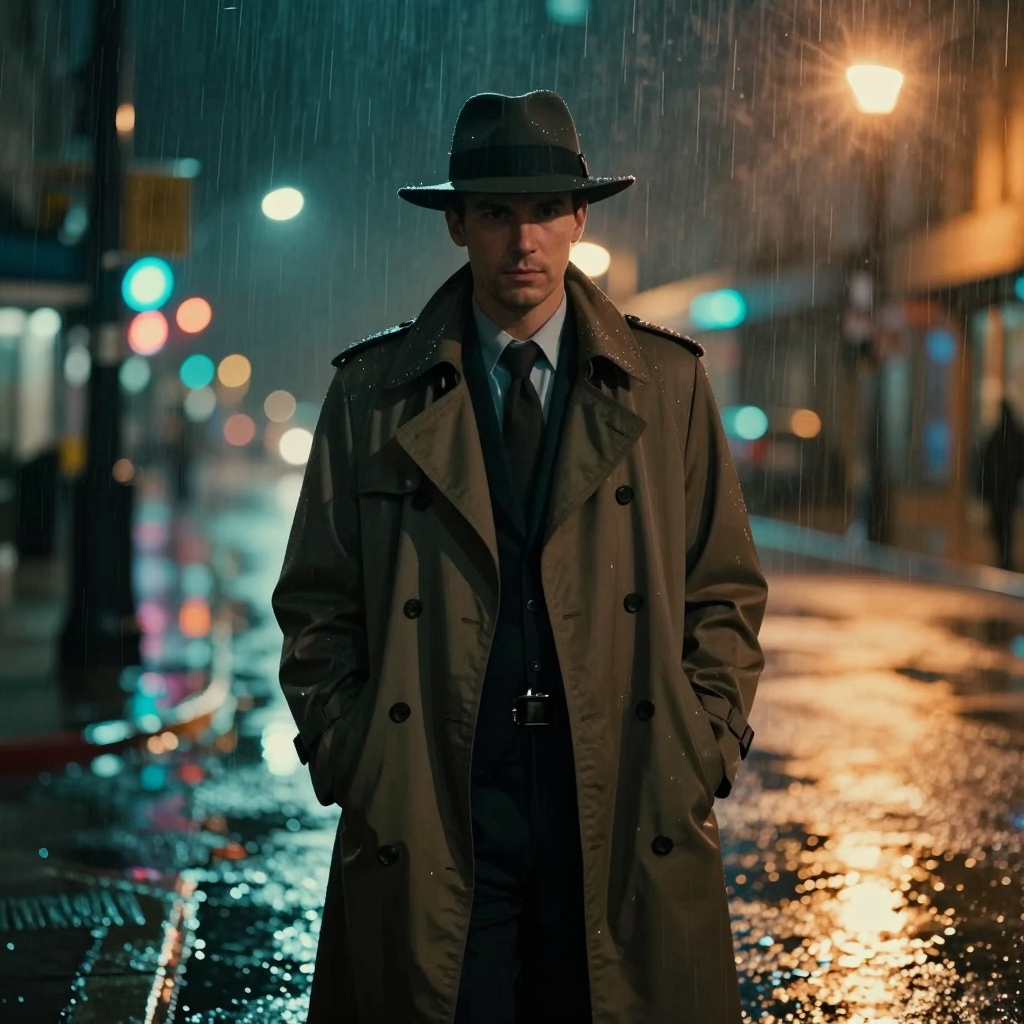 Cinematic
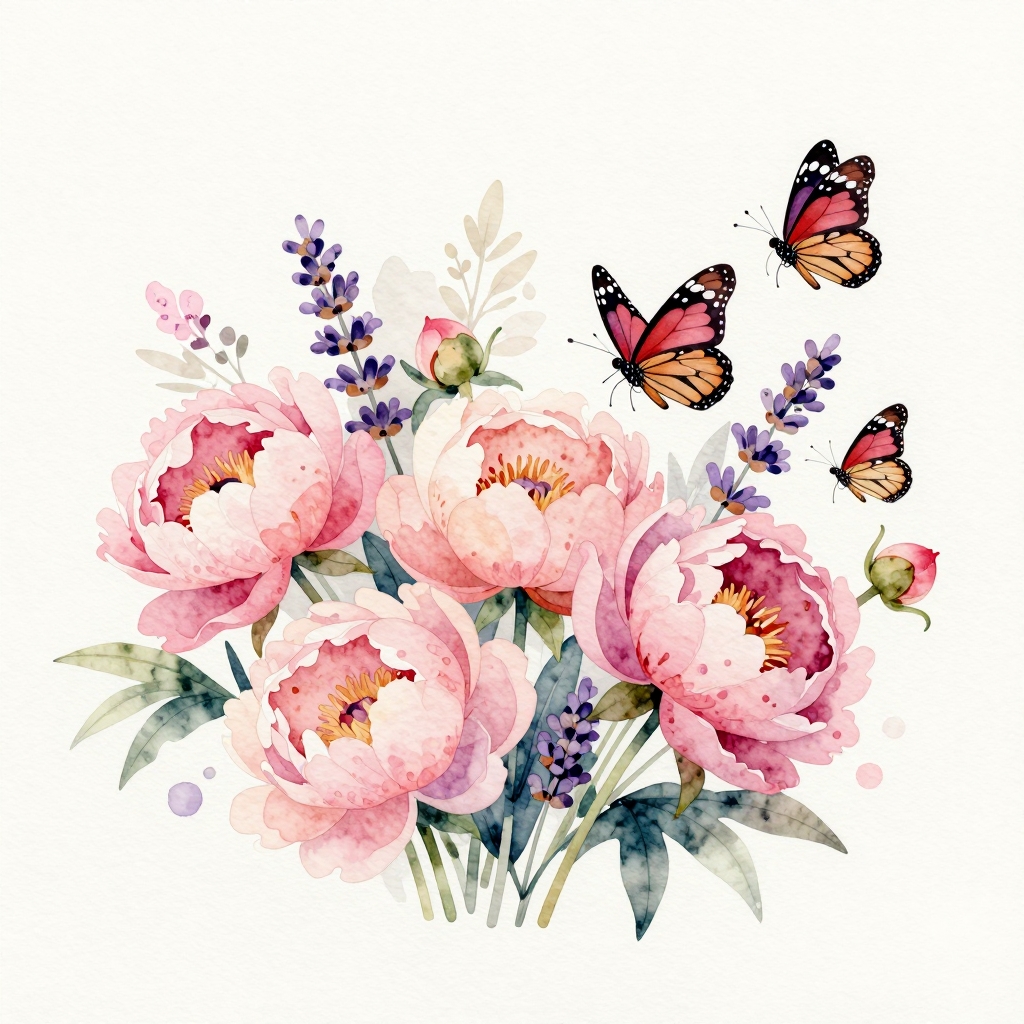 Watercolor
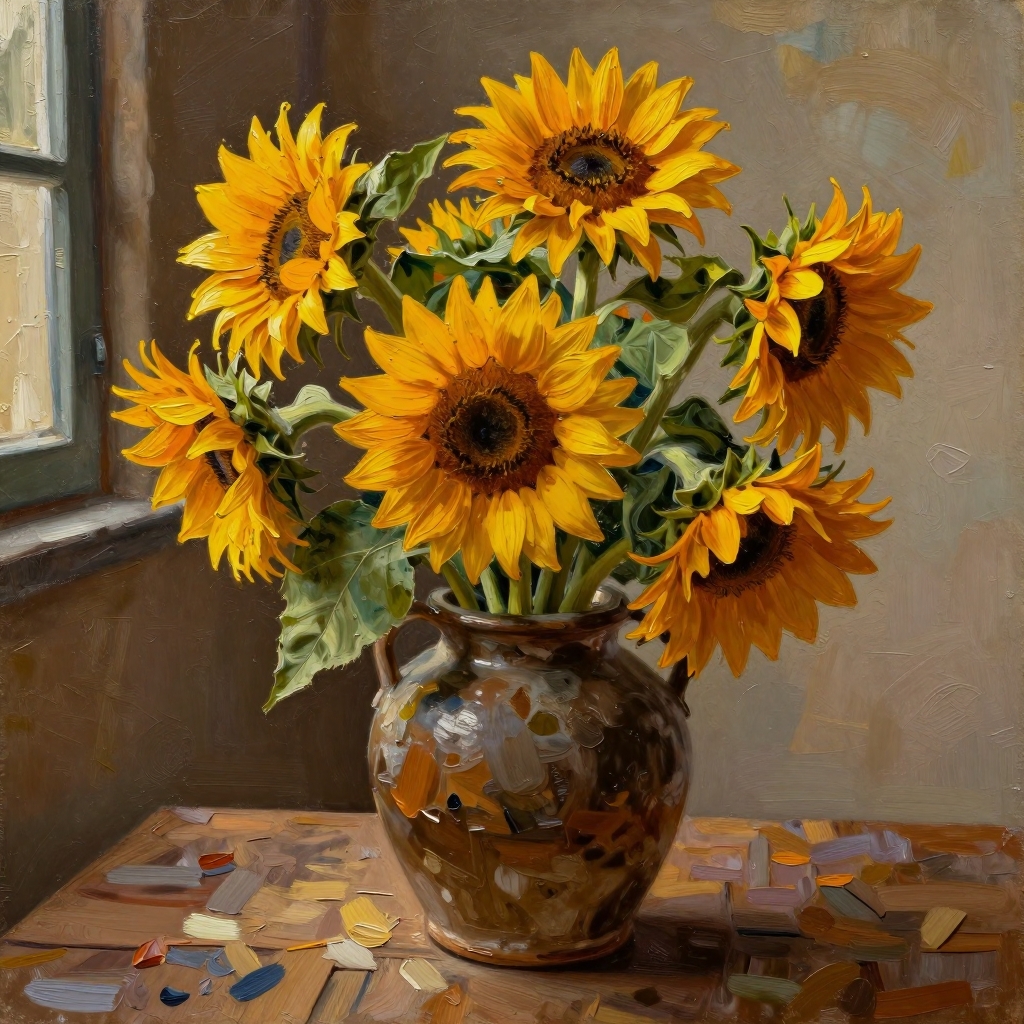 Oil Painting
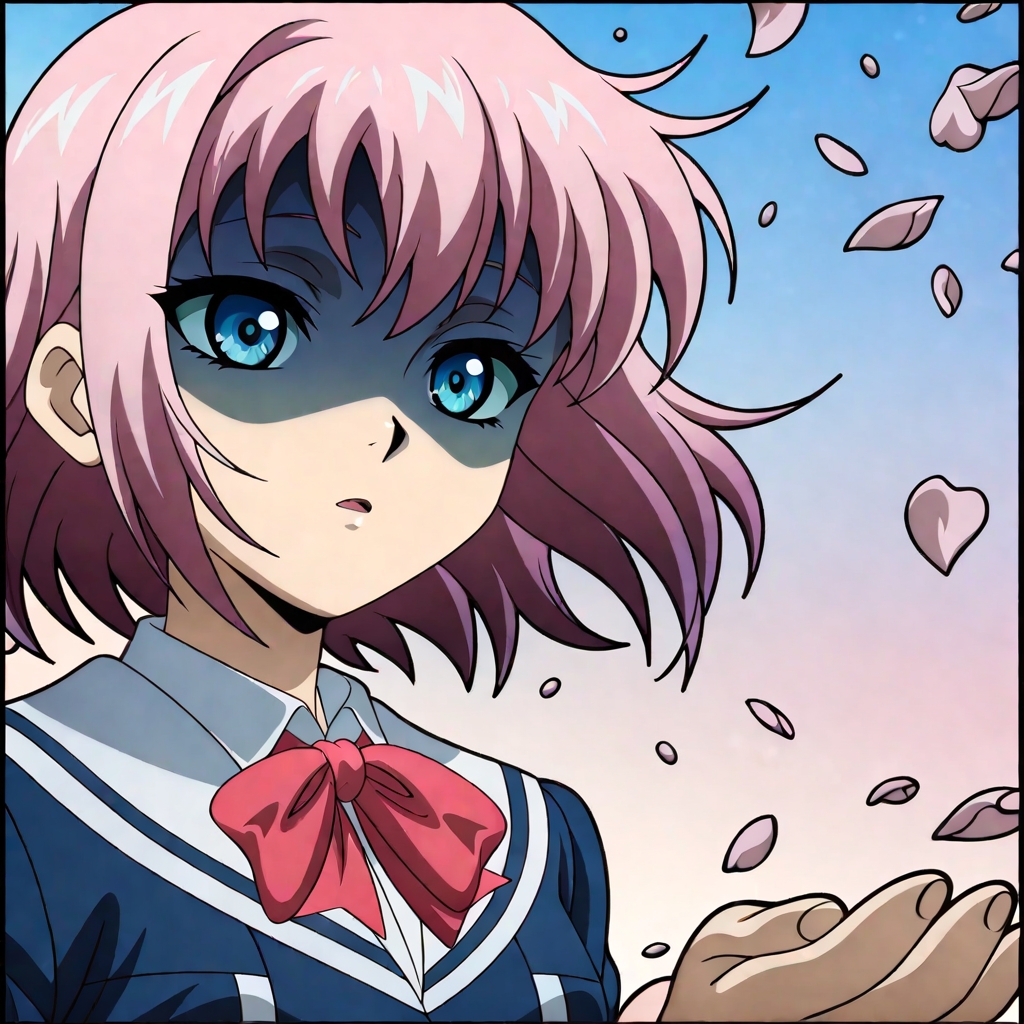 Anime
Anime
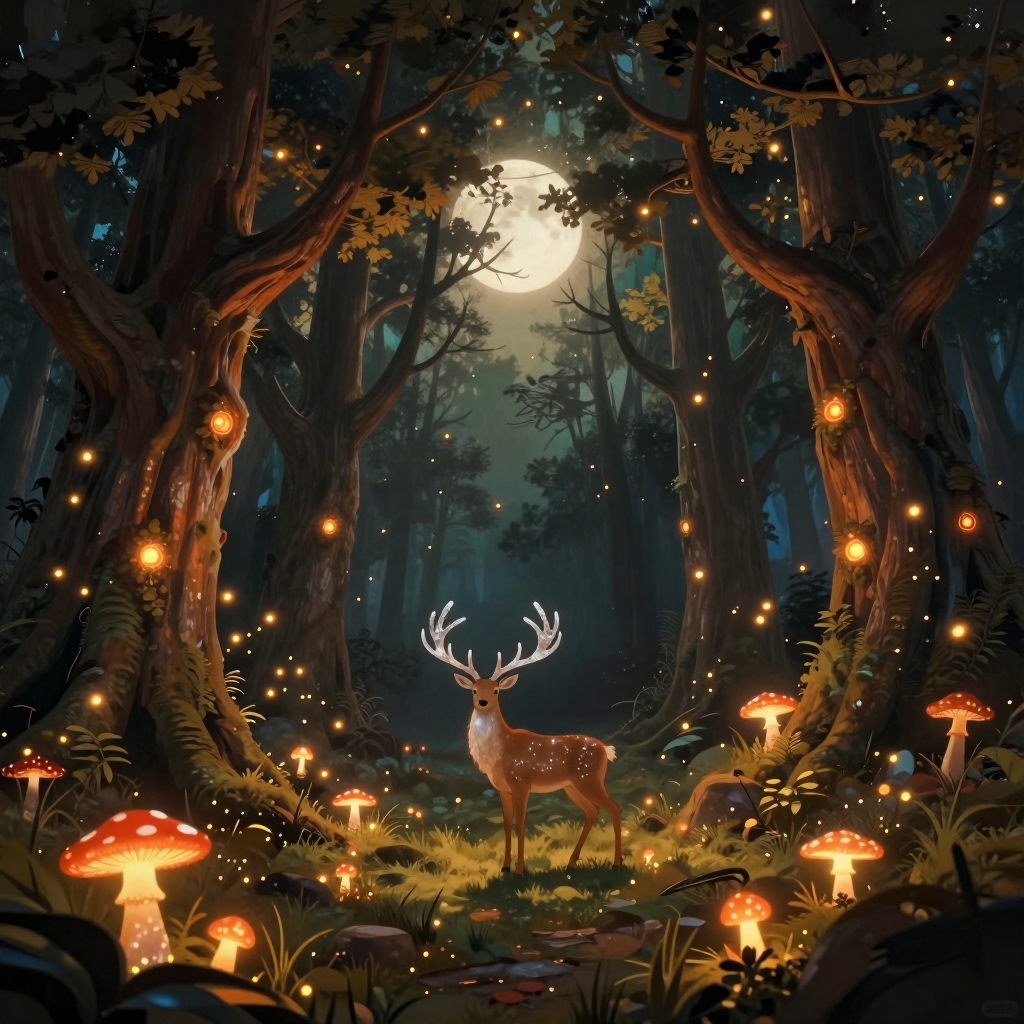 Fantasy
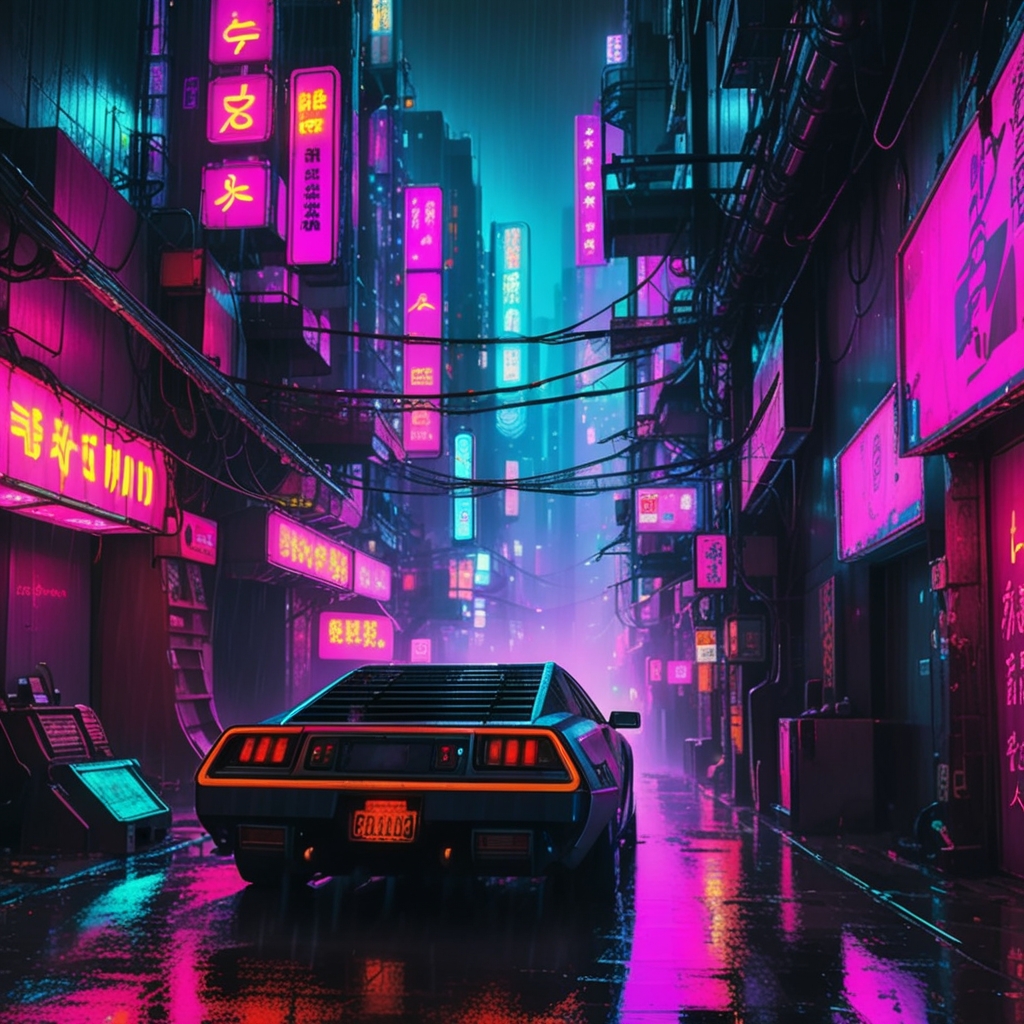 Cyberpunk
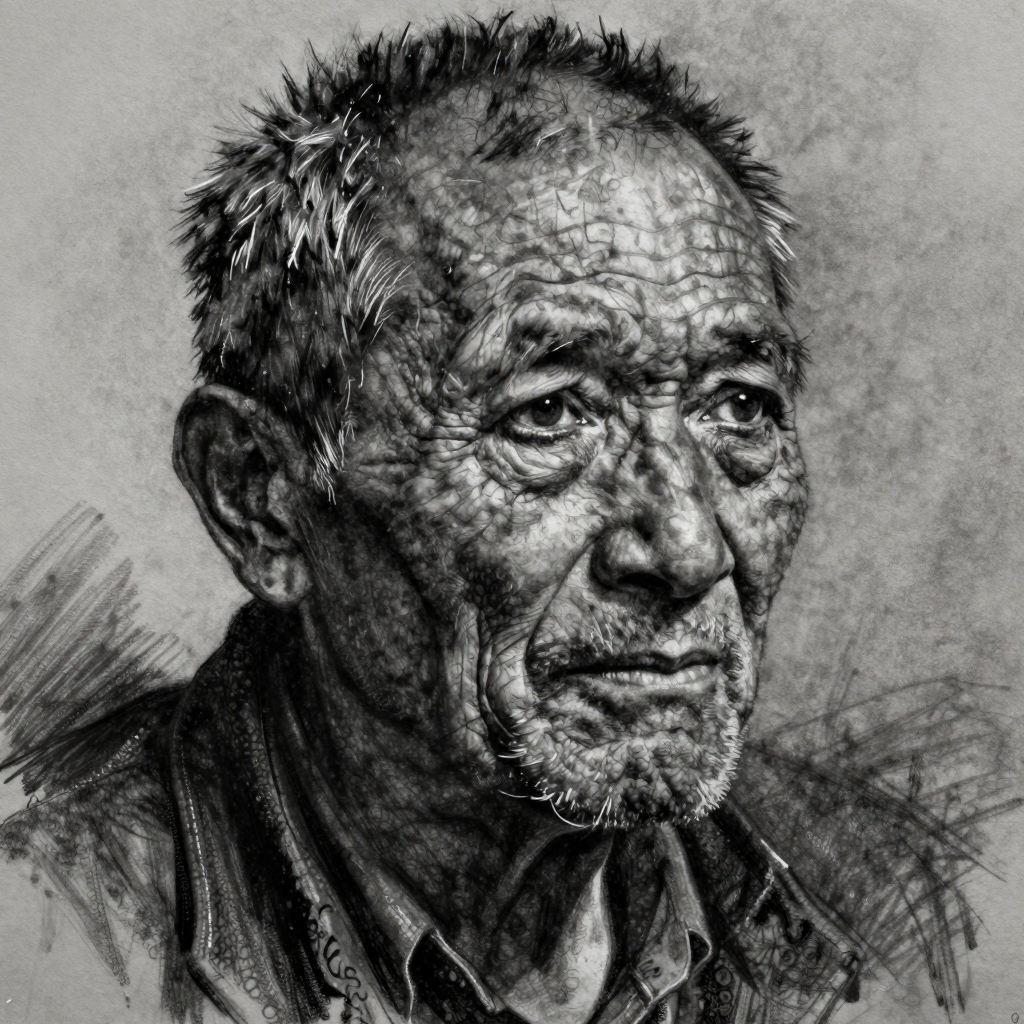 Charcoal
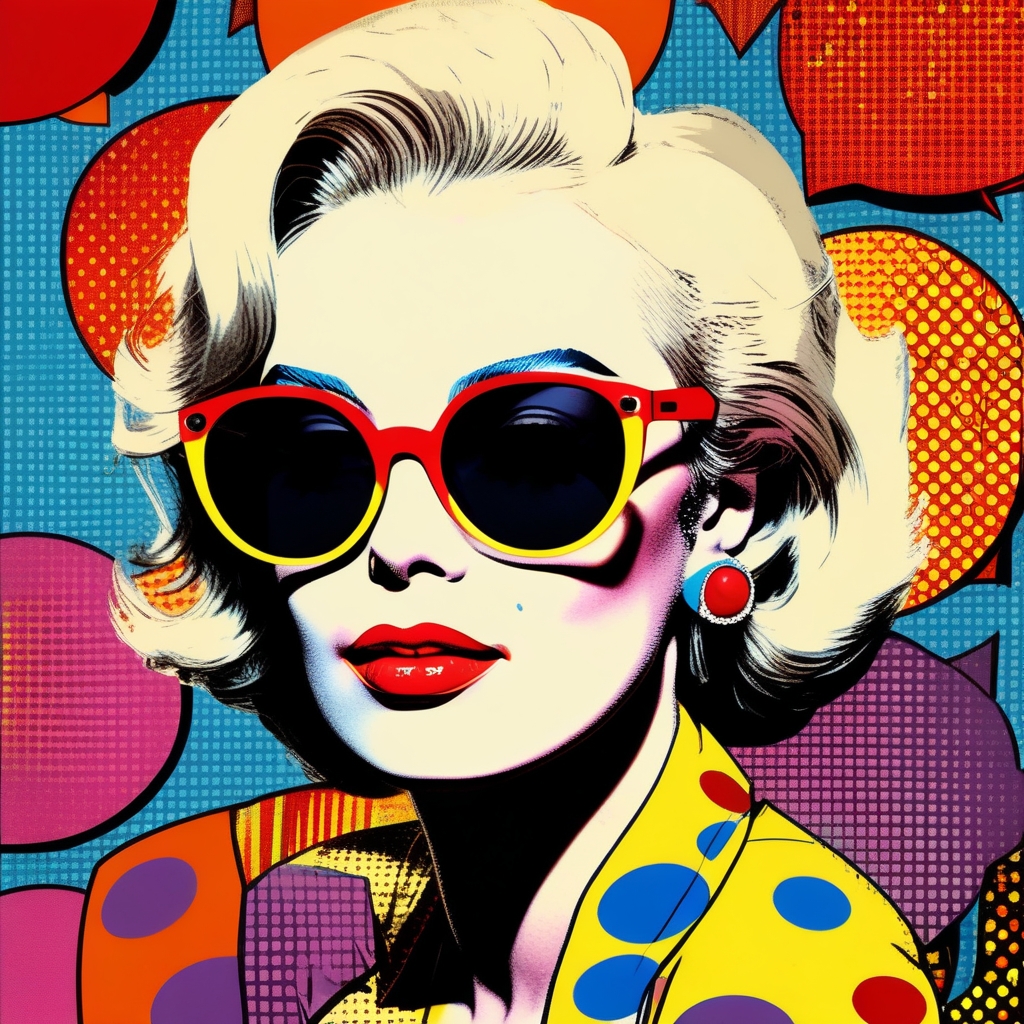 Pop Art
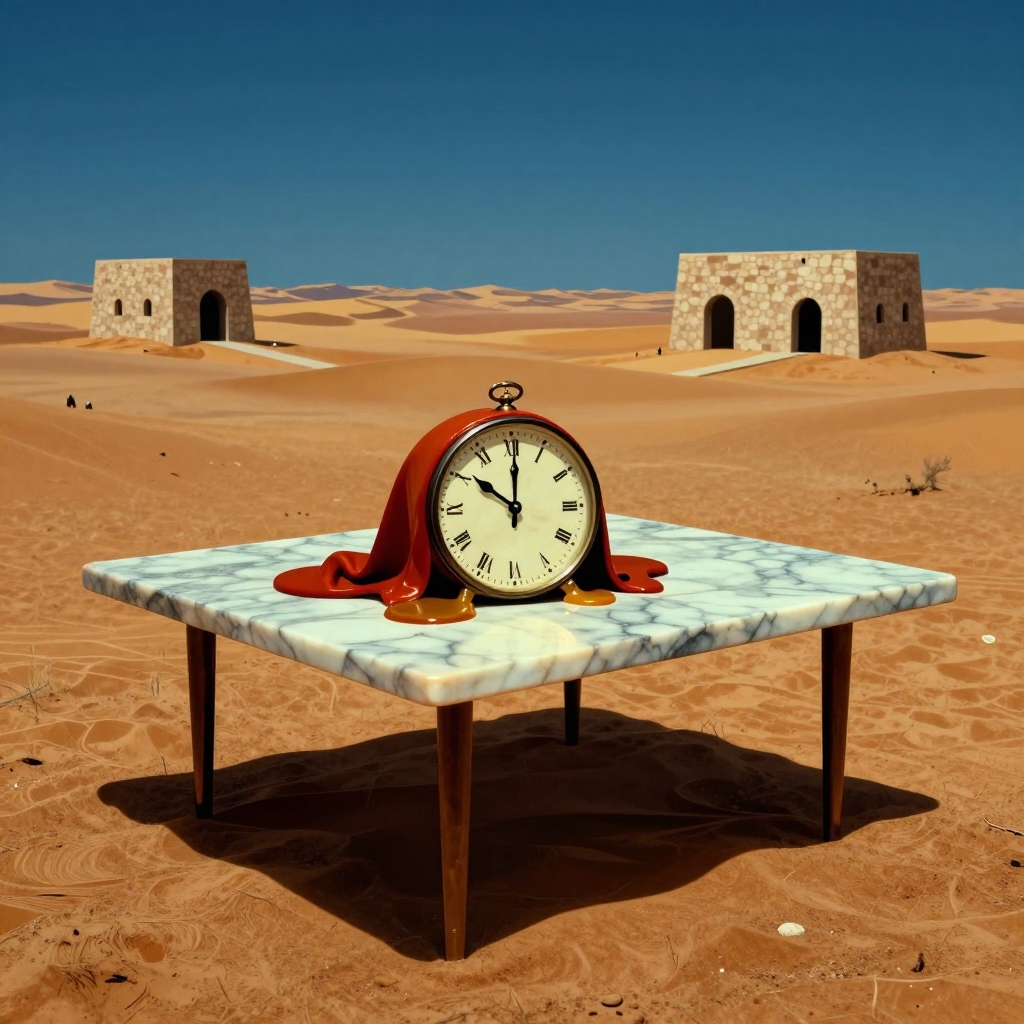 Surreal
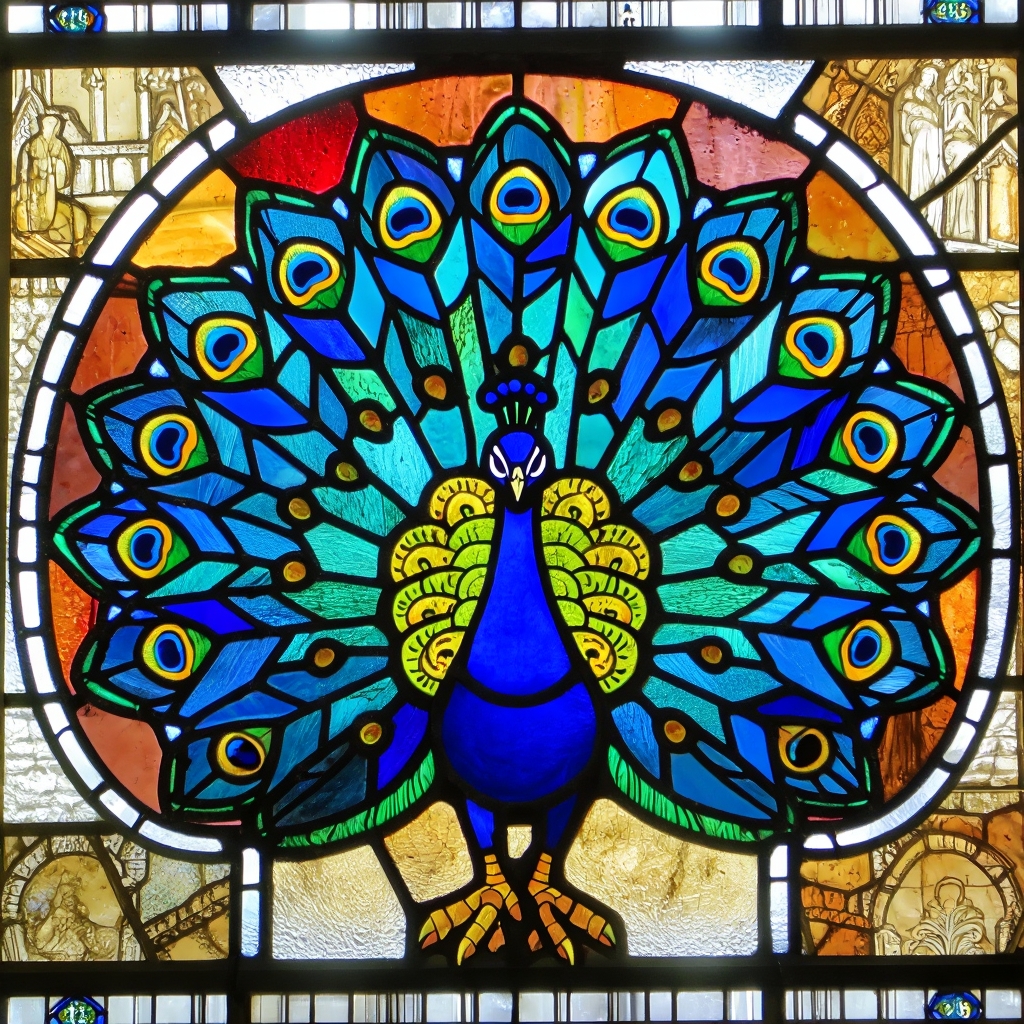 Stained Glass
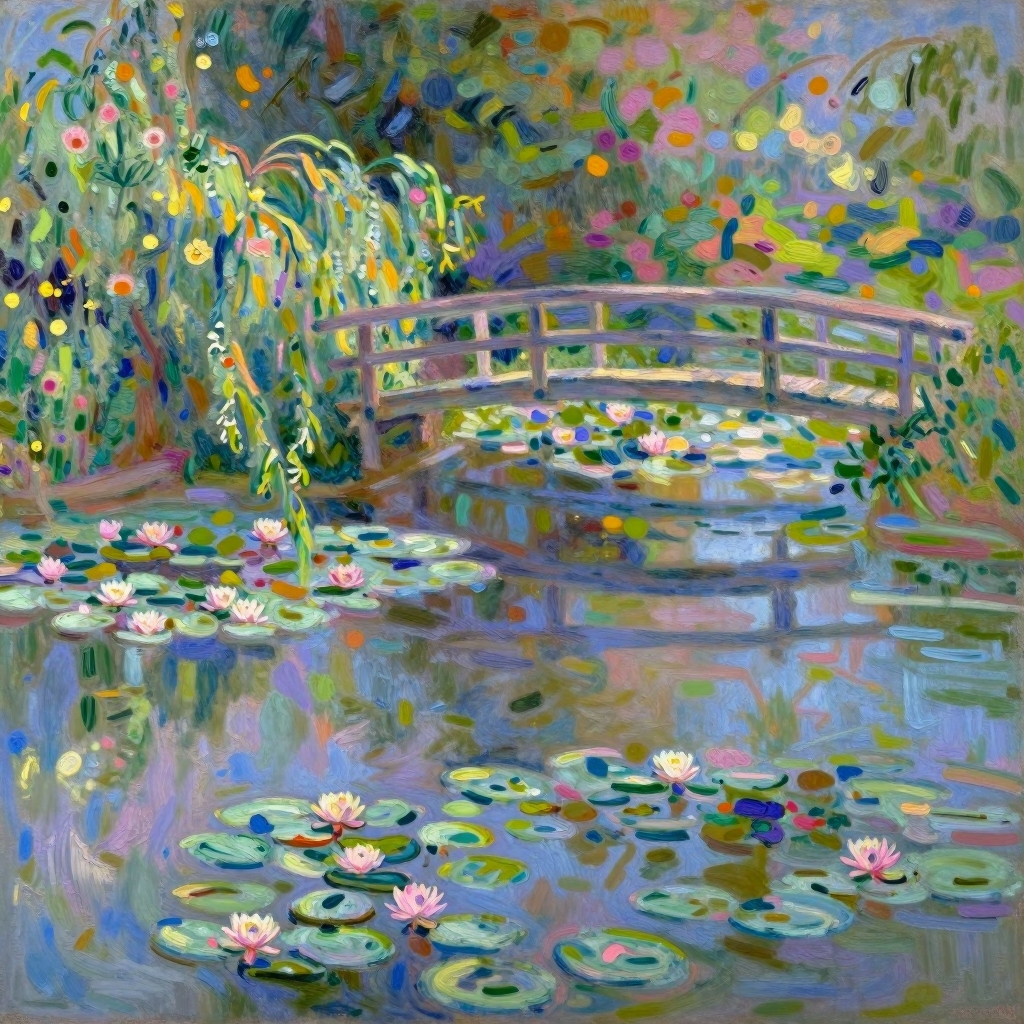 Impressionist
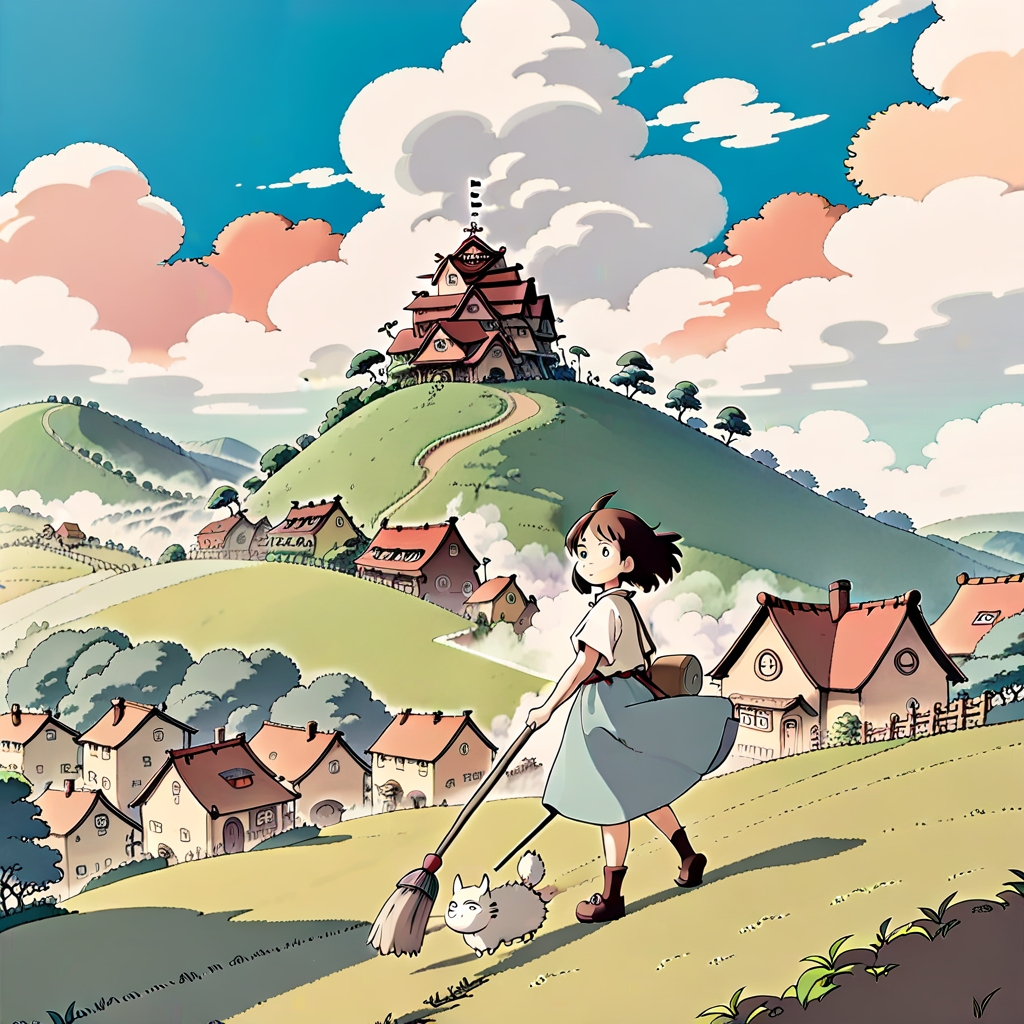 Studio Ghibli
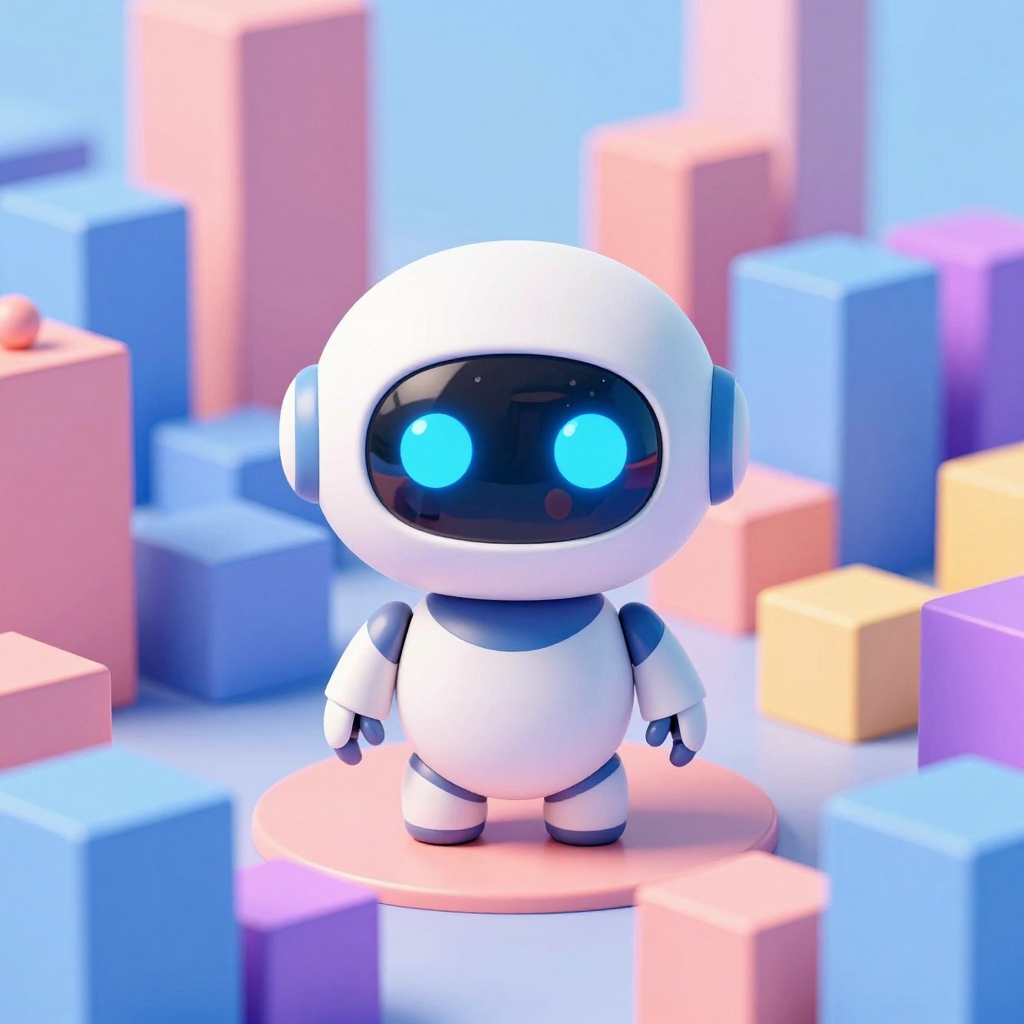 3D Render
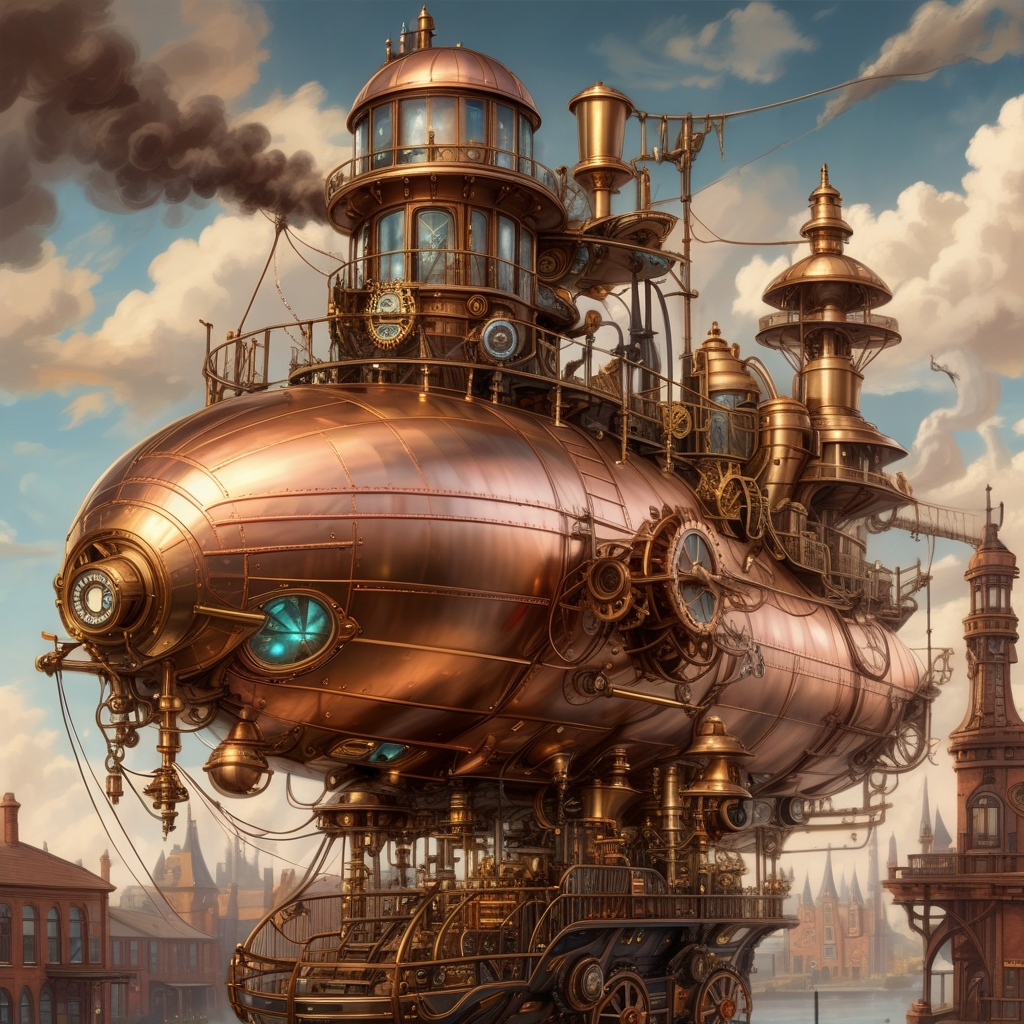 Steampunk
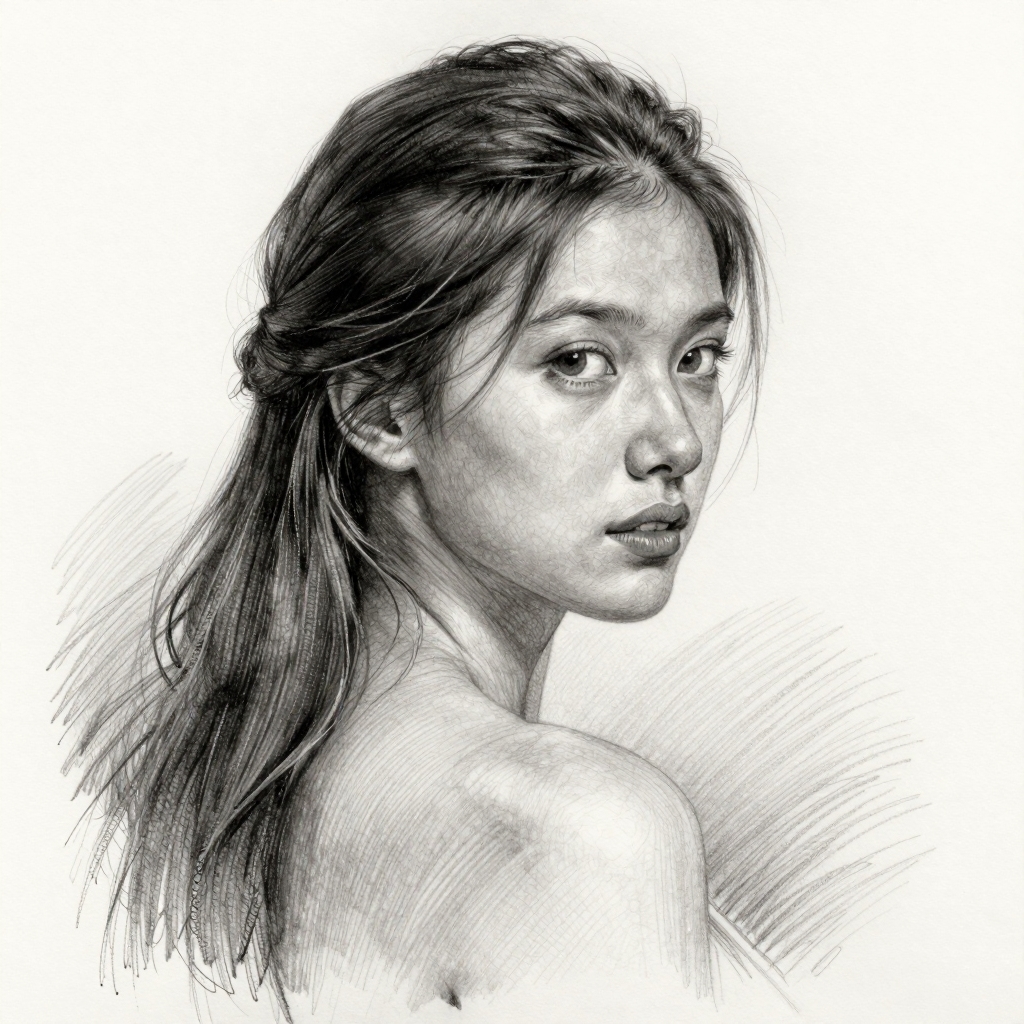 Pencil Sketch
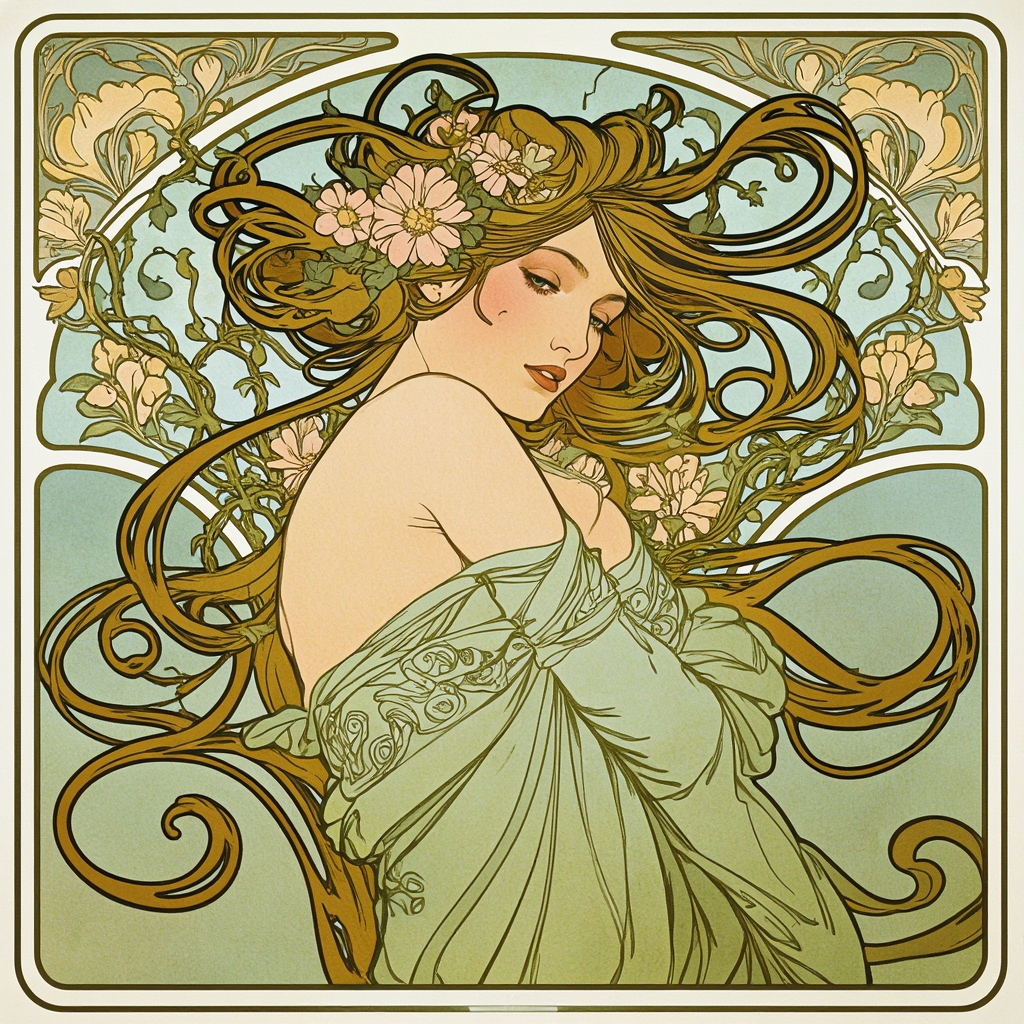 Art Nouveau
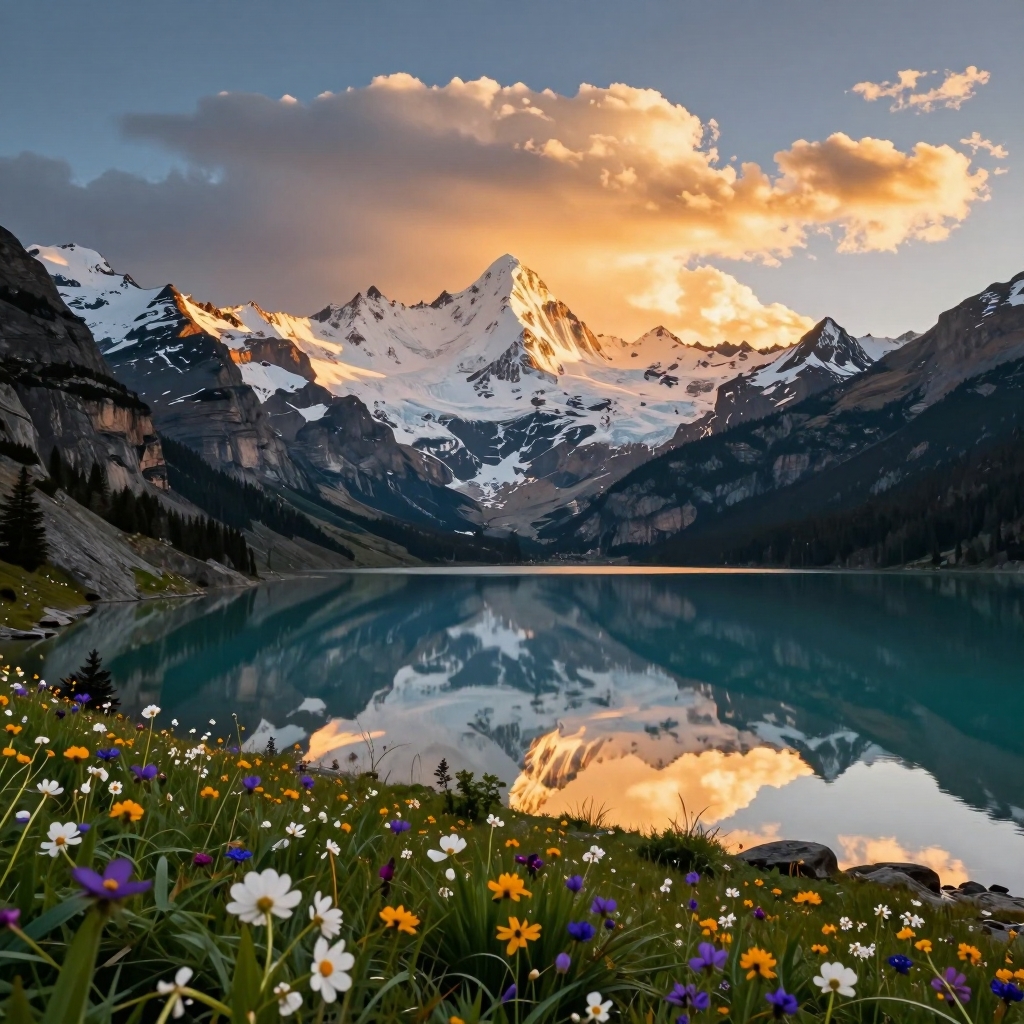 Landscape
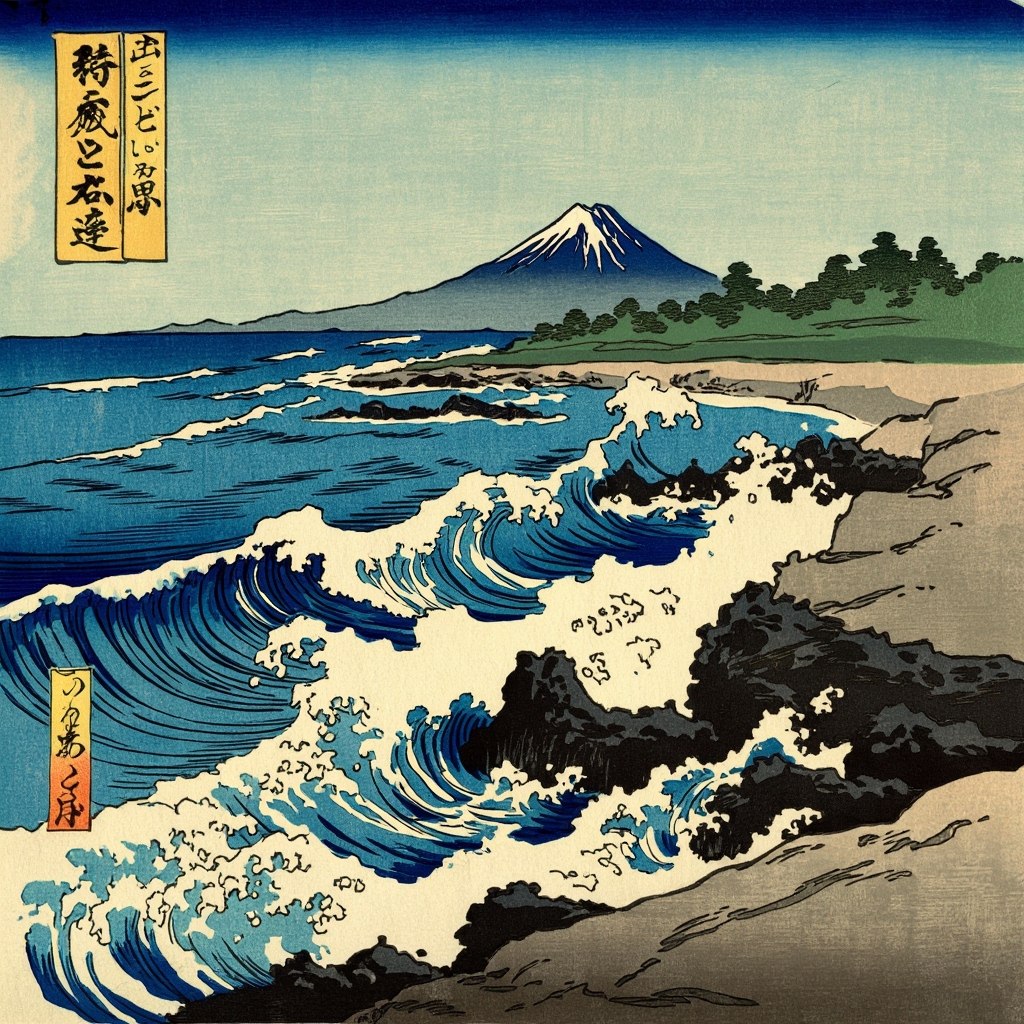 Ukiyo-e
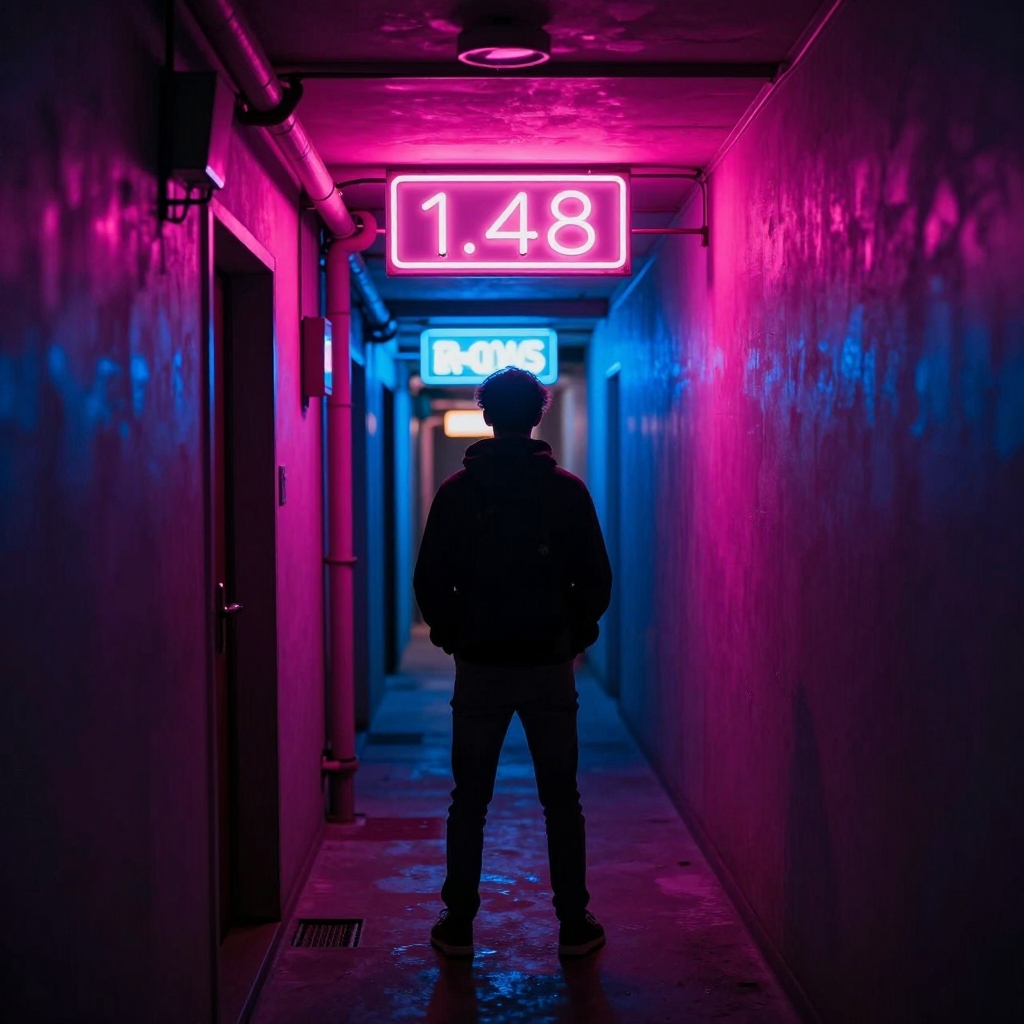 Neon
Neon
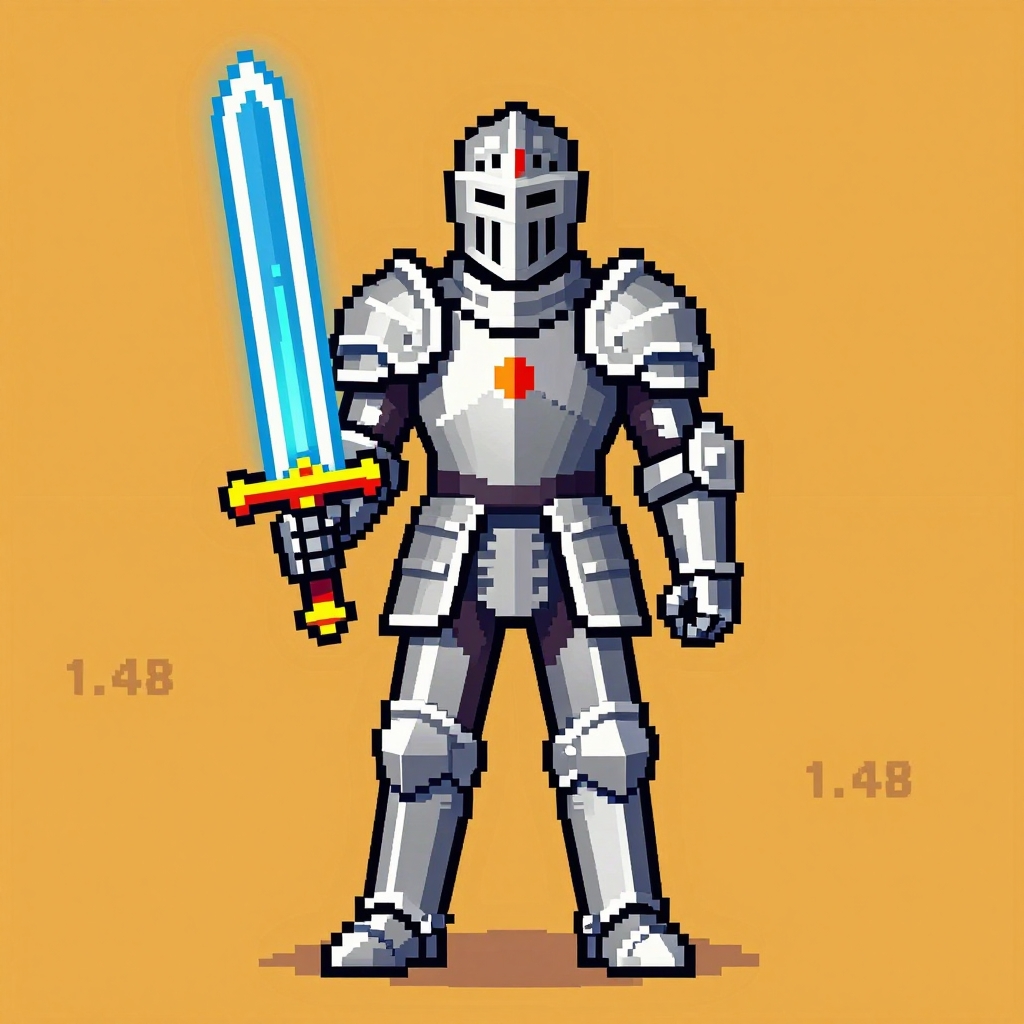 Pixel Art
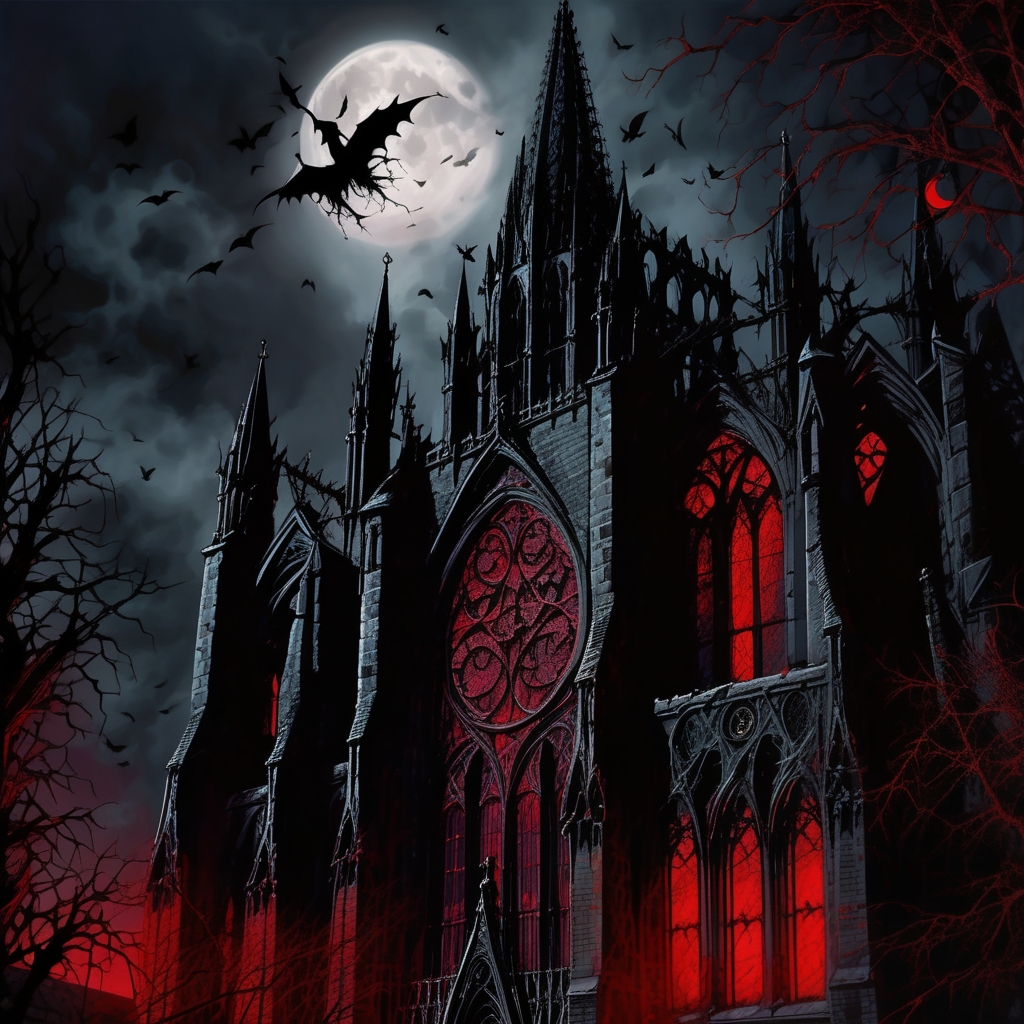 Gothic
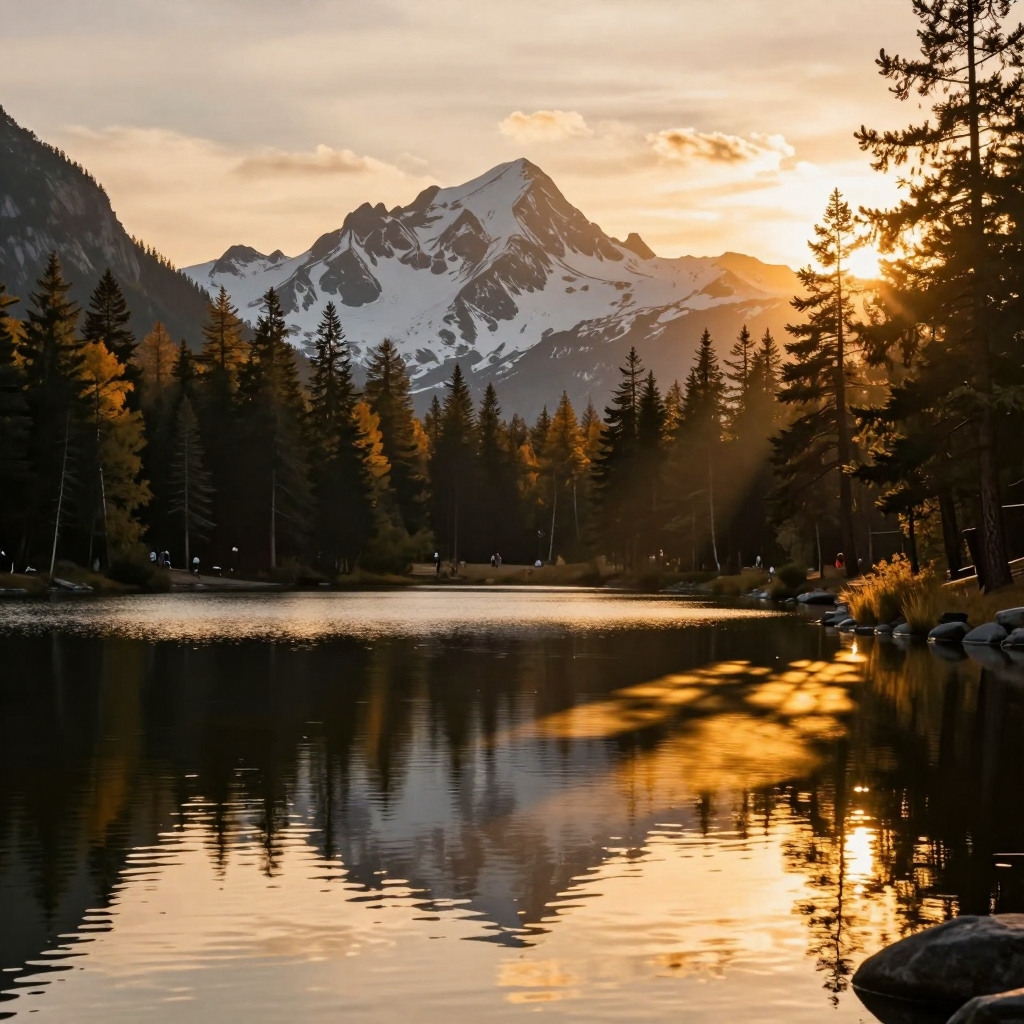 Golden Hour
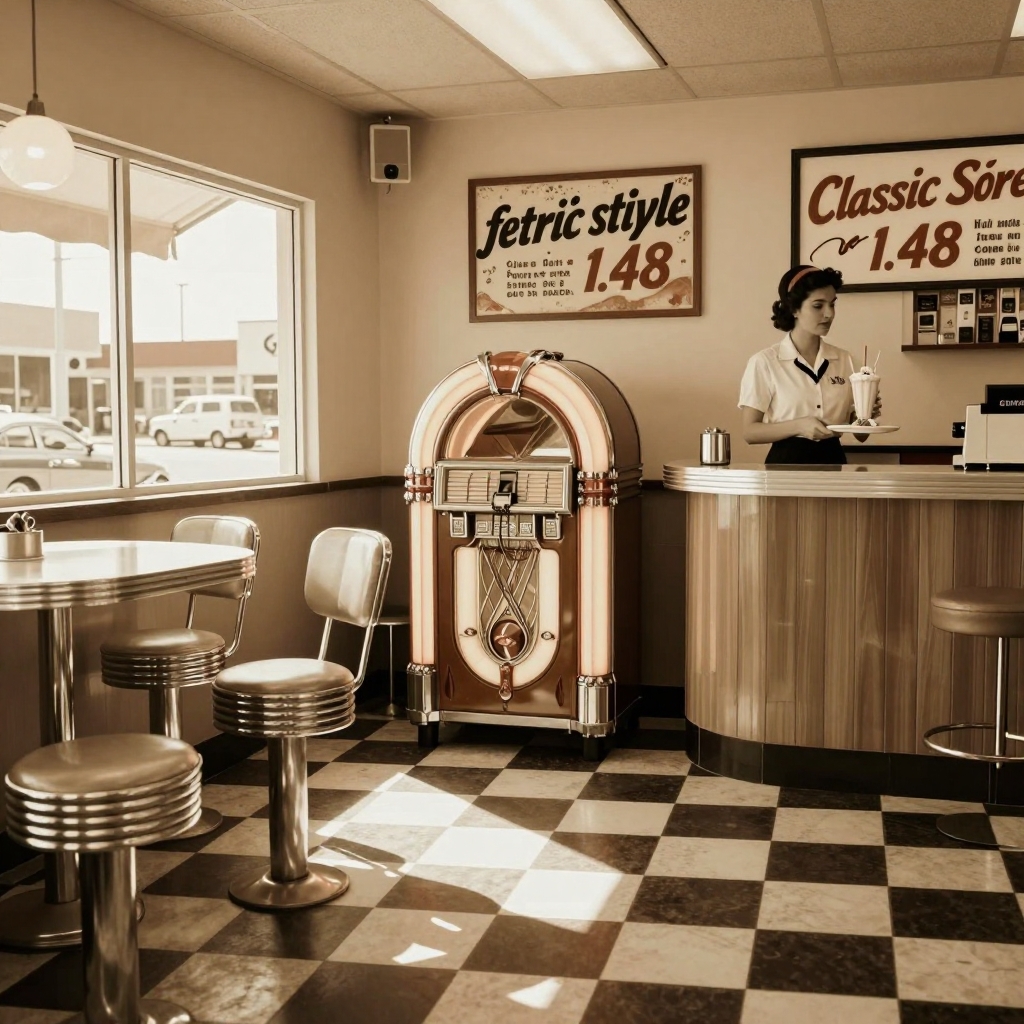 Vintage
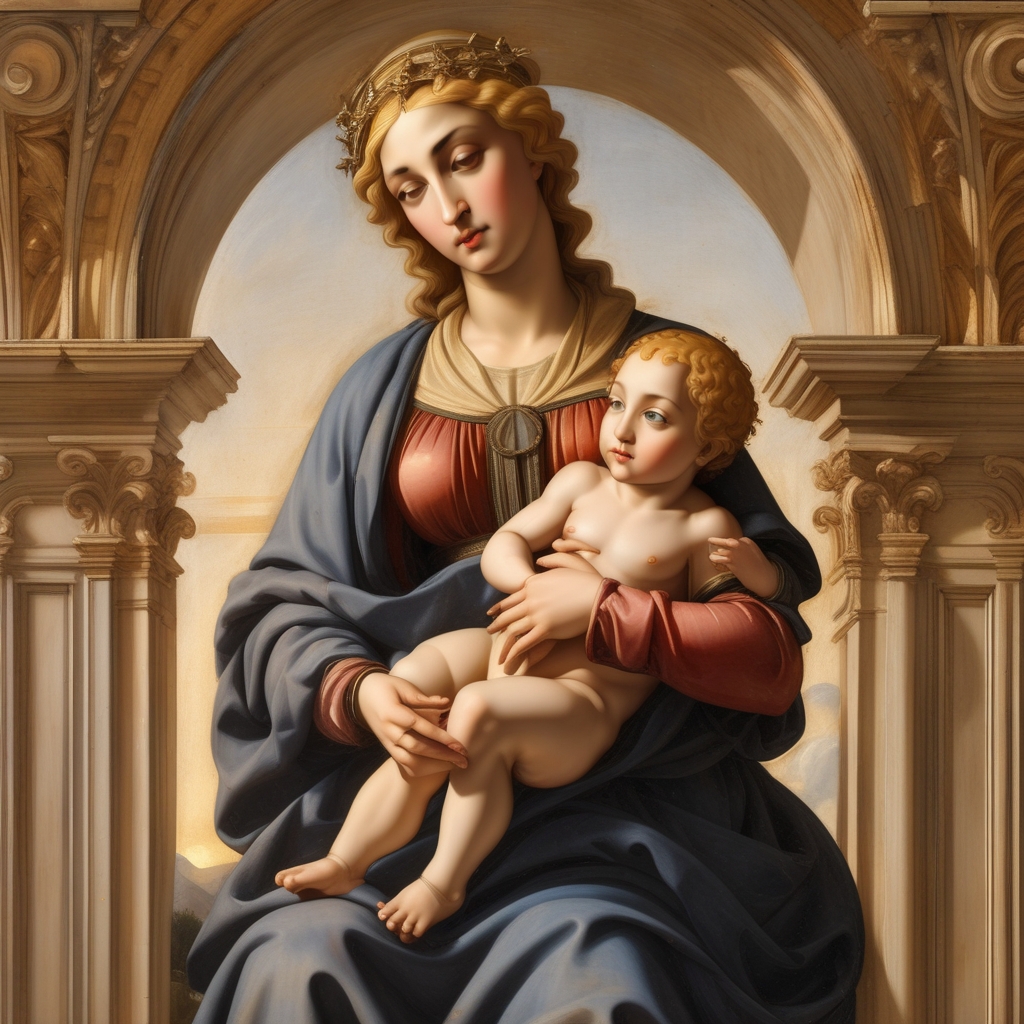 Renaissance
Choose from 80+ art styles across 7 categories to match your creative vision
Photorealistic, portrait, landscape, cinematic, street, macro, fashion, black and white, HDR, vintage film, and bokeh styles.
Anime, manga, chibi, Studio Ghibli, cel shading, kawaii, shoujo, webtoon, and 90s anime styles for Japanese-inspired art.
Oil painting, watercolor, acrylic, impressionist, abstract, renaissance, gouache, pastel art, ukiyo-e, art nouveau, and cubism.
Pencil sketch, charcoal, line art, cross hatch, ink drawing, comic book, graphic novel, woodcut, and stencil art.
Pixel art, vector art, 3D render, low poly, isometric, voxel art, neon glow, glitch art, cyberpunk, and vaporwave.
Medieval, steampunk, gothic, mythology, fairy tale, surreal, dark fantasy, cosmic horror, dieselpunk, and solarpunk.
The AI art generator turns written descriptions into finished images. Type a detailed prompt describing the scene, subject, mood, and composition you want. The more specific the description, the better the result.
Include details about lighting, color palette, and atmosphere. A prompt like "a misty forest at dawn with golden light filtering through tall pine trees" produces more compelling results than "a forest." Use the negative prompt field to exclude elements you do not want in the image.
Go beyond basic text-to-image generation with precise creative controls. Choose from 13 color tones including warm, cool, vibrant, sepia, and teal-and-orange cinematic grading. Set the lighting to golden hour, dramatic, studio, or backlit for different moods.
Adjust the camera angle from wide shot to close-up, bird-eye to worm-eye view. Fine-tune how closely the AI art generator follows your prompt with the prompt weight slider, and control how strongly effects apply with the effects weight slider.
Upload a reference image to guide the AI art generator toward a specific composition, color scheme, or subject. The tool uses your reference as a visual anchor while applying your chosen style and prompt. This works well for turning photos into paintings, sketches, or anime versions.
Generate up to 4 images at once to explore variations. Switch between fast mode for quick previews and quality mode for higher-detail output. Choose from multiple AI models optimized for different styles and subjects.
From social media content to game assets, the AI art generator handles any creative project
Create eye-catching posts, stories, and profile images for Instagram, TikTok, YouTube, and X. Generate unique visuals that stand out in crowded feeds.
Generate concept art for campaigns, ad creatives, blog headers, and presentation visuals. Iterate on ideas faster than traditional design workflows.
Explore visual ideas for books, comics, storyboards, and character design. Use styles like watercolor, ink drawing, or digital painting to match your project.
Design characters, environments, items, and creatures for tabletop RPGs, video games, and worldbuilding projects. Medieval, cyberpunk, and fantasy styles available.
Create visual aids, flashcards, worksheet illustrations, and educational materials. Students and teachers use the AI art generator for school projects and presentations.
Make custom wallpapers, gift cards, avatars, and decorative prints. Explore artistic styles you have never tried before, from pixel art to Studio Ghibli.
Type a text prompt describing the art you want to create. Include details about subject, style, mood, and composition.
Select from 80+ art styles or let the AI choose. Click Generate and the AI art generator creates your image in seconds.
Download the result or open the workspace for more options. Adjust effects, try different styles, or generate multiple variations.
An AI art generator is a tool that creates images from text descriptions using artificial intelligence. You type a prompt describing what you want to see, and the AI generates a unique image based on your words. The Img2Go AI art generator uses state-of-the-art diffusion models with 80+ art styles, from photorealistic photography to anime and oil painting.
Yes, the AI art generator is free to use. You can generate images directly on this page without creating an account. For additional styles, batch processing, and higher-quality output, upgrade to a premium plan.
The AI art generator supports 80+ art styles across 7 categories: Photography (photorealistic, portrait, cinematic, macro), Anime and Manga (anime, chibi, Studio Ghibli, webtoon), Painting (oil, watercolor, impressionist, renaissance), Sketch (pencil, charcoal, ink, comic book), 3D and Digital Art (pixel art, low poly, isometric, cyberpunk), Fantasy (steampunk, gothic, medieval, surreal), and Retro (vintage, synthwave, art deco).
Write detailed prompts with specific descriptions. Instead of "a cat," try "a fluffy orange tabby cat sitting on a windowsill with warm morning sunlight, shallow depth of field." Include details about lighting, mood, composition, and style. Use the negative prompt field to exclude unwanted elements. Adjust the prompt weight to control how closely the AI follows your description.
Yes, the AI art generator includes 9 anime and manga styles: standard anime, manga, chibi, Studio Ghibli, cel shading, kawaii, shoujo, webtoon, and 90s anime. Select any anime preset or choose an anime style from the style picker to generate Japanese-inspired illustrations, characters, and scenes.
No, you do not need an account. The AI art generator works directly in your browser without signup or installation. You can start generating art immediately by typing a prompt and clicking Generate. An account is only needed to access premium features like additional styles and higher generation limits.
Yes, your data is private. All processing is automated with no human access to your images or prompts. The service is GDPR compliant with servers located in Europe. Your uploaded reference images are not used to train AI models.
Step-by-step guide to creating AI art with prompts, styles, and effects.
Read article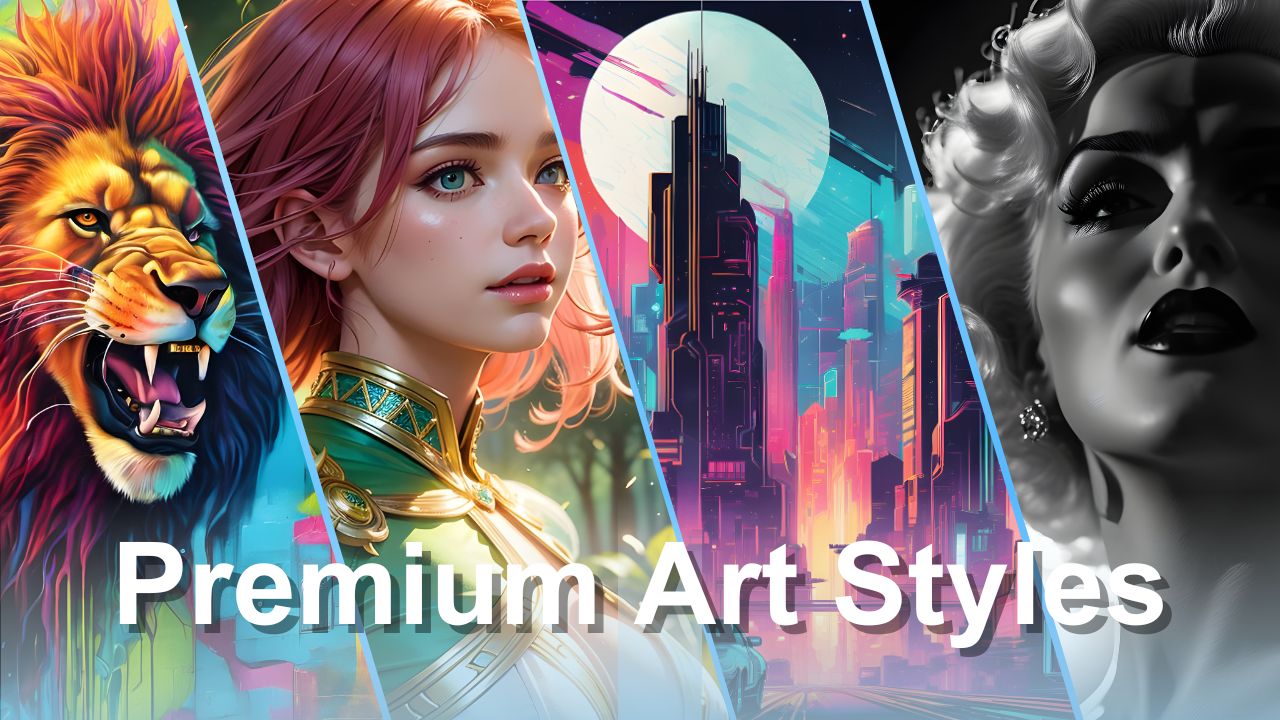
Explore the most popular art styles available in the AI art generator.
Read article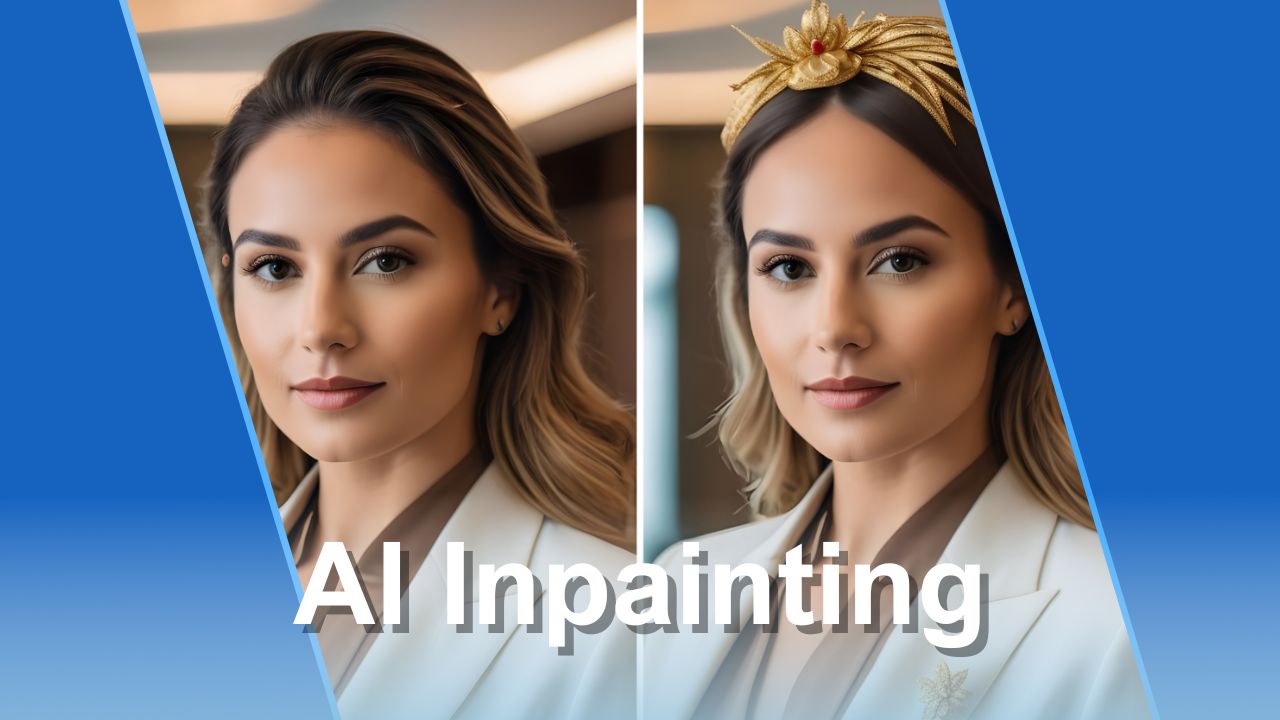
Modify and refine AI-generated images with the inpainting tool.
Read article
Learn about digital art formats, techniques, and how AI tools are changing the creative landscape.
Read article
Discover practical ideas for using AI-generated artwork in real-world projects.
Read articleAccess all 80+ styles, reference images, batch generation, and advanced effects in the workspace.
From anime and photography to watercolor, oil painting, and cinematic styles, pick the style that matches your vision.
Create images in portrait, landscape, or square format. Ideal for social media, wallpapers, or print.
Upload a photo as a reference and let the AI create a similar image in your chosen style.
Generate up to 4 images per prompt and pick your favorite. More options for better results.


