Upload a photo, describe what you want changed, and download the result.
or drop, paste, or choose from cloud



From removing objects to changing styles - just describe what you want
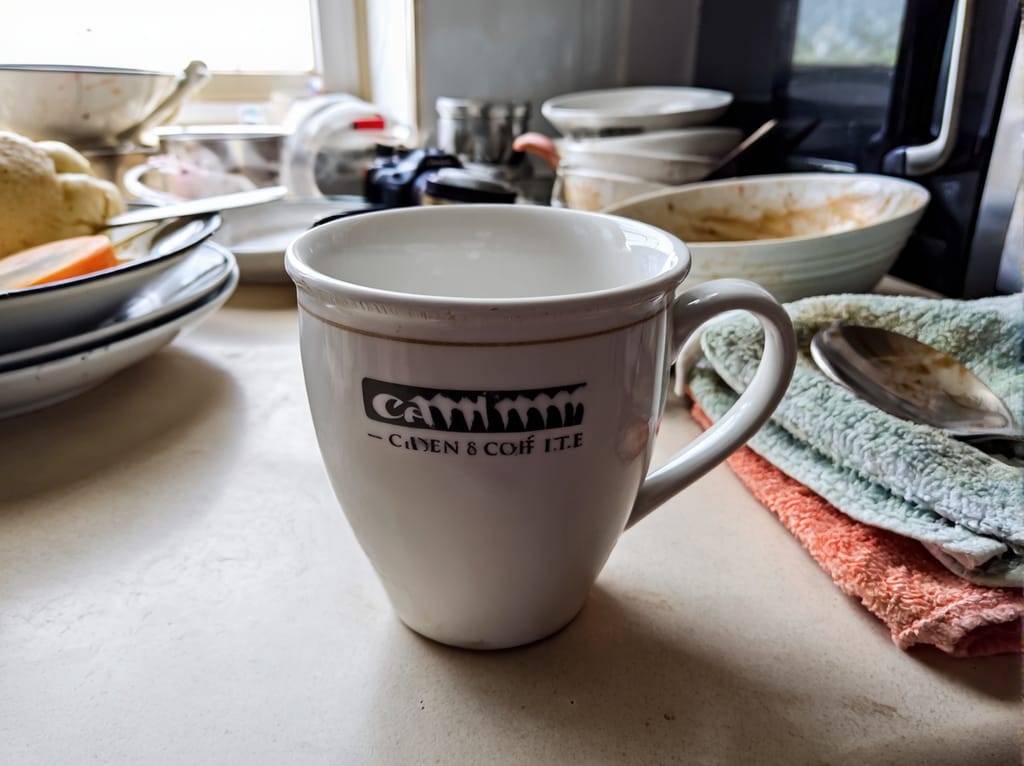
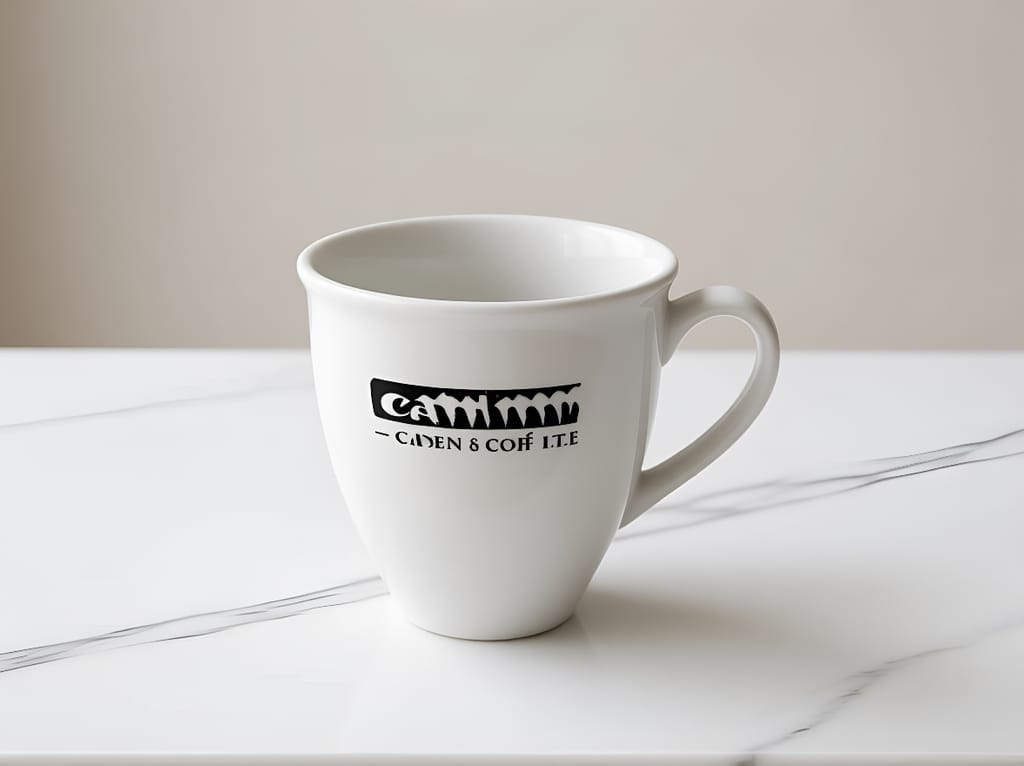
"Replace the cluttered kitchen background with a clean minimalist marble counter"
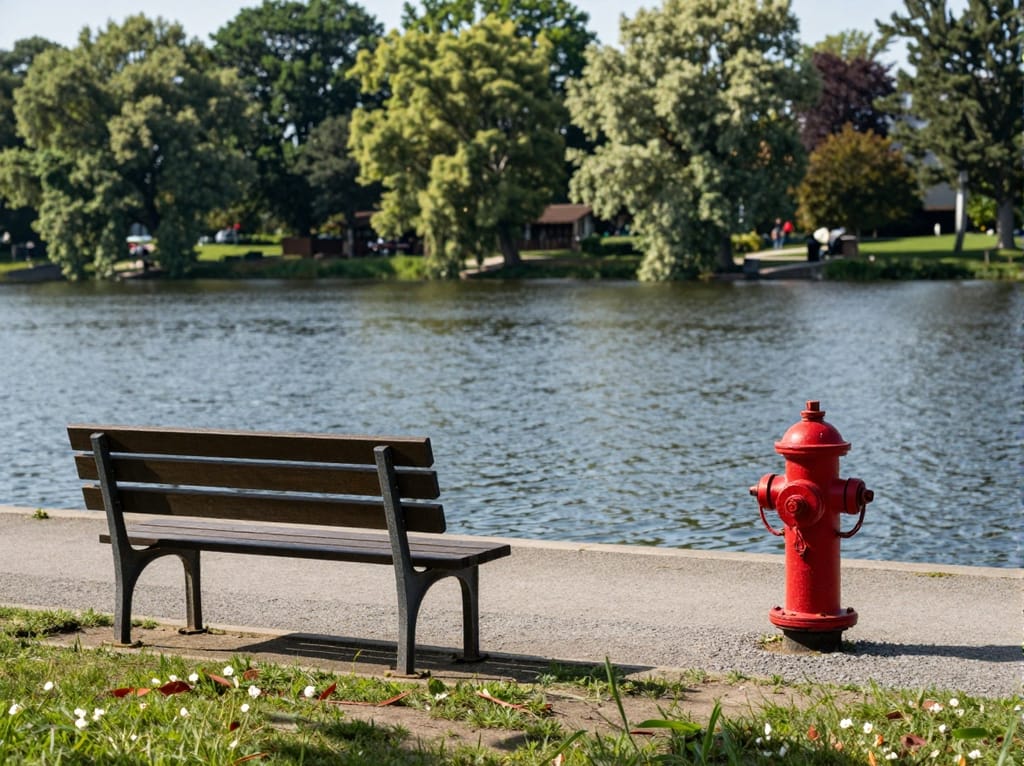
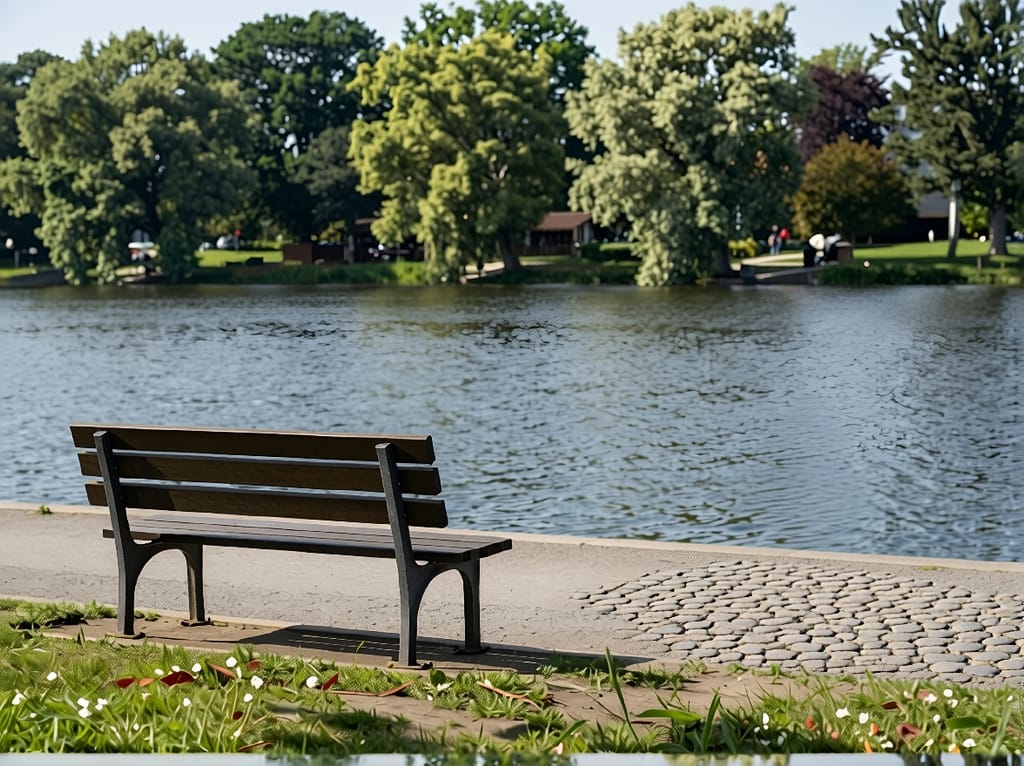
"Remove the fire hydrant and fill the area with natural sidewalk and grass"
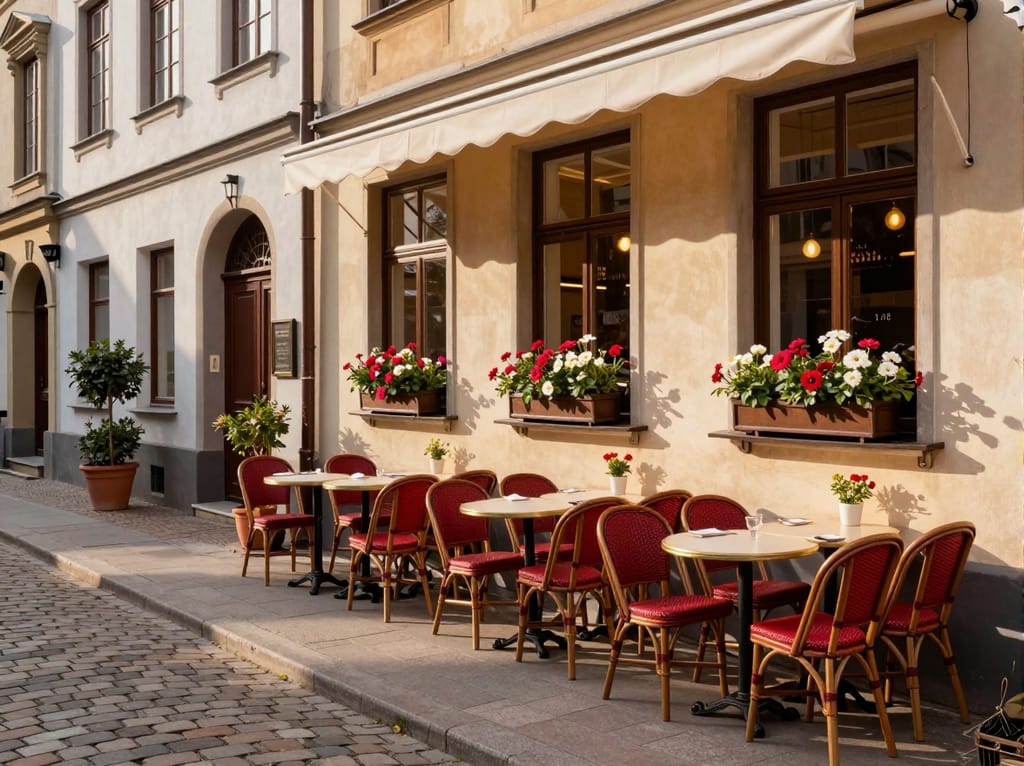
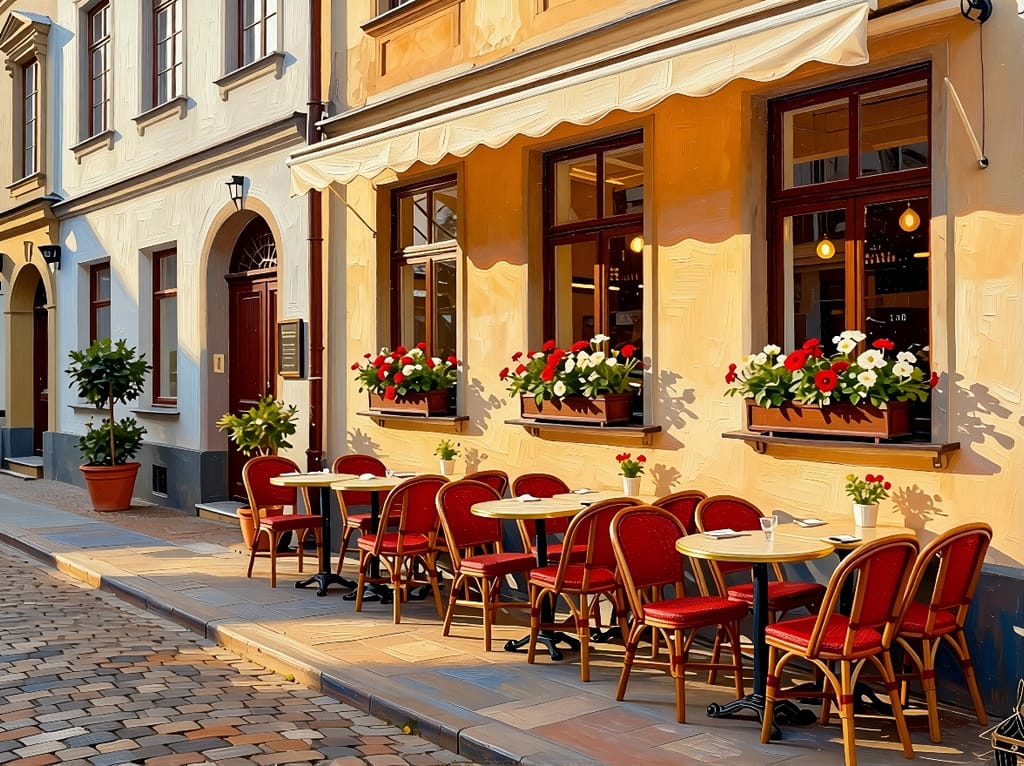
"Transform this photograph into a vivid oil painting with visible brush strokes"
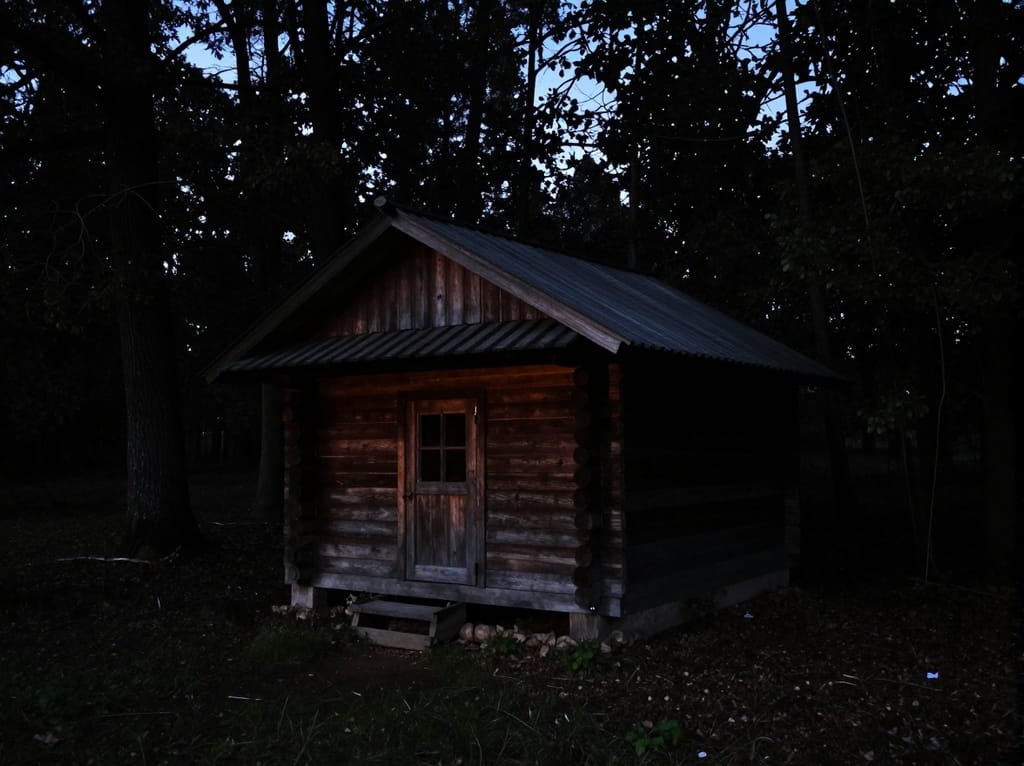
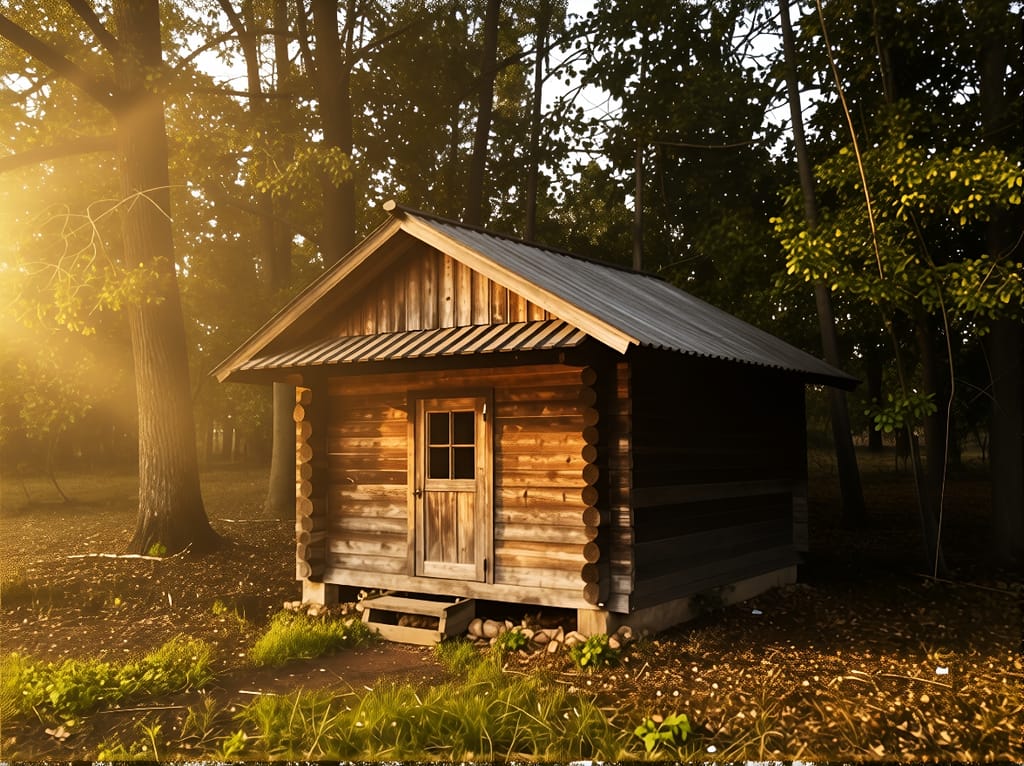
"Fix the harsh lighting, soften the shadows, add warm golden hour glow"
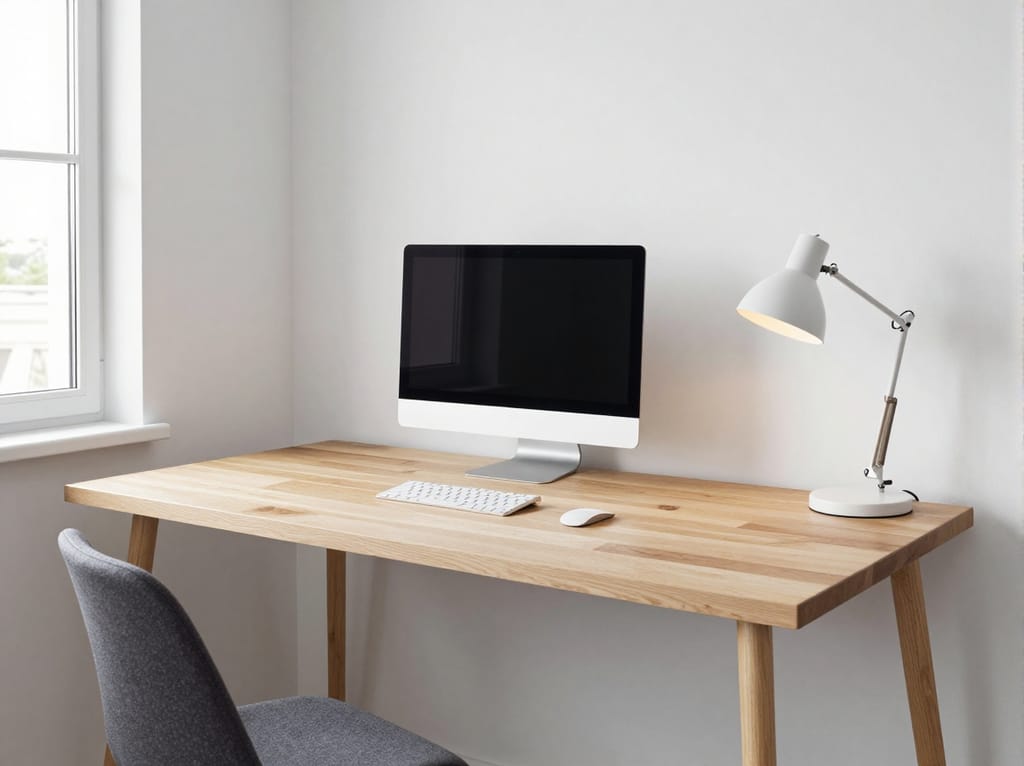
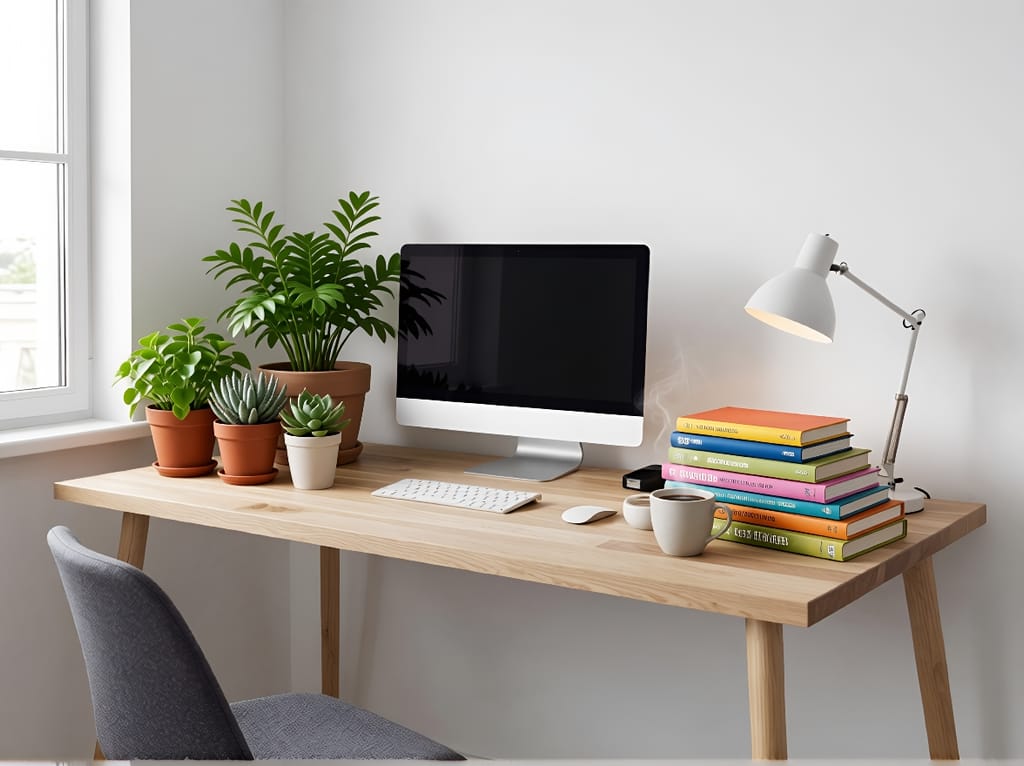
"Add a tiny red bow tie on the cat and place a butterfly on its ear"
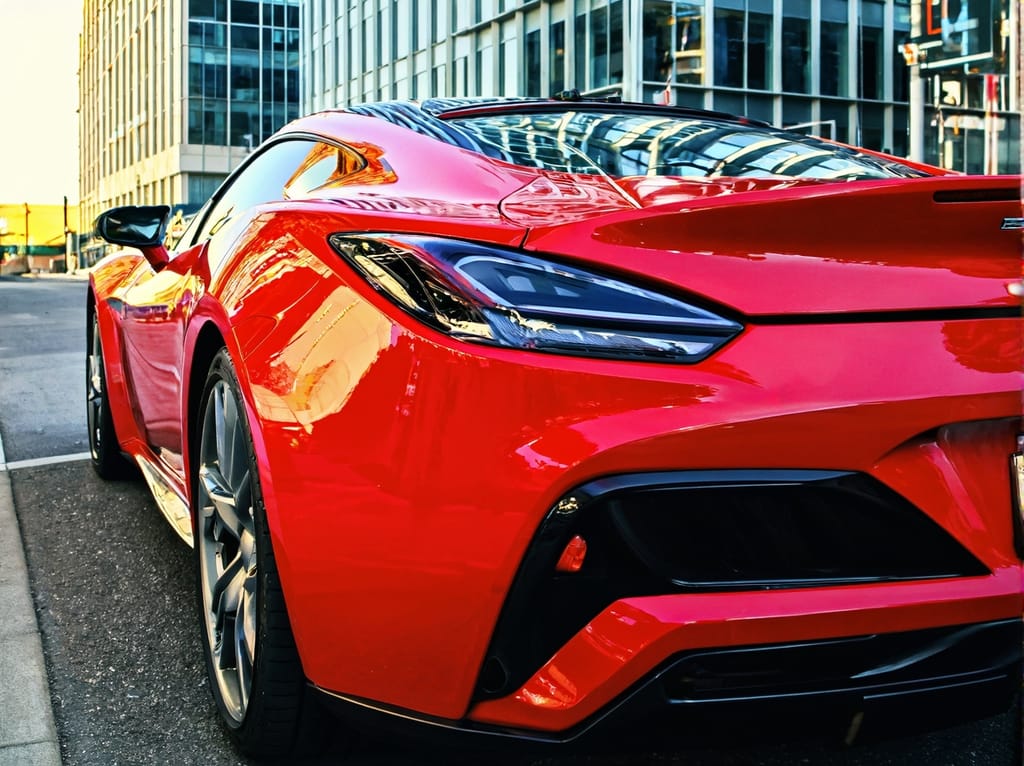
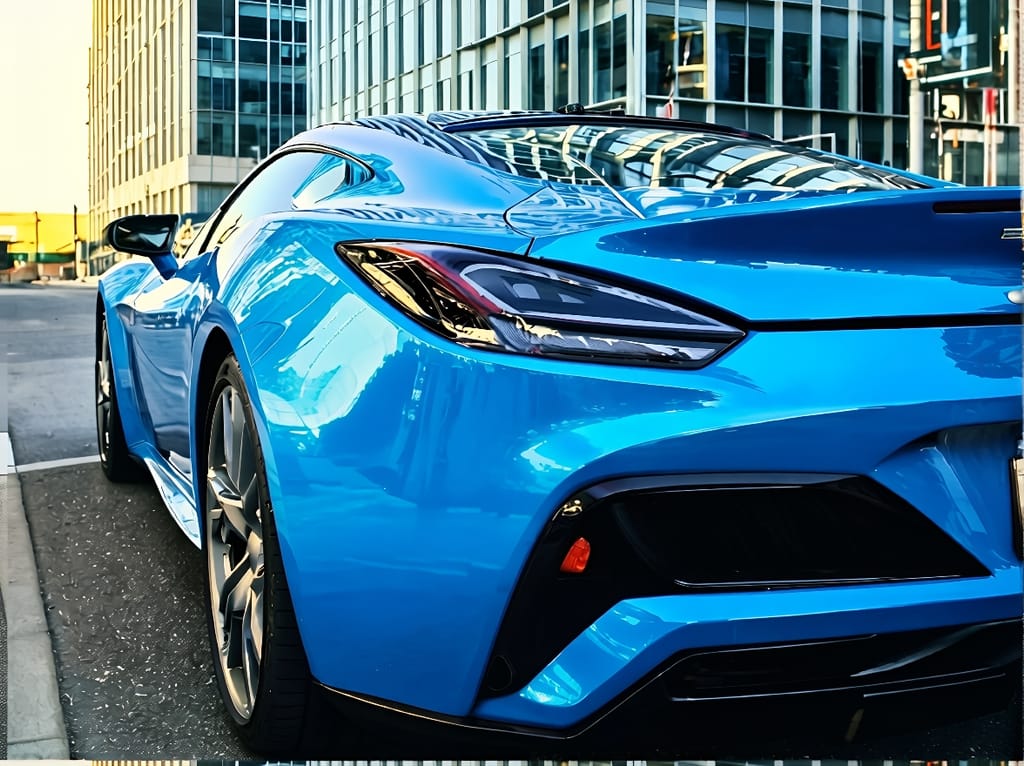
"Change the red sports car to metallic electric blue"
The AI photo editor turns plain-language instructions into precise image edits. Upload a photo, type what you want changed, and the AI applies your edit in seconds. No sliders, no layers, no design experience required.
The tool understands requests like "remove the person in the background", "change the sky to sunset", or "make the wall behind me dark blue". It analyzes your image, identifies the relevant areas, and generates a new version with your changes applied.
You can use the AI photo editor for quick single edits on this page or open the full workspace for iterative editing with undo history and multiple rounds of changes.
Prompt quality directly affects your results. Specific instructions produce better edits than vague requests. Instead of "fix the background", describe exactly what you want: "replace the background with a sandy beach at sunset with orange and pink sky".
Mention colors, materials, lighting, and mood. The AI photo editor understands natural language, so write the way you would explain the edit to another person. If one prompt does not produce the result you want, rephrase it with more detail.
For advanced editing, open the workspace where you can apply multiple prompts in sequence. Edit the background first, then adjust colors, then refine the lighting, all on the same image with full undo history.
The free AI photo editor works for personal photos, professional projects, and creative experiments.
Swap messy backgrounds for clean studio backdrops. Adjust product colors for different listings. Remove distracting elements from product shots without reshooting.
Create eye-catching posts by changing photo styles, adding creative effects, or adjusting colors to match your brand. Edit photos for Instagram, TikTok, and LinkedIn.
Fix old photos, remove photobombers from vacation shots, or create artistic versions of family pictures. No photo editing skills needed.
Drop or select the image you want to edit. The AI photo editor supports JPG, PNG, and WebP formats.
Type what you want changed in plain language. Be specific for best results.
Preview the AI-edited photo and download it. Open the workspace for further edits.
An AI photo editor uses artificial intelligence to edit images based on text descriptions. You upload a photo, type what you want changed, and the AI applies the edit automatically. It can remove objects, swap backgrounds, transfer artistic styles, change colors, and more.
Yes. You can use the AI photo editor for free with 2 edits per 24 hours and no account required. For unlimited edits and access to the full workspace with iterative editing, you can upgrade to a paid plan.
The AI photo editor accepts JPG, JPEG, PNG, and WebP images as input. The edited result is saved in the same format as the original file.
Write specific, descriptive prompts. Instead of "fix the background", try "replace the background with a white studio backdrop with soft shadow". Mention colors, textures, lighting, and mood. The more detail you provide, the closer the result matches your vision.
Yes. The AI photo editor can remove people, text, watermarks, logos, and other objects from your photos. Describe what to remove in the text prompt and the AI fills the area with matching content from the surrounding image.
Yes. The AI photo editor runs entirely in your browser and works on any device including smartphones, tablets, and desktop computers. No app installation is needed.
Yes. All file transfers use encrypted connections and no one can access your uploaded images. The AI photo editor processes your photos on secure servers.
Yes. The AI photo editor does not require registration. You can upload a photo, describe your edit, and download the result without creating an account. Free users get 2 edits per 24 hours.
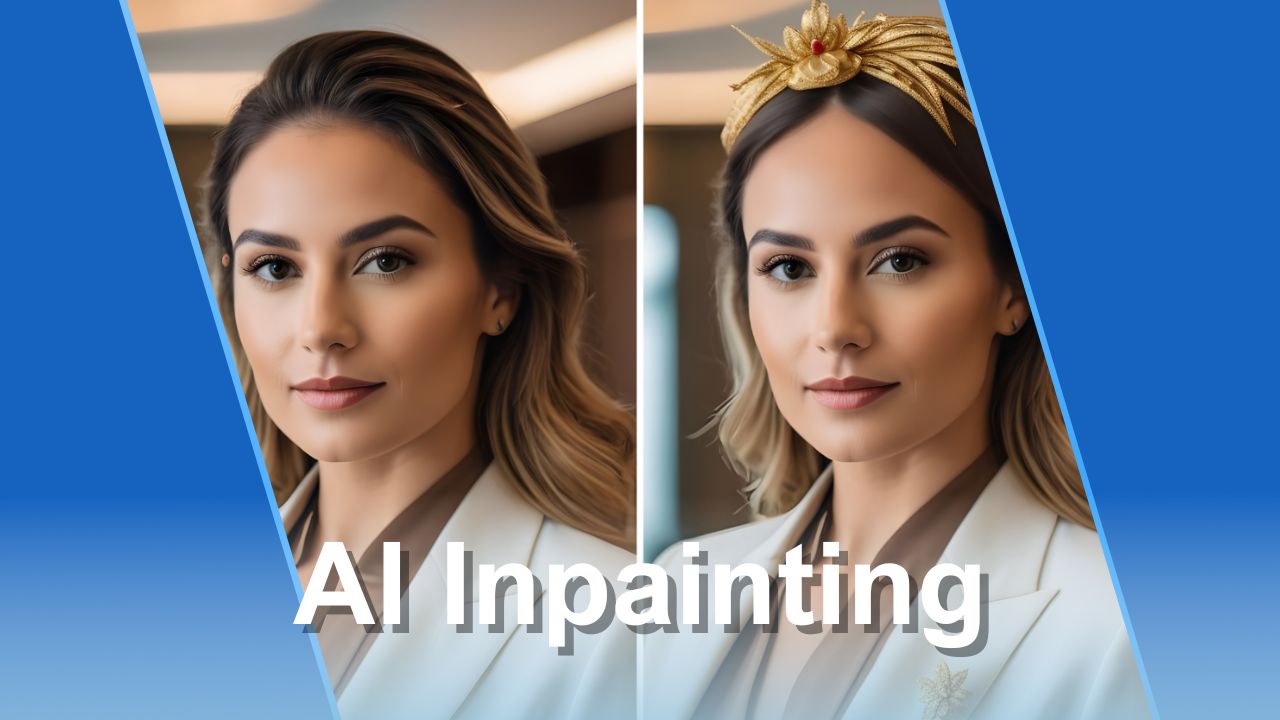
Learn how to modify images by describing edits in natural language with AI inpainting.
Read article
Create original artwork from text prompts with the AI Art Generator.
Read article
Generate visually similar images in seconds with the Image to Image AI generator.
Read article
Learn about different forms of digital art and how AI is changing creative workflows.
Read article
Understand the HEIC image format used by Apple devices and how to convert it.
Read articleThe workspace gives you iterative editing, undo history, and access to all AI apps in one place.
Every edit is non-destructive. Undo, redo, and compare with the original at any time.
Apply multiple edits one after another. Refine your image step by step until it matches your vision.
Combine AI Edit with the Art Generator, Background Remover, Upscaler, and 20+ more apps in one workspace.
Paint over the exact area you want to change for targeted edits like removing objects or fixing small details.


