
How to Create AI Anime Art
Explore how to create AI-generated anime and develop your own style
22. February 2024 by Bianca Palmer Updated on 15. October 2024
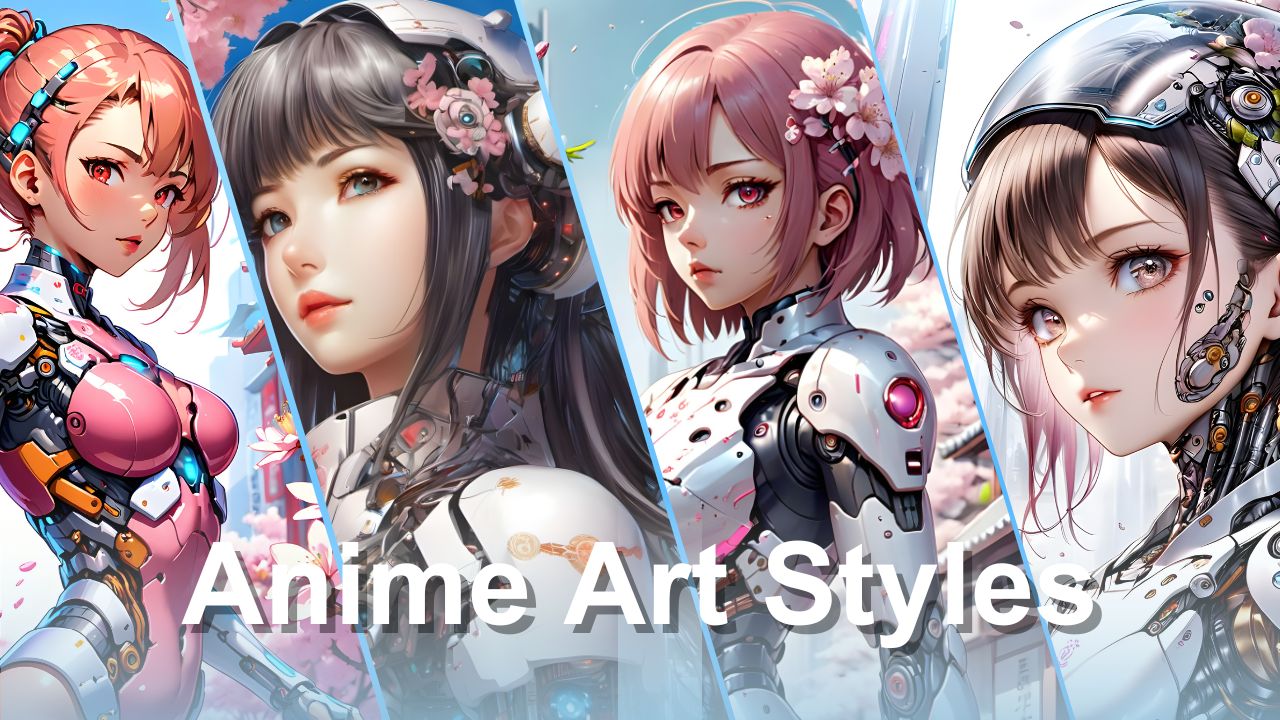
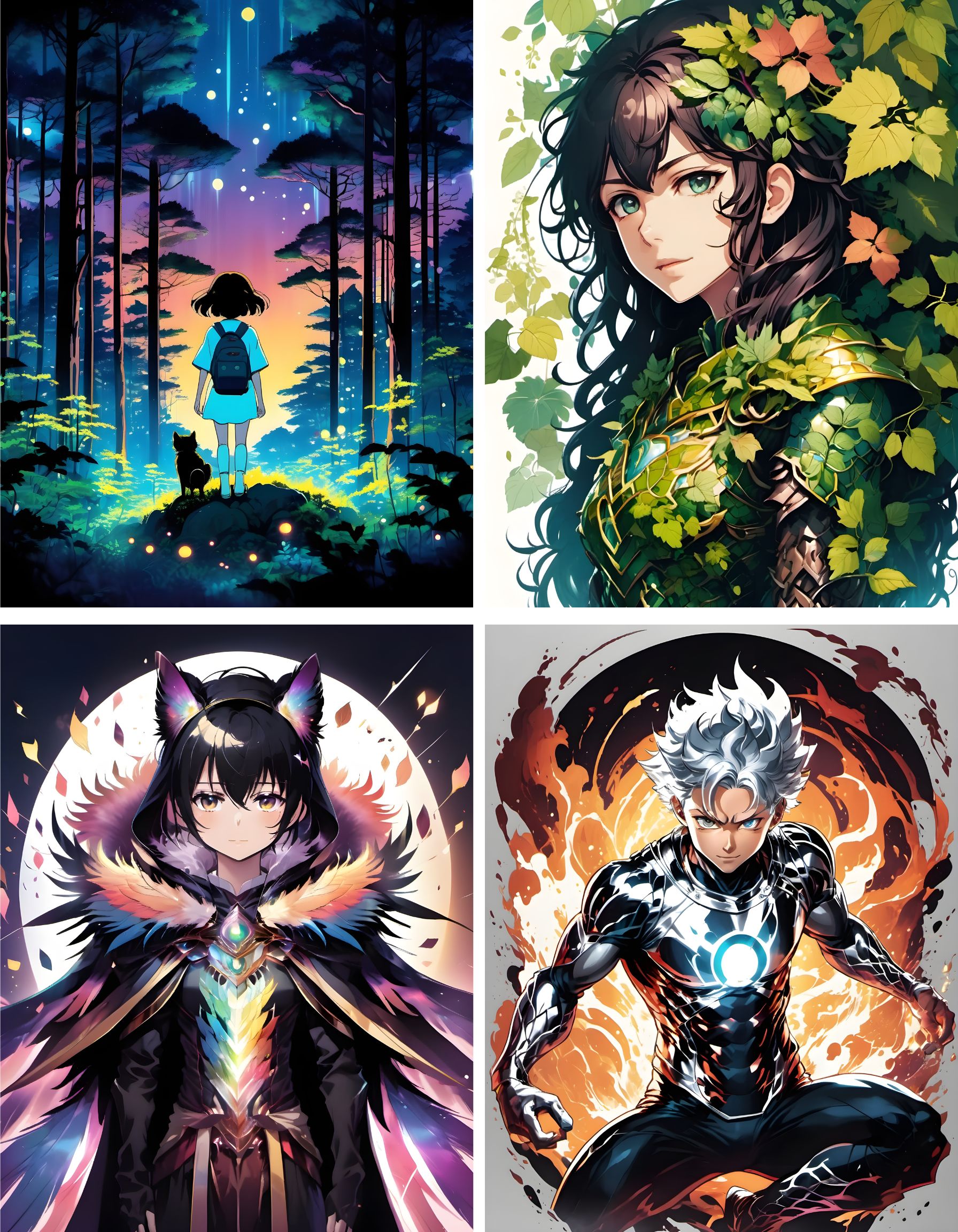
If you like anime, you have probably imagined making your own at least once. Today, thanks to tools like the AI Art Generator from Img2Go, the world of AI Anime Art is right at your fingertips.
We will guide you through the process of turning your creative vision into reality, bringing your anime ideas to life like never before. And here is the best part: it is easy. Let’s step into the world of AI-generated art and unlock your inner anime artist.
AI Art Prompt Tips to Consider
Before we get into the details, here are a few tips to keep in mind when generating AI art from prompts with Img2Go:
- Use Clear Keywords: Make sure your keywords are simple and commonly understood by the AI generator. Avoid very complex or rare terms that may confuse the system.
- Keep it Concise(!): Use short prompts with 3 to 7 words. Avoid overwhelming the system with too much description.
- Use Multiple Adjectives: Add several adjectives to describe the subject, style, and composition of your AI art more clearly.
- Avoid Conflicting Terms: Avoid using terms with opposite meanings in the same prompt. For example, using both "realistic" and "abstract" for the style may confuse the generator.
- Use AI Copywriting Tools: Consider using other AI tools, such as ChatGPT, to support your AI art prompt creation. They can help you find ideas and refine your prompts.
By following these tips, you can improve your AI art prompts and get more consistent, high-quality results with the AI art generator.
How to Make AI Anime Art From Text on Img2Go
Img2Go's AI Art Generator and its AI Creator Studio app let you easily create stunning anime art and drawings with just a few clicks. This tool uses advanced artificial intelligence to turn text prompts into anime images, so you do not need any drawing skills.
Follow these simple steps:
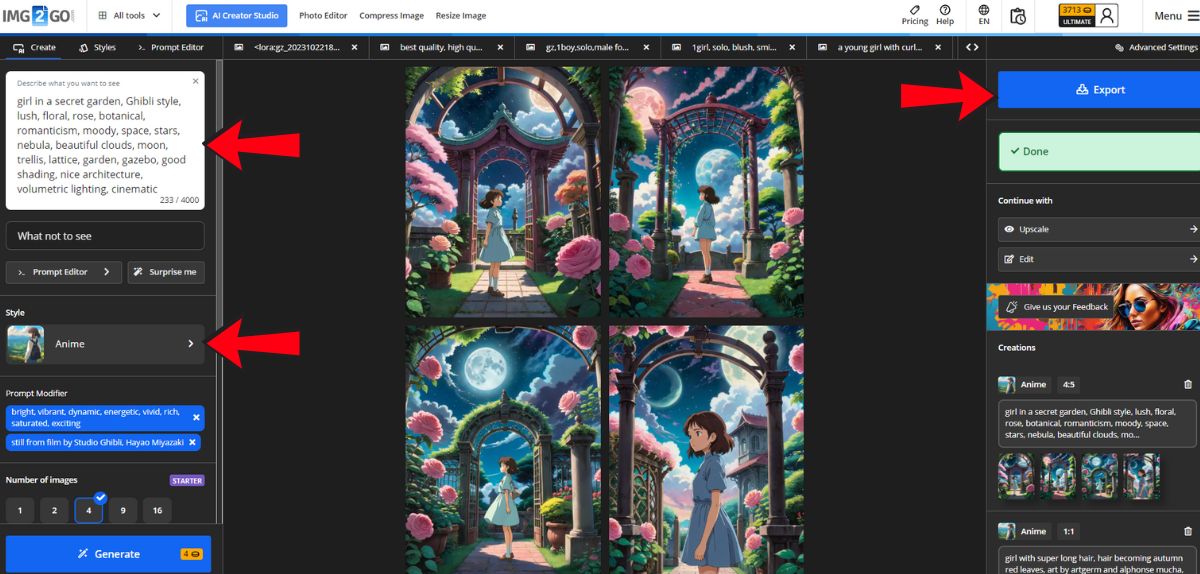
- Step 1: Type a text prompt that describes the anime image you want. Then select "Anime style".
- Step 2: Refine your prompt using the Prompt Editor. Explore categories such as lighting, mood, lens, art style, and more to fine-tune your anime image.
- Step 3: Click "Generate" to start the AI Anime Generator. It will immediately begin creating AI anime images based on your input.
- Step 4: When you are happy with your anime images, download them by clicking the "Export" button.
PRO TIP: Increase the resolution of your generated anime images.
Before or after downloading, simply select the "Continue with Upscale Image" feature. By choosing this option, you will be redirected to Img2Go's Upscale Image tool, where you can enhance your image resolution with just a few clicks.
Explore a Variety of Anime Art Styles
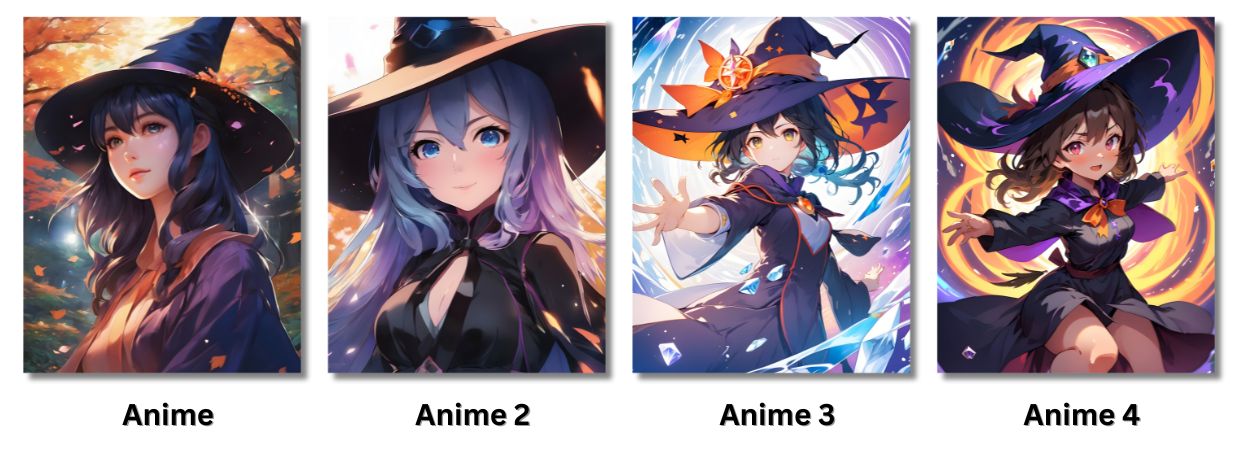
In addition to the basic Anime style, premium users can explore three more anime styles for even more creative options.
Anime in the Style of Studio Ghibli
If you are a fan of Studio Ghibli, you can use the Prompt Editor to easily generate anime art in that iconic style.
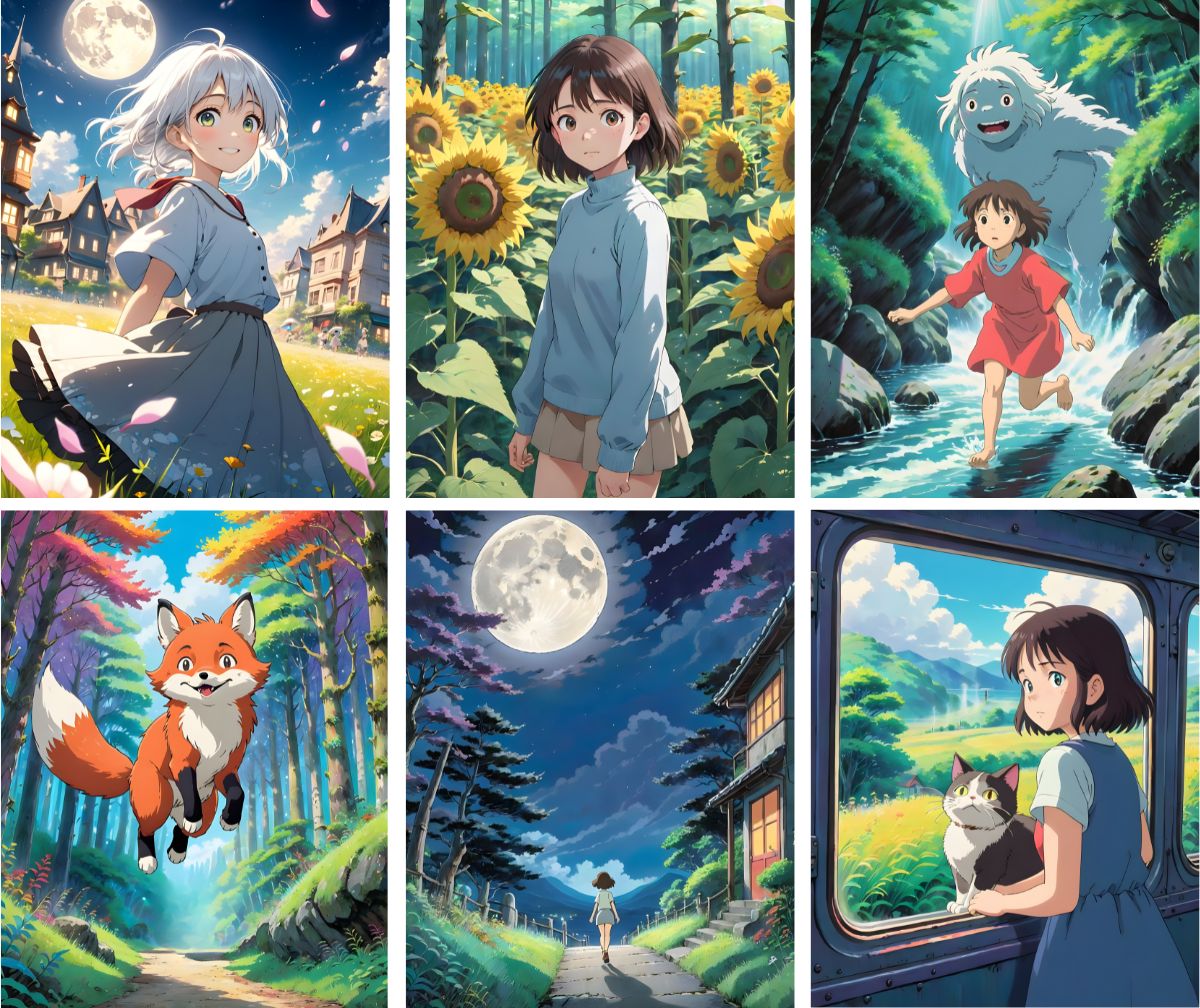
First, enter your prompt. Then, in the Prompt editor, under 'Art Style' , select the prompt modifier: "still from film by Studio Ghibli, Hayao Miyazaki." This will let you generate anime art in that iconic style.
Aiming for the whimsical charm of "My Neighbor Totoro" or the dramatic scenery of "Spirited Away"? The options are endless. With just a click, turn your ideas into artwork inspired by Ghibli-style landscapes and characters.
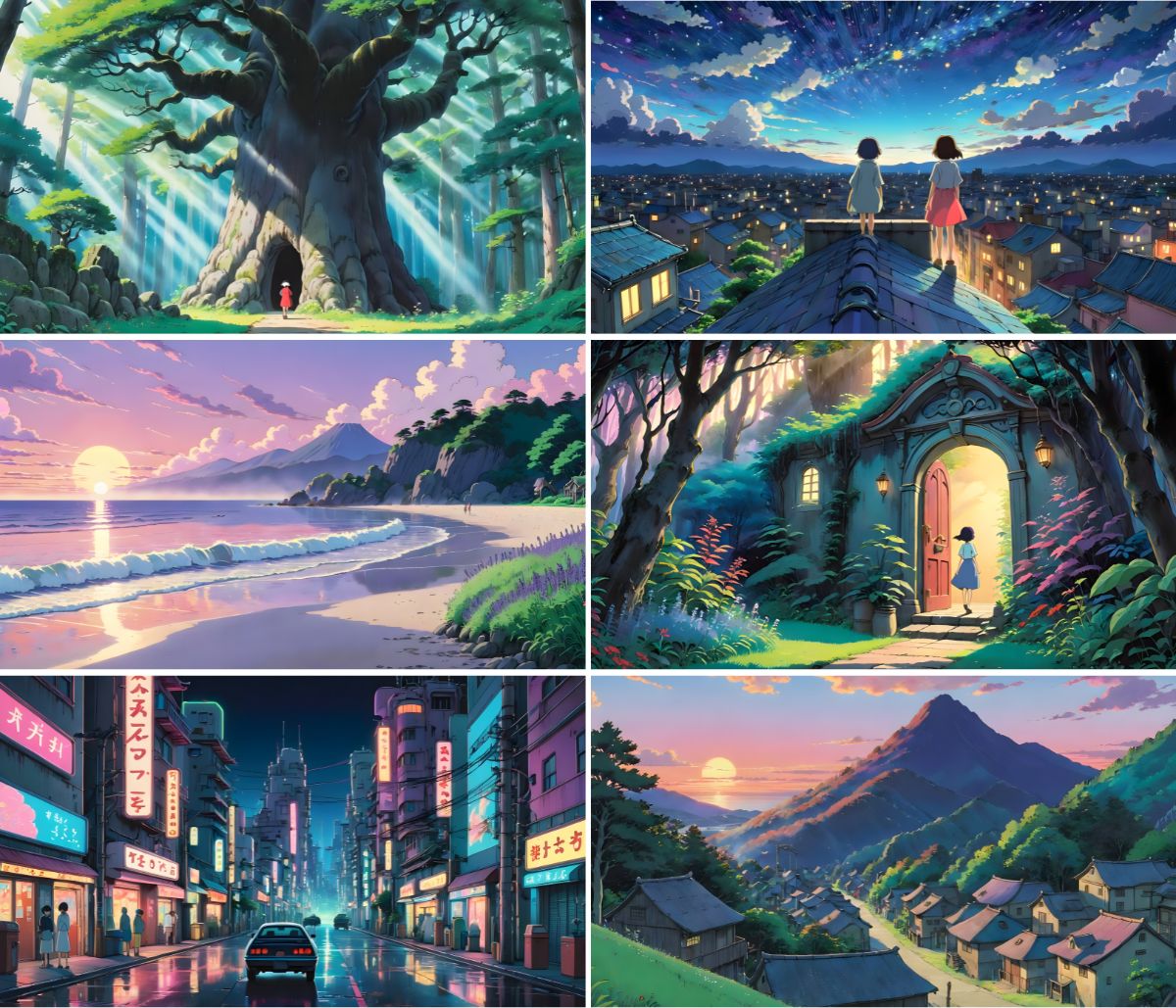
Explore lush forests, serene meadows, and vibrant cityscapes, all infused with the magic of Studio Ghibli's unique aesthetic!
Prompts to Try
- Enchanted garden, secret doorway, Ghibli-style fantasy, twilight ambiance, by Miyazaki
- A girl with very long hair, hair turning into autumn red leaves, art by Artgerm and Alphonse Mucha, anime, Ghibli
- Vast fields and windmills in the distance, inspired by Ghibli, directed by Miyazaki, The Wind Rises
- Pretty cyborg woman, lots of details, sakura flowers, fine art, futuristic setting
- Hidden forest, ancient trees, a Ghibli film's enchanted setting, directed by
- Rooftop view, starry night, inspired by Studio Ghibli's magic, Hayao
- DVD screengrab, 1989 Studio Ghibli anime movie, [insert character name or scene here]
- Beach sunrise, Studio Ghibli, retro, lavender, wide shot, cinematic
- Anime, Hatsune Miku, aqua hair tied in a high bun, aqua eyes, portrait by Greg Rutkowski, Makoto Shinkai, Kyoto, animation stage background, smiling, super detailed, holding flowers
- A girl in a secret garden, Ghibli style, lush, floral, rose, botanical, romanticism, moody, space, stars, nebula, beautiful clouds, moon, trellis, lattice, garden, gazebo, good shading, nice architecture, volumetric lighting, cinematic
Design Your Own Anime Characters with AI
Crafting your unique anime characters is a dream come true for many.
With Img2Go's AI Art Generator, that dream is now within reach. Our intuitive platform lets you effortlessly design your anime characters with the power of artificial intelligence.
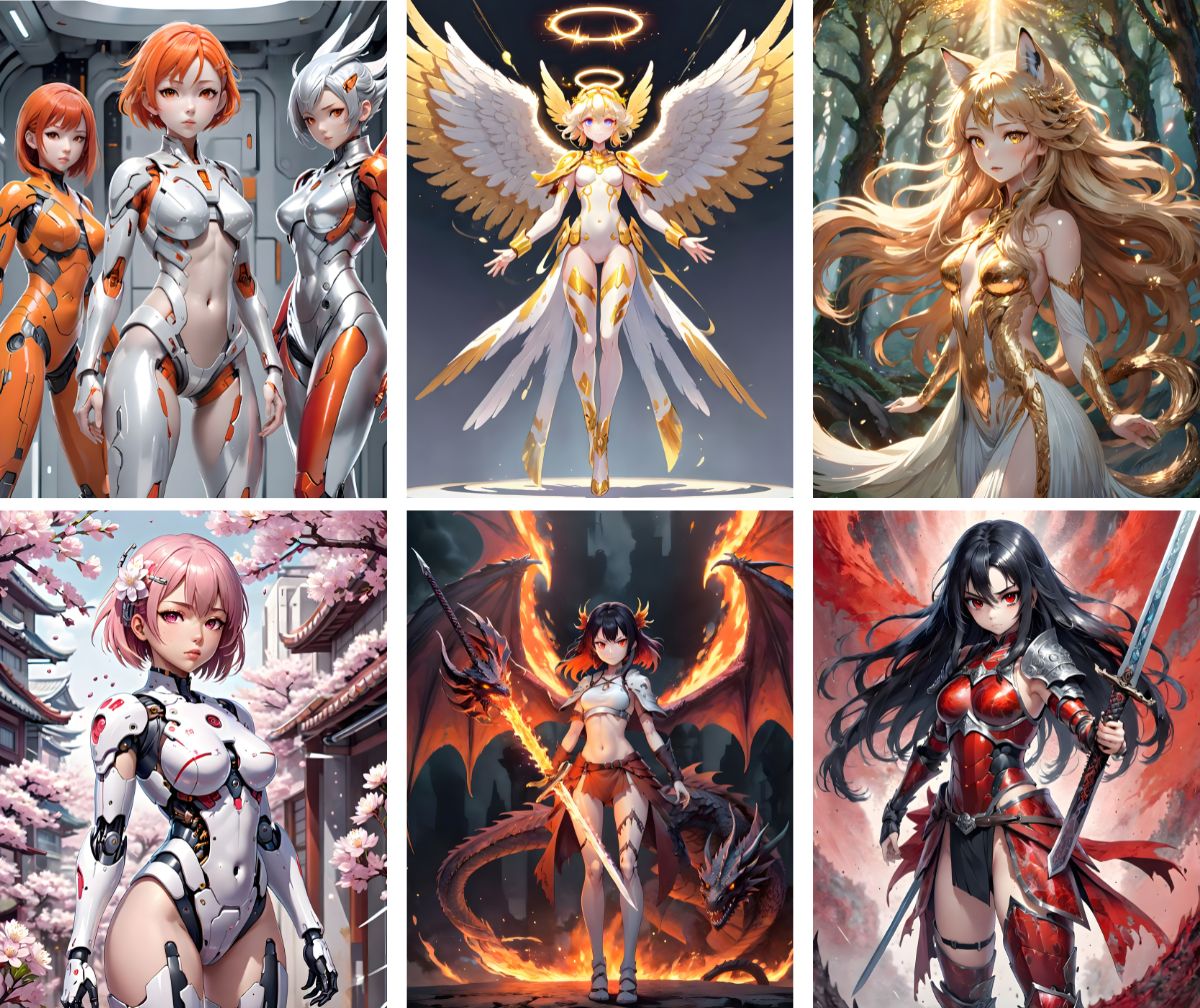
Generating anime characters with an AI anime generator offers many benefits for both seasoned artists and new creators.
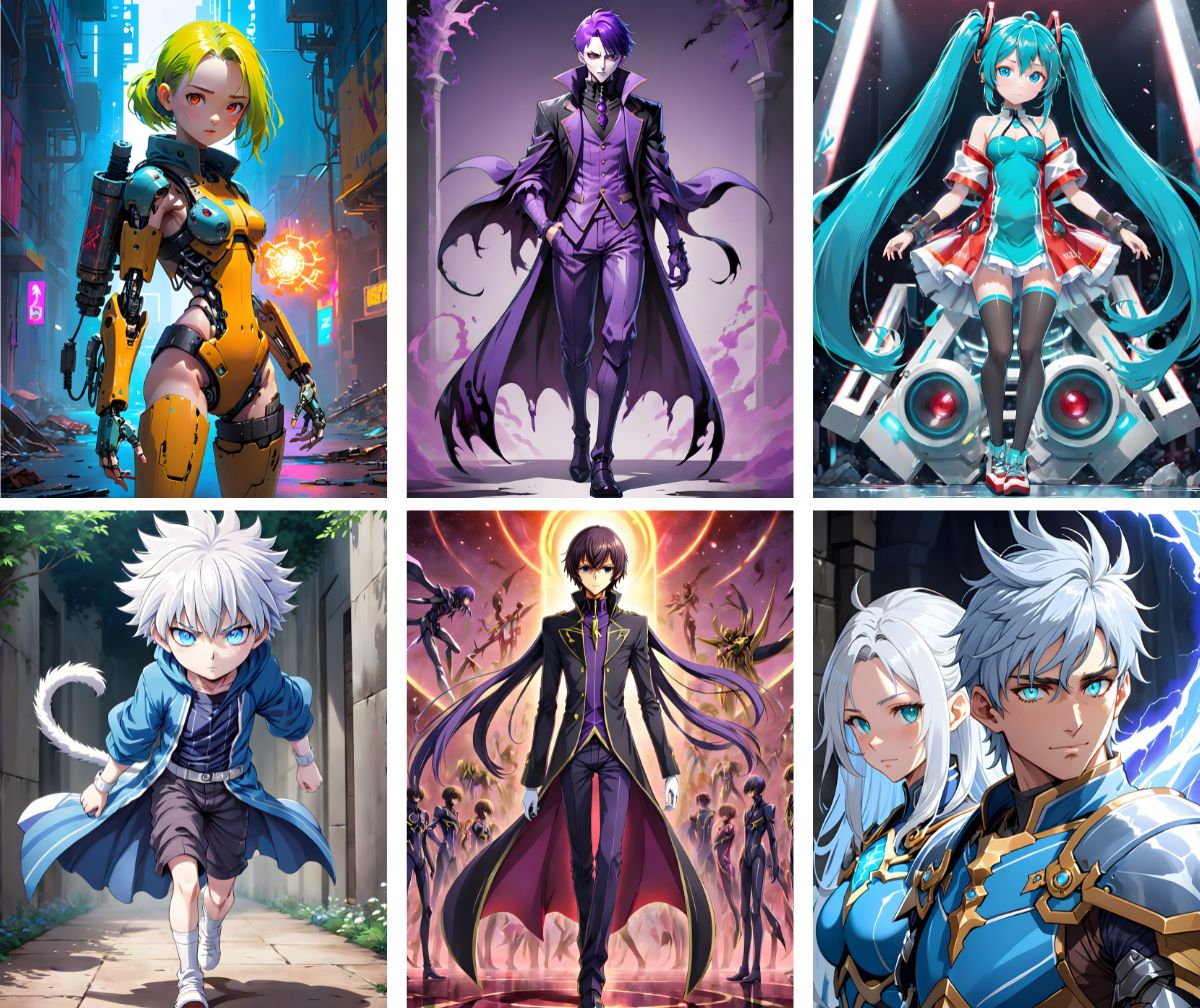
Here are some key advantages:
- Efficiency: Saves time and effort compared to manual drawing.
- Accessibility: Available to artists of all skill levels.
- Variety: Offers a wide range of customization options.
- Inspiration: Sparks creativity and provides fresh ideas.
- Iterative Design: Supports quick iterations and refinements.
Prompts to Try
- Character designs that show various forms, in the style of a typical anime student, male body, precise details, life-size figures, silver and black
- Design main anime character, in the style of Hatsune Miku, slim figure, singer, blue eyes, katana, anime art, highly detailed, full-body character
- Design anime characters, in the style of Lelouch Lamperouge, anime, highly detailed, full-body character, stunning, vibrant colors
- Beautiful, detailed anime character, a girl, blue cute dress, full body, glowing opal, jellyfish motif, iridescent, ultra detailed, anime key visual, game art
- Anime main character, anime girl, modern artist, metallic jumpsuit, green theme, game art, centered, cyberpunk, futuristic, detached sleeves, open shoulder, full body
Take Your Anime Favorites Everywhere
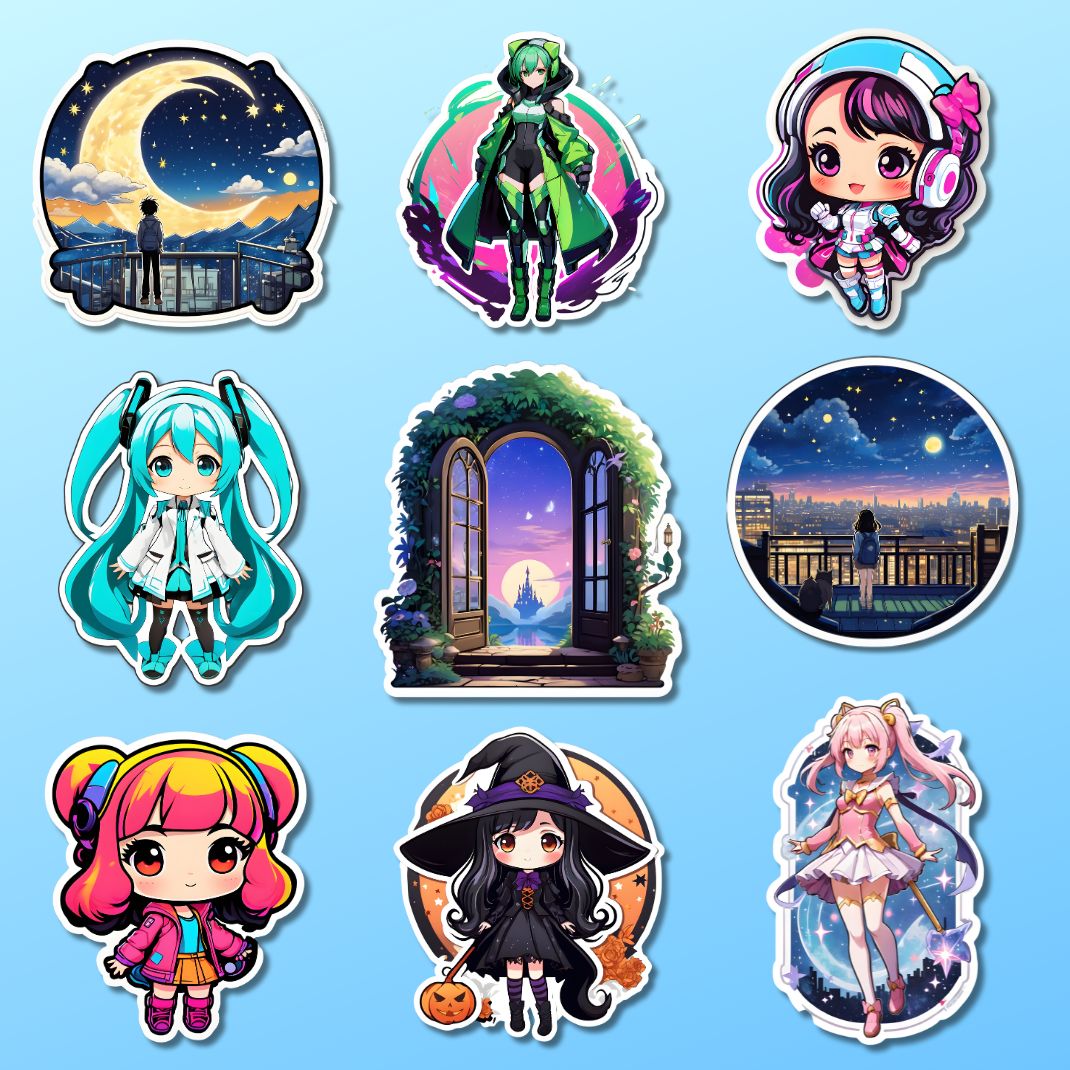
Turn your favorite anime characters and scenes into vibrant stickers or print art with Img2Go's AI Art Generator and AI Creator Studio app!
Stickers:
Print Art:
Upgrade to our Premium plan to unlock these two art styles.
Enhance Your AI Anime Art with Img2Go's Editing and Conversion Tools
After generating your images, you can easily enhance them with Img2Go's editing and conversion tools. From improving image quality to editing and converting, unlock the full potential of your creations:
- Improve image: Compress image, Resize image, Compare images
- Edit image: Photo Editor, Crop image, Rotate Image, Add watermark
- Use other AI tools: Blur faces, Remove Background, Colorize Image
With these versatile tools, you can refine and perfect your AI-generated anime art just the way you want.
In Conclusion
The AI Art Generator from Img2Go a world of creative possibilities for anime fans and aspiring artists. With its advanced features and user-friendly interface, turning your ideas into striking AI anime art is simple.
The customization options in the AI Creator Studio give you many ways to create unique anime artwork. From adjusting lighting and mood to trying different art styles, you can shape every part of your creations to match your vision.
Explore different prompts, styles, and settings to discover new creative ideas and develop your artistic skills. Share your AI-generated anime art with the world.
By regularly refining and updating your prompts, you will improve the quality of your creations over time. With dedication and persistence, you can turn your ideas into impressive artwork that stands out. Happy creating.

