
Reduce Image Sizes with JPG Compression
Use JPG compression to reduce file size and optimize your images
16. May 2024 by Bianca Palmer
On the internet, visuals are key. The widespread use of smartphones means life's moments are quickly captured and shared online.
Yet, there is a paradox. As camera technology advances, our photos become sharper and larger in file size. This flood of high-resolution images calls for a solution to easily upload, share, and send these digital files.
In today's blog, we are tackling this issue and sharing insights on how to reduce image sizes with JPG compression.
What exactly is JPG compression?
JPG compression is a method used to reduce the file size of images by selectively discarding some of the image data.
This compression technique is commonly used for digital images because it can significantly reduce file size while maintaining reasonable image quality. JPG compression works by analyzing the image data and discarding information that is less noticeable to the human eye. The process creates smaller file sizes, making images easier to store, share, and send over the internet.
Does it sacrifice quality for size?
Often, the answer is no. In most cases, the visible difference in image quality is minimal. Experienced photo editors might spot small changes when zooming in, but the average viewer usually does not notice any loss in quality.
Why should I use JPG compression?
There are many benefits.
Smaller image files make sharing much easier:
- Sending photos via messaging apps like WhatsApp or Telegram is easier.
- Uploading images to social media platforms such as Facebook, Instagram, or Twitter takes just a few clicks.
- Adding images to websites is easier, with faster loading times and a better user experience.
- Sending images by email becomes quick and straightforward.
How do I compress image files?
Img2Go offers a user-friendly image compression tool to help you reduce the size of your images with ease. You can do it from almost anywhere.
Our website works smoothly on all modern browsers, including most mobile browsers. This means you can access Img2Go not only from your desktop computer but also from your smartphone. All you need to use Compress Image tool is a stable internet connection!
Here is a quick guide to get you started:
- Upload your image using the simple interface, either by drag & drop, browsing local folders, entering a URL, or using cloud storage.
- Adjust your compression settings. Choose to compress image files to JPG.
- Start the conversion by clicking the 'START' button.
- Download your compressed image.
Here is an example:
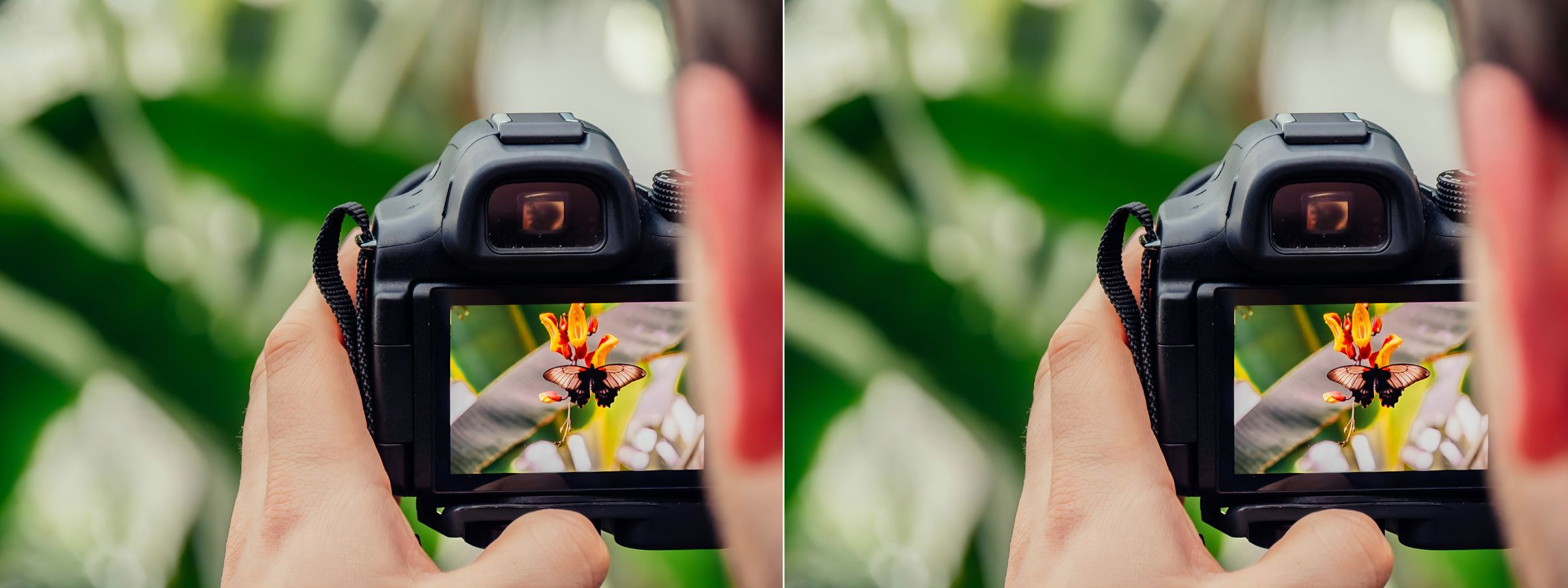
The file sizes changed as follows:
Original: 2.56 MB / 2,560 KB
Best Compression: 842 KB
In Conclusion
In conclusion, JPG compression is an important way to reduce image sizes without losing quality. From improving social media sharing to boosting website performance, its benefits are clear.
By understanding and using JPG compression, you can work more efficiently online and ensure your images look good on every platform.

