
Rotating an image online is a quick and efficient way to adjust your photos. Whether you need to correct an upside-down picture or change the angle of your shot, online tools make it easy. Let's walk through the steps using Img2Go and its versatile image rotator, which simplifies the process.
Why Use Img2Go?
Convenient and Free
Img2Go offers a straightforward and free way to rotate images online. It's user-friendly and doesn't require any software installation.
Versatile Options
With various rotation and mirroring settings, you can easily adjust your image to fit your needs.
Quick and Efficient
Apply changes and download your image with just a few clicks. Img2Go provides an efficient way to make quick edits!
Comprehensive Toolset
Beyond rotating images, Img2Go provides a suite of tools for all your image editing needs. From converting image formats and resizing to advanced features like AI-powered image generation and editing, you will find everything you need in one place.
Explore tools for background removal, AI inpainting, upscaling, and more to customize and enhance your images.
How to Rotate Image with Img2Go?
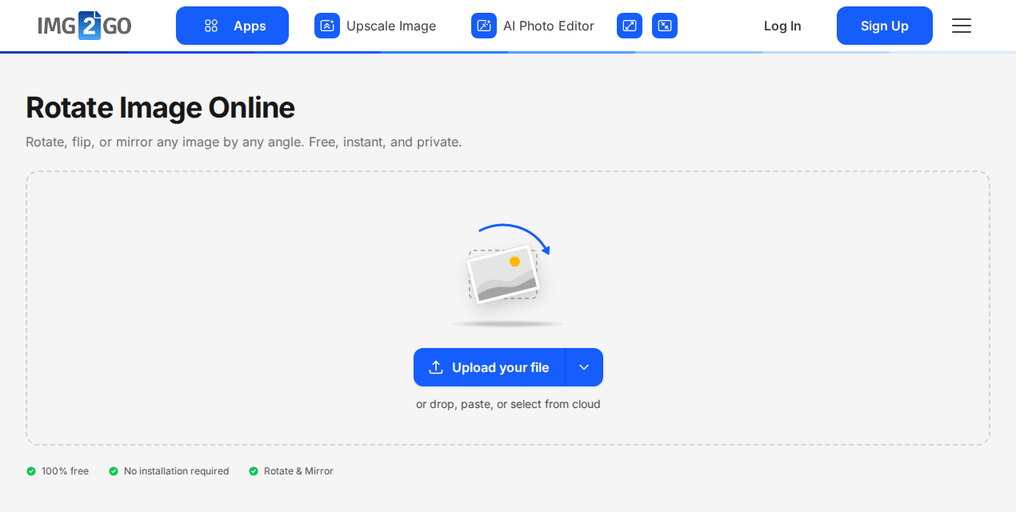
1. Upload Your Photo
Start by uploading your image to Rotate Image tool. You can do this directly from your computer, Google Drive, or Dropbox. Just drag and drop your file into the designated area.
2. Choose Rotation Options
Once your photo is uploaded, rotation options appear beside it. Choose a preset angle, use the slider for a custom angle, or flip the image horizontally or vertically.
3. Apply Changes
Check the preview, then click "Apply Rotation" to rotate your image.
4. Save Your Image
Click Download to finalize the process and download your newly rotated image.
In Conclusion: Rotate Images with Ease
Rotating images online is easy with Img2Go. Whether fixing a crooked photo or adjusting your image's orientation, these simple steps will guide you through the process. Use Img2Go's intuitive tool to rotate your images quickly and easily.
Special Offer for Educators and Students
Img2Go offers an educational account for students and teachers!
The educational account provides access to premium features and tools, making it easier to achieve professional-quality results. Read more about it here.
Ready to Rotate?
Visit Img2Go to start rotating your images today. Enjoy hassle-free edits and get your photos just right in no time!