
How to Make Printable Wall Art to Sell
Learn how to prepare and sell your own printable wall art with ease.
15. July 2024 by Bianca Palmer
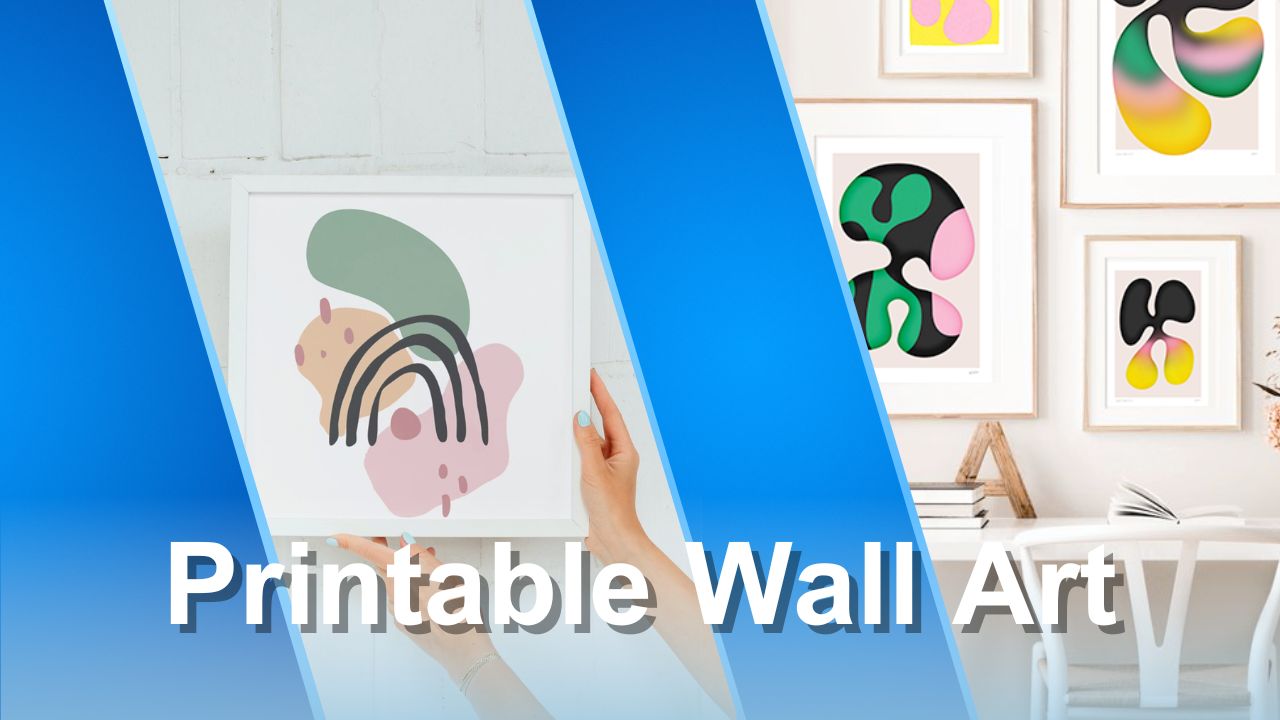
Are you ready to start selling printable wall art on platforms like Etsy? It is a great way to share your creativity. Before you begin, it is important to prepare your digital files correctly. This guide shows you how to create and size your printable wall art so your customers have a smooth, reliable experience.
Sizing Your Printable Wall Art
To sell printable wall art successfully, it helps to offer multiple sizes. Customers have different needs, so providing a range of options can increase your sales.
Common Sizes for Printable Wall Art
When browsing printable wall art shops, you will see many sizes. Common options include 5x7 inches, 8.5x11 inches, and 11x14 inches. Larger sizes like 24x36 inches are also frequently requested.
Popular Ratios and Dimensions
Aspect ratios play an important role in creating printable wall art. They ensure that artwork can be resized without losing quality. The most popular ratios are 2:3, 3:4, 4:5, 11:14, and international sizes.
Examples of Ratios and Sizes:
- 2:3 Ratio: 4x6, 6x9, 8x12, 10x15, 12x18, 16x24, 20x30, 24x36 inches, 60x90 cm.
- 3:4 Ratio: 6x8, 9x12, 12x16, 18x24 inches.
- 4:5 Ratio: 4x5, 8x10, 16x20 inches, 40x50 cm.
- 11:14 Ratio: 11x14, 22x28 inches.
- International Sizes: 5x7 inches, A5, A4, A3, A2, A1, 50x70 cm.
Preparing Your Files
To prepare your files, use a graphics editing program like Adobe Photoshop. Photoshop lets you create and save artwork in the required ratios and dimensions.
Creating Ratio Files
Start by creating master files in five different ratios: 2:3, 3:4, 4:5, 11:14, and an international ratio (50x70 cm).
Adjusting Your Artwork
Import your original artwork into the 3:4 ratio file. Then resize your artwork to fit the other ratios. Drag and adjust your artwork so it looks good in each ratio. Use the transform tool (Command T) and hold down the Option key to scale from the center.
Uploading Your Files
Once your artwork is correctly sized in all five ratios, save each file. Use clear labels like "2x3 Ratio," "3x4 Ratio," and so on to avoid confusion.
Best File Type for Digital Downloads Designed to Be Printed
For digital downloads intended for printing, such as printable wall art, using PDF file types is important.
Here is why:
- Universal compatibility: PDF files are widely supported and print consistently on most systems and printers.
- Global Standardization: PDF is an ISO standard, providing international recognition and consistent printing practices.
- High Print Quality: PDFs export at 300 DPI, preserving high-quality prints with sharp details and accurate colors.
- Maintained Design Integrity: PDFs print at the exact size you designed, so your customers receive prints that match your original artwork.
PNG and JPEG for Printables?
While PDF is ideal for digital downloads created mainly for printing, many sellers offer high-resolution PNG and JPEG formats, especially for wall art. This is common due to past platform practices and competition research.
Considerations:
- Compatibility: PNG and JPEG files are widely supported across many platforms, making them accessible to more customers.
- Usage context: These formats are ideal if your designs will be used in digital projects or shared online as well as printed. They work well for both digital and print use.
- Print quality: Unlike PDFs, PNG and JPEG files can vary in print quality depending on resolution and size. Make sure your files are saved at a high resolution (at least 300 DPI) for good print results.
- Customer expectations: Offering PNG and JPEG formats in addition to PDFs can meet different customer preferences and use cases, and may increase your sales opportunities.
Bonus Tips
- Offer an extra international size like 50x70 cm, which is popular for IKEA frames.
- Add clear descriptions in your listings to explain sizes and aspect ratios.
- Use clear, descriptive file names so customers can easily find the size they need.
- Consider using Img2Go's AI Upscale tool to improve resolution, suitable for all types of digital art.
In Conclusion
Creating and selling printable wall art can be a satisfying business. By offering multiple sizes and high-quality files, you can meet customer needs and increase your sales. Follow these steps to prepare your artwork and set up a successful printable wall art shop.

