
Product features & online file apps
Everything you need to get your files done
Img2Go runs in your browser. Convert, edit and compress files, start a design from a template, and keep everything in one workspace.
Online apps for every file type
Each app does one job well: pick one, add your file, and download the result. Most apps work without an account.
Design online with ready-made templates
Start from a template, then make it yours in the editor: change the words, the pictures and the colours.
-
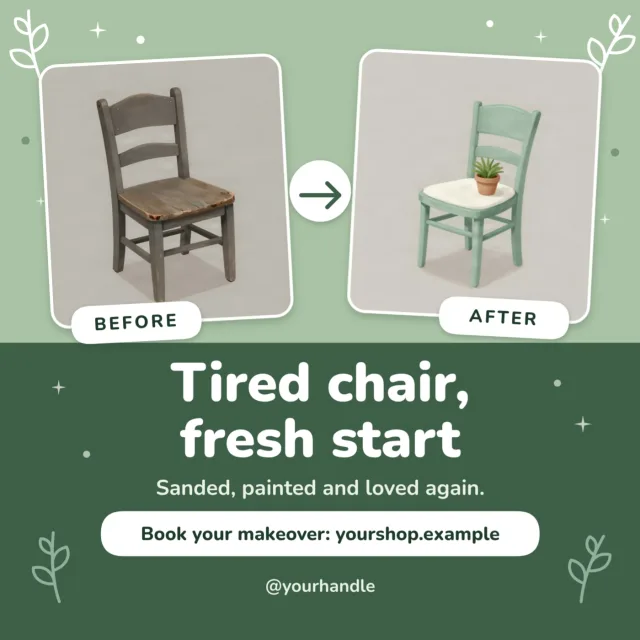 Chair makeover before and after post in sage and white
-
 Workout of the day post in terracotta and cream
-
 Opening hours and location post in sage and white
-
 Travel destination highlight post in plum and blush
-
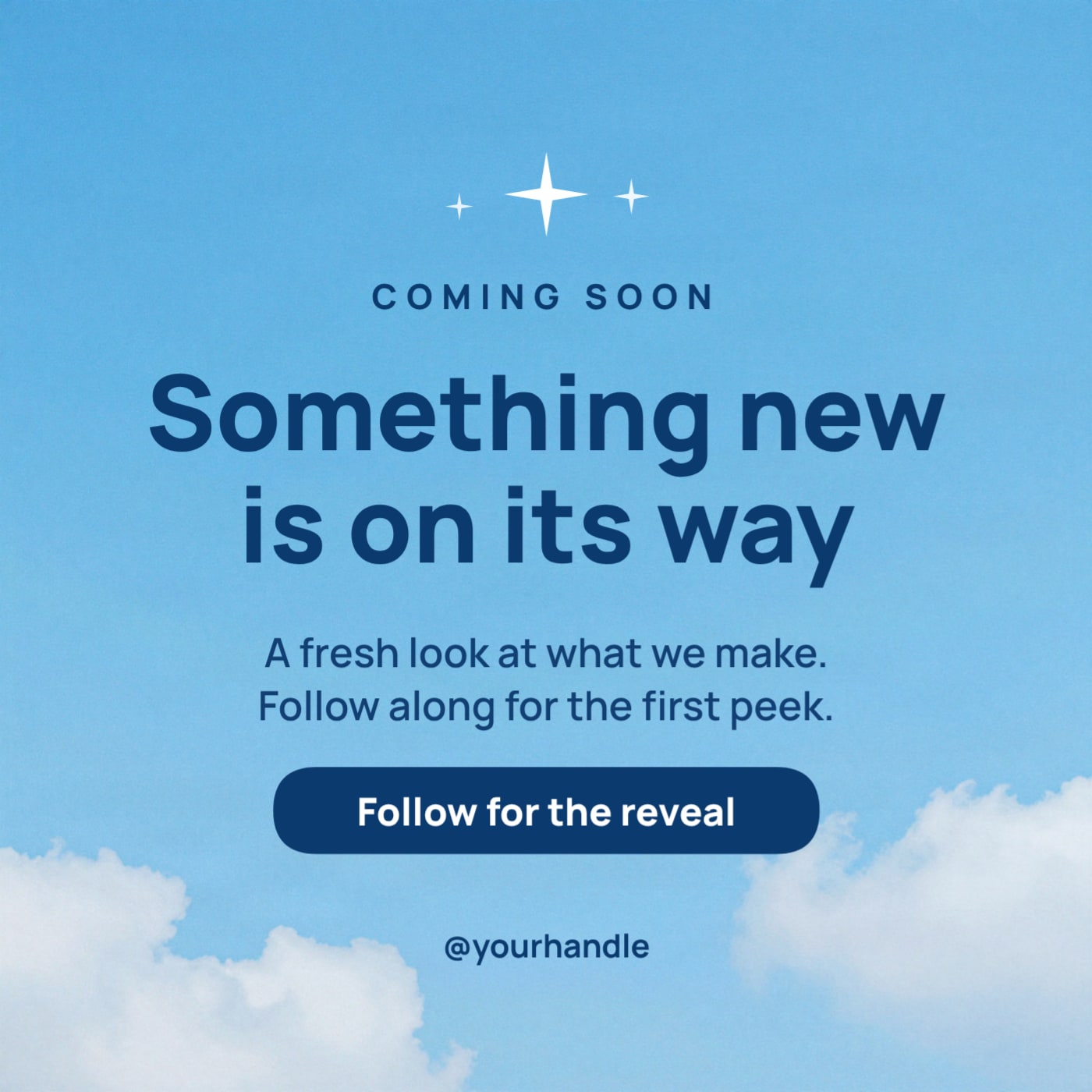 Coming soon announcement post in sky blue and white
-
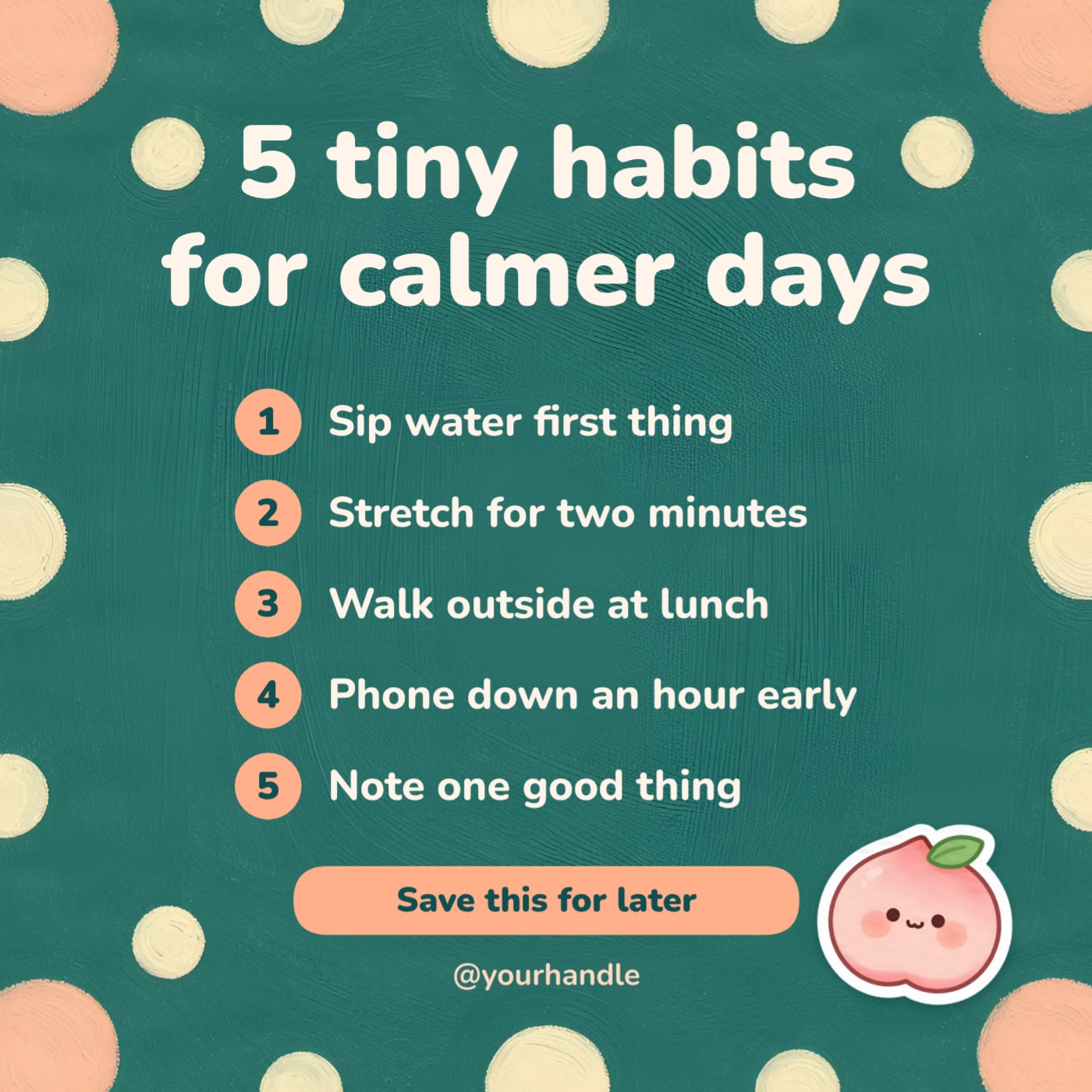 Five tiny habits tips post in teal and peach
-
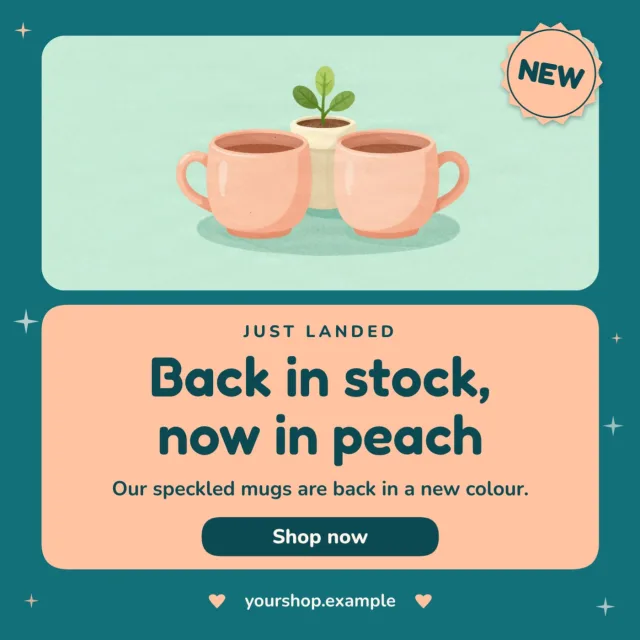 Back in stock and new arrival post in teal and peach
-
 Book club pick post in sky blue and white
-
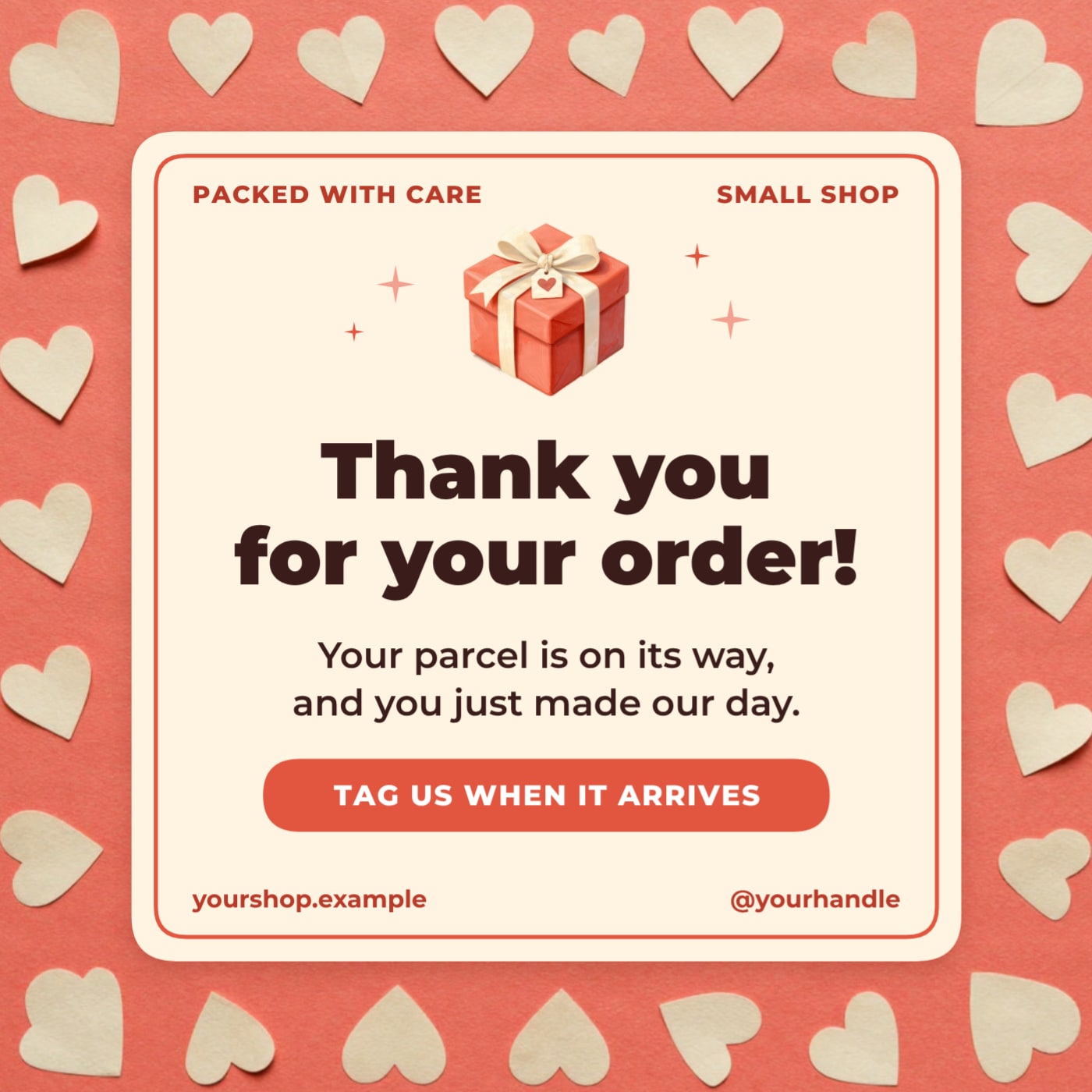 Thank you for your order post in coral and cream
-
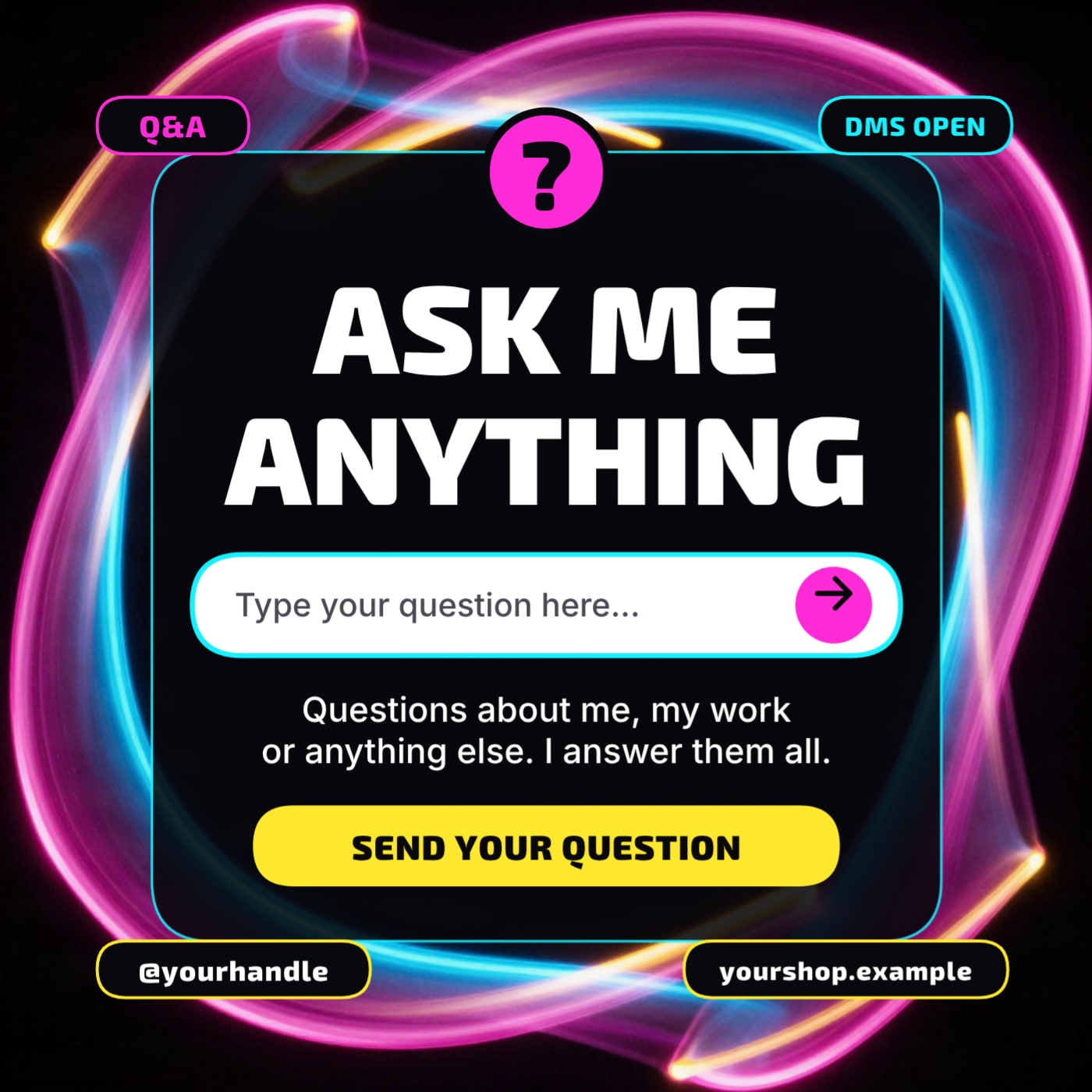 Ask me anything question box post in black and neon
-
 Did you know fact post in plum and blush
-
 Recipe of the week post in navy and yellow
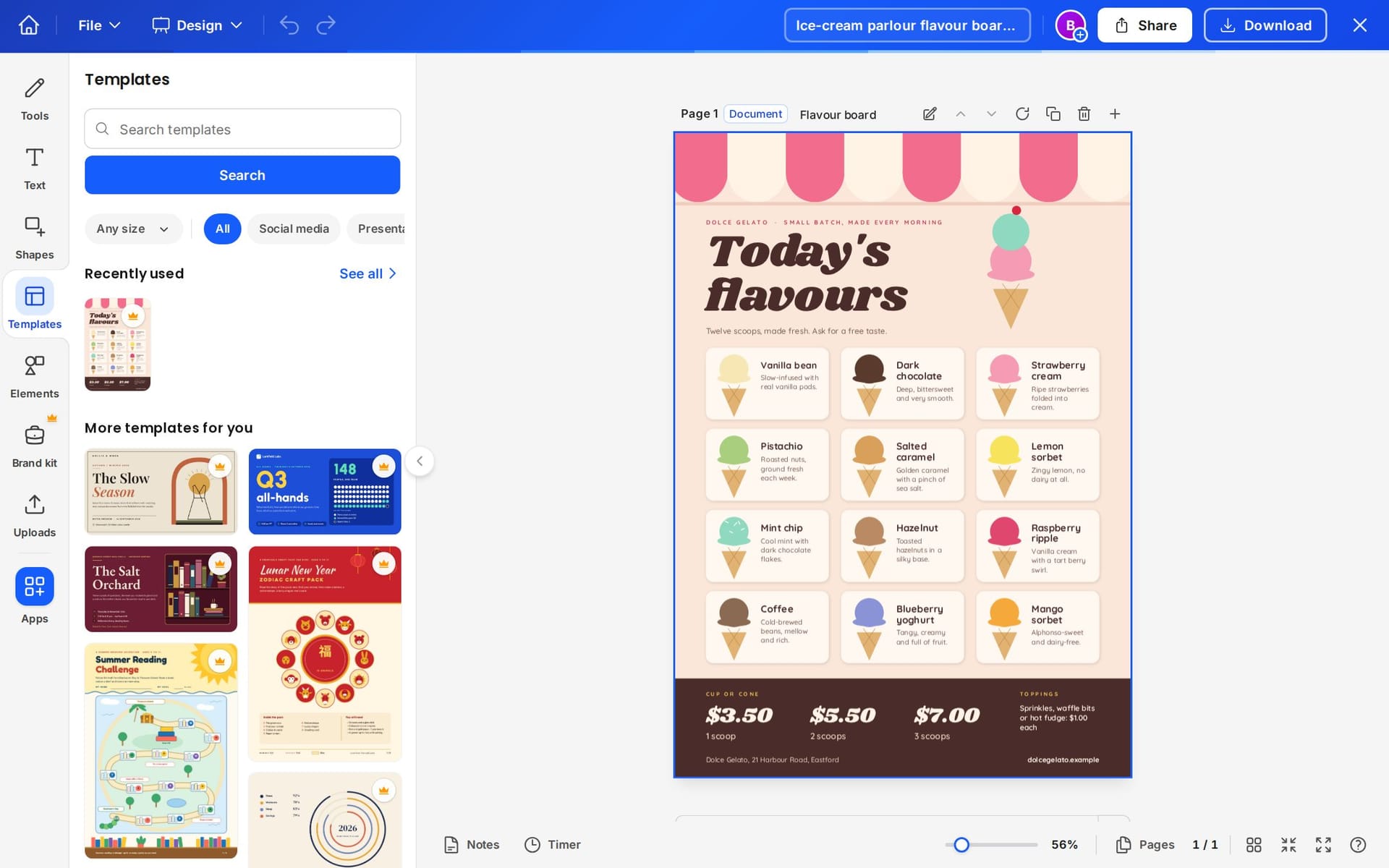
One online workspace for all your projects
The workspace brings the apps, the editor and your projects together.
-
Every app in one place
Open any app from the workspace and pick up where you left off.
-
A full editor in your browser
Change text, pictures and pages on a computer, tablet or phone, with nothing to install.
-
From one app to the next
Send a result to another app straight away, without downloading it first.
-
Your designs, kept
When you are signed in, your designs stay in your projects, ready when you come back.
Keep your files safe online
Your files are encrypted in transit and processed automatically. Learn how they are protected and what you can do yourself.
Plans for every workflow
Start for free. When you need more, a plan unlocks premium apps, larger files and more AI.